10 Best AI Tools for Developers in 2026 to Code Smarter and Build Faster
Key Takeaways
- AI tools help developers write cleaner code, reduce manual work, and improve productivity across the entire SDLC.
- Tools like Copilot, Cursor, and Tabnine provide real-time, context-aware code suggestions inside popular IDEs.
- Platforms such as Vitara AI and Replit enable full-stack app creation using natural language, reducing setup time.
- AI tools now support documentation, meeting transcription, and code snippet recall for smoother daily workflows.
- Tools with team collaboration features, custom model training, and cloud-native support are driving adoption in 2026.
- Choosing the right mix of AI tools aligned with your workflow leads to faster delivery, cleaner code, and stronger team output.
We all know that AI is changing the way developers work, fast. From writing code to automating tests, today’s tools do more than assist. They accelerate. And adoption is nearly universal. About 84% of developers currently use or plan to use AI tools in their development process, which shows just how essential these tools have become.
Whether you’re building full-stack apps or refining microservices, smart tools are now your competitive edge. But with dozens of AI tools popping up each month, it’s tough to know what actually works.
This guide cuts through the noise. We’ve curated the top 10 AI tools for developers in 2026, based on real-world use, performance, and value. Let’s dive in and find the right one for your workflow.
Why Should Developers Use AI Tools?
AI tools help developers move faster, write cleaner code, and solve problems with less friction. From auto-completing complex functions to generating tests and documentation, these tools handle repetitive tasks so you can focus on building. Whether you’re working solo or in a team, AI makes your workflow smarter and your output stronger.
As AI tools become a core part of modern development workflows, many teams go beyond off-the-shelf products and invest in custom AI development to build internal tools, copilots, and automation tailored to their tech stack. This approach gives developers greater control, better performance, and AI systems that align closely with real-world engineering needs.
How Did We Compile the List of Top AI Tools for Developers?
We didn’t just pick random tools off the internet. This list is the result of a hands-on, developer-focused evaluation. We used real metrics that matter to modern dev teams, solo builders, and tech leads. Here’s what we looked at:
- Tool Performance and Accuracy
We analyzed how well each tool performs in real development environments.
- Developer Adoption and Community Feedback
Tools with active user bases, open feedback, and regular updates made the cut.
- Integration with Popular IDEs and Platforms
We prioritized tools that plug into workflows with ease.
- Innovation in AI Features
Tools had to offer more than just autocomplete. We looked for smart features that actually save time.
- User Experience and Ease of Use
A clean, intuitive interface was non-negotiable.
- Customer Reviews and Ratings
We factored in verified user reviews from developers across platforms.
- Use Cases and Versatility
Tools that support a wide range of tasks from coding to testing to documentation scored higher.
- Pricing and Accessibility
We gave points to tools that offer strong free plans or flexible pricing for solo devs and startups.

10 Best AI Tools for Developers in 2026
Here, we’ve listed the most powerful and widely adopted AI tools that developers should consider in 2026 and beyond. Each one brings unique capabilities for coding, testing, automation, collaboration, documentation, or security. Let’s explore them in detail.
1. GitHub Copilot
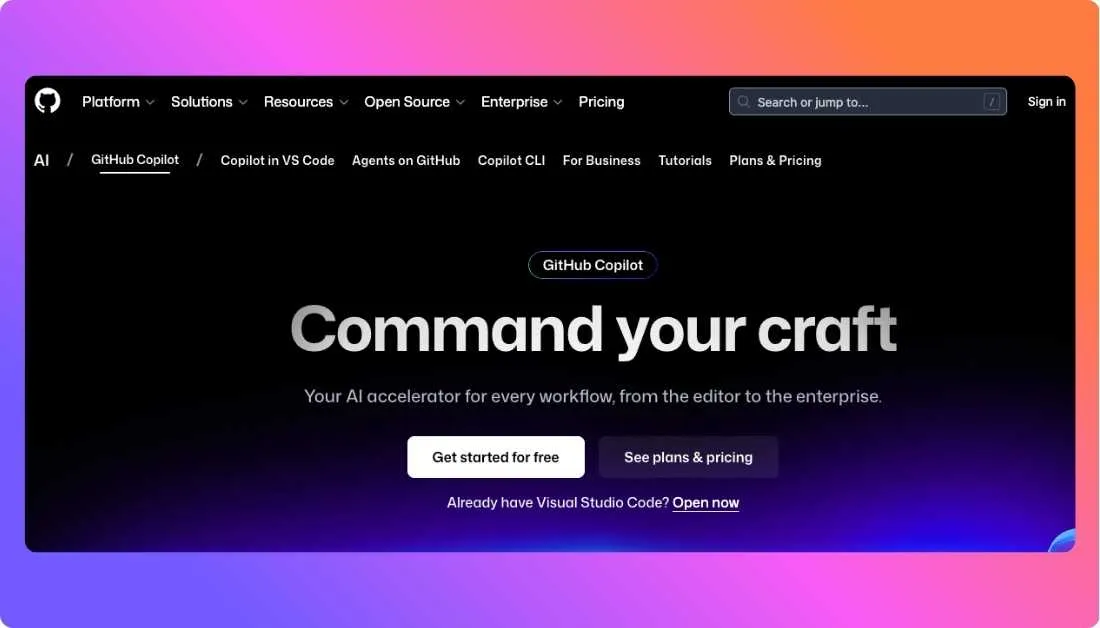
GitHub Copilot is one of the most popular AI tools for developers and serves as a smart pair programmer. Powered by advanced language models, it suggests code completions, entire functions, tests, and even documentation based on natural language prompts inside your IDE. Copilot integrates with editors like VS Code, JetBrains, and Neovim, delivering real-time assistance as you type. Developers use Copilot to reduce boilerplate, understand unfamiliar code patterns, and speed up everyday tasks. This combo of deep IDE integration and intelligent suggestions makes GitHub Copilot a staple in modern development workflows.
Key Features of GitHub Copilot
- AI-powered code suggestions that adapt to your context
- Works with Python, JavaScript, Go, and many other languages
- Real-time help inside editors you already use
- Generates tests and documentation from prompts
Best For
Developers and teams that want intuitive, inline code generation and fewer repetitive tasks
Pricing
Offers free access for verified students and open-source maintainers; paid plans start at around $10 per month
2. Tabnine
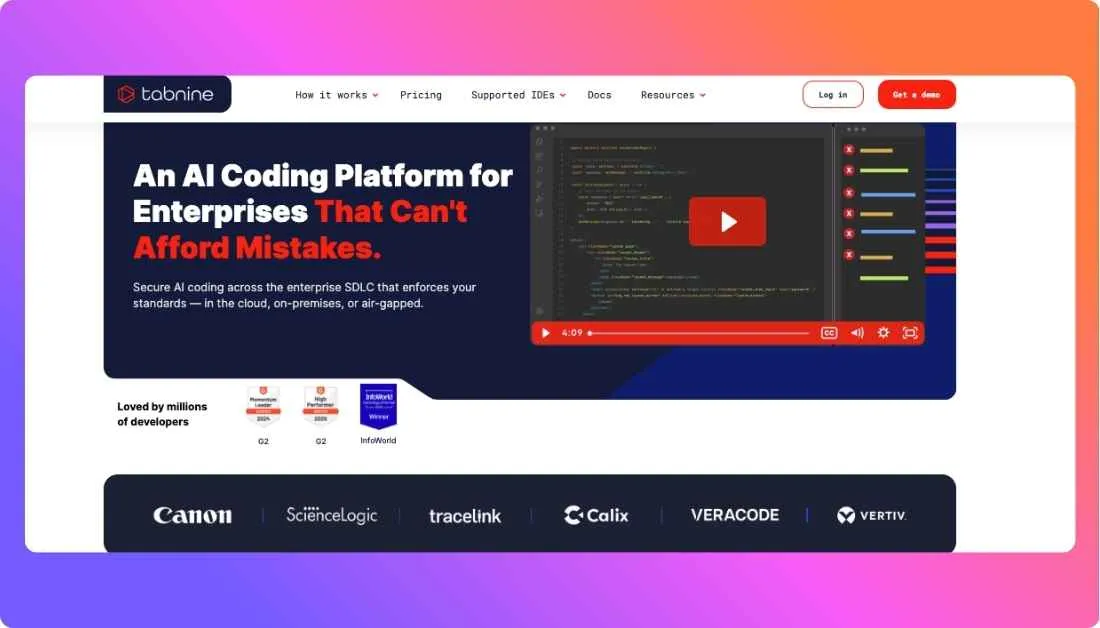
Tabnine is an AI code completion assistant that focuses on contextual accuracy and privacy. It works inside popular IDEs and predicts the next lines or blocks of code by understanding your project’s structure and patterns. Teams can train Tabnine on their own codebases so suggestions align with internal standards and code style. This makes Tabnine especially valuable in environments where predictable, consistent code matters. Supporting over 80 languages and various deployment options, Tabnine scales from solo developers to enterprise teams.
Key Features of Tabnine
- Contextual code completions for lines and blocks
- IDE support for VS Code, IntelliJ, and others
- Custom model training on your own code
- Enterprise-ready privacy and deployment options
Best For
Developers and teams focused on consistent coding standards and secure workflows
Pricing
Free plans available; premium and enterprise plans add advanced features and team support
3. Vitara AI

Vitara AI is a full-stack AI development platform that lets developers build web and mobile applications using natural language prompts. Instead of writing every line of code manually, you describe what you want and Vitara generates production-ready code for both frontend and backend. It also handles database logic, authentication, and deployment workflows in one integrated environment. This makes Vitara ideal for quickly turning ideas into real software without tedious setup.
Key Features of Vitara AI
- Converts plain language descriptions into full-stack applications
- Supports frontend, backend, and database logic generation
- Real-time editing, debugging, and deployment tools
- Clean, structured code that you can export and modify
Best For
Developers, founders, and teams that want to go from idea to working software faster without sacrificing control
Pricing
Vitara offers a free tier with essential features and paid plans for more usage and advanced tools
4. Cursor
Cursor is a next-generation AI coding assistant built on a modern IDE that feels familiar but much smarter. It reads your entire codebase so suggestions are contextual and relevant, not generic.
Cursor does more than autocomplete code, it can refactor multiple files at once, generate new features from descriptions, and help you navigate complex repositories. This makes it especially useful for developers working on large or legacy projects where understanding context is key.
Key Features of Cursor
- Project-aware chat that understands your whole codebase
- AI-powered multi-file editing and refactoring
- Natural language feature creation
- Customizable like a modern IDE with extensions and themes
Best For
Developers and teams dealing with complex systems who need more than simple code suggestions
Pricing
Cursor has a free tier; paid plans start at around $20 per user per month
5. Otter.ai
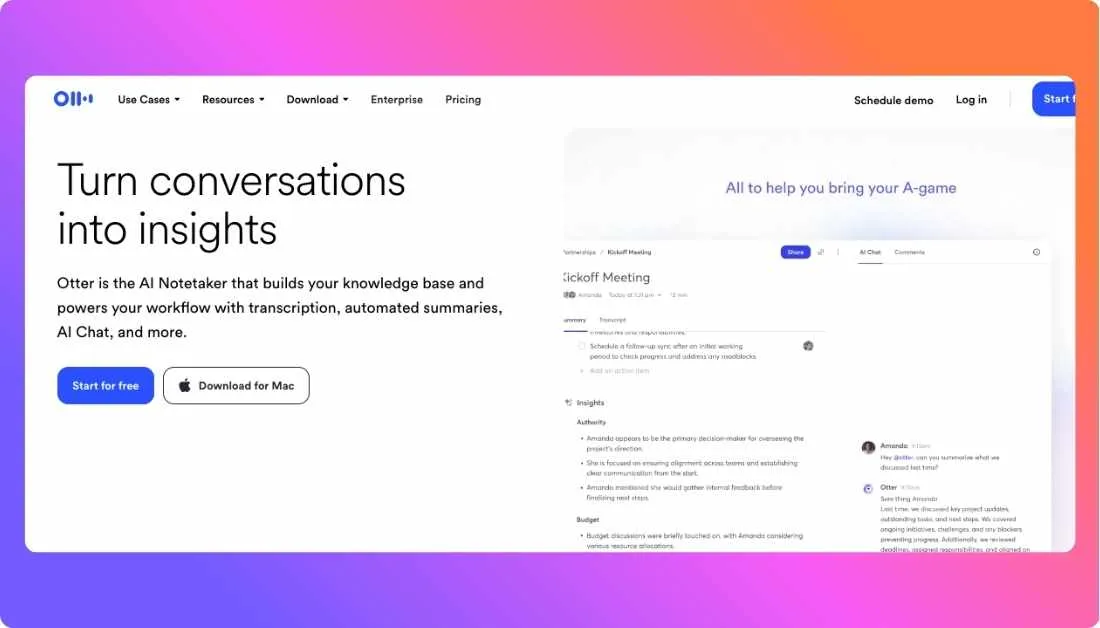
Otter.ai is an AI-powered transcription and meeting assistant that turns spoken language into accurate, searchable text. Developers often juggle team calls, sprint reviews, and design discussions. Otter captures every word from meetings with high accuracy and generates summaries, key takeaways, and speaker labels automatically. It also lets you ask questions about your transcripts and export notes in multiple formats, making team collaboration smoother and knowledge easier to track than traditional manual notes.
Key Features of Otter.ai
- Real-time transcription and playback
- Automated summaries and highlights
- Searchable, editable transcripts
- Multiple export formats for sharing
Best For
Remote teams, distributed developer squads, and engineers who want accurate meeting notes without manual effort
Pricing
Offers a free tier with monthly transcription minutes; paid plans unlock advanced features for teams
6. Replit AI
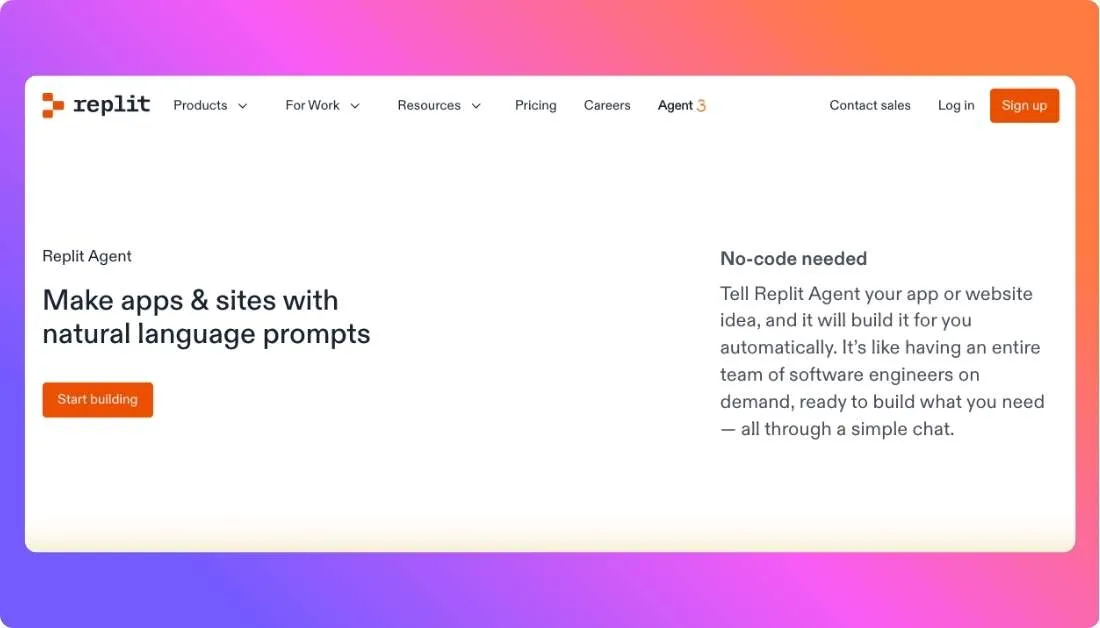
Replit AI is a browser-based development platform that uses artificial intelligence to help developers build, debug, and deploy software faster. At its core is an AI assistant that can generate code suggestions, explain complex logic, and even create full applications from natural language prompts. Replit works entirely in your browser or its desktop app, so you don’t need local environment setup. It is especially useful for rapid prototyping, learning new frameworks, and collaborating in real time with teammates.
Key Features of Replit AI
- Natural language to application generation
- Smart code suggestions and debugging help
- Runs entirely in browser or desktop app
- Supports many languages and deployment options
Best For
Developers who want an all-in-one, cloud-powered IDE with AI assistance
Pricing
Free tier available; premium plans typically unlock additional compute and collaboration features
7. Amazon Q Developer
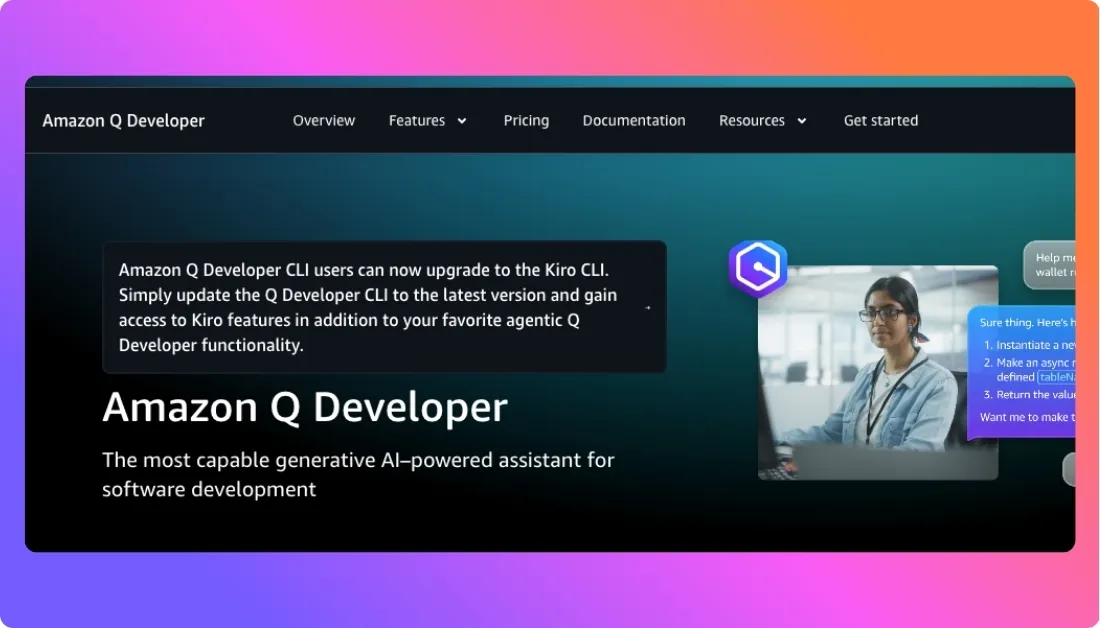
Amazon Q Developer is an AI coding assistant built specifically for software teams working within the AWS ecosystem. It uses generative AI to help you write, edit, test, and optimize code while also scanning for potential vulnerabilities.
What makes it especially powerful is its deep cloud integration and agentic capabilities, meaning it can perform complex tasks for you based on your instructions. The tool works across IDEs, command line interfaces, and AWS consoles, helping both developers and cloud engineers reduce routine work and ship better code faster.
Key Features of Amazon Q Developer
- Real-time code suggestions from natural language prompts
- Built-in security scanning and fix recommendations
- Support for multiple programming languages
- Integration with AWS resources, tooling, and best practices
Best For
Teams and developers building cloud-native applications and looking for smart assistance throughout the entire software lifecycle
Pricing
Amazon Q Developer offers a free tier with foundational features and paid options that unlock advanced capabilities for professional and enterprise use
8. Qodo
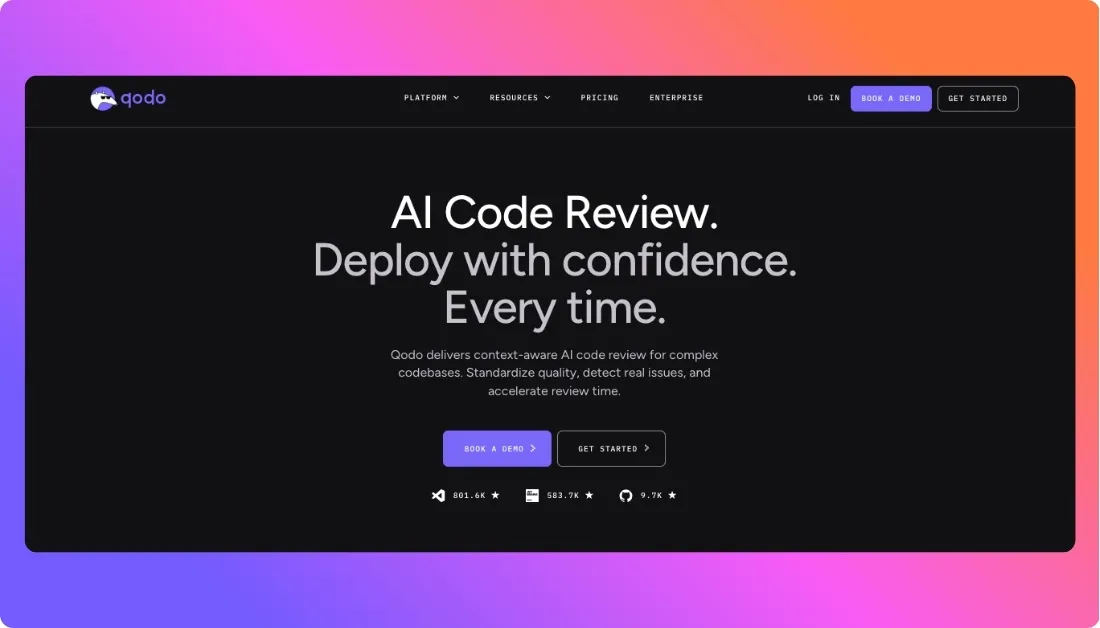
Qodo is an AI-based code review and generation platform designed to improve code quality and speed up development workflows. It uses intelligent analysis to provide context-aware suggestions, perform automated code reviews, and help developers find bugs before they reach production. Qodo integrates seamlessly with popular IDEs and CI/CD pipelines, offering feedback directly inside pull requests and merge workflows. This makes it a particularly strong choice for teams focused on maintaining high standards and catching issues early in the SDLC.
Key Features of Qodo
- Context-aware code suggestions
- AI-driven code review and quality checks
- Plugins for IDEs, CI/CD systems, and terminal workflows
- Multi-repo intelligence for insights across large codebases
Best For
Engineering teams that need automated quality checks, consistent code standards, and faster reviews across projects
Pricing
Qodo offers tiered plans that scale from small teams to enterprise environments, with features based on usage and integration needs
9. Mintlify
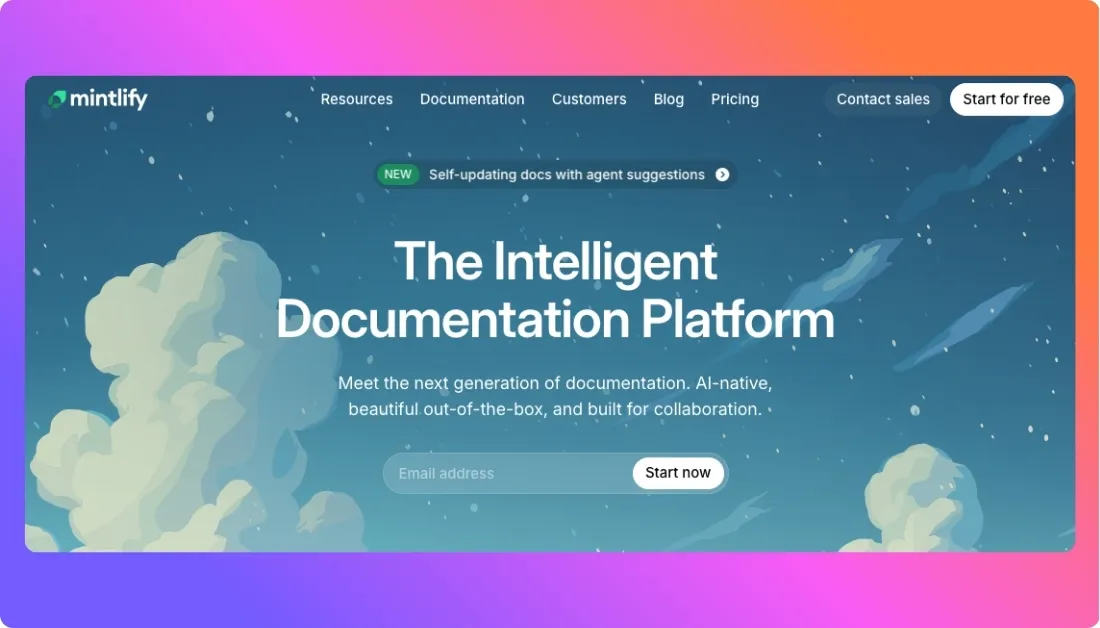
Mintlify is an AI-powered documentation tool that helps developers create, update, and maintain technical documentation with minimal effort. Instead of writing docs manually after every release, you let Mintlify generate clear, accurate content based on your codebase, APIs, and comments. It keeps docs synchronized with changes in your project, preventing outdated information and reducing repetitive work.
Many developer teams use Mintlify to streamline onboarding, reduce manual writing, and maintain precise documentation as code evolves, making technical knowledge easier to share and retain.
Key Features of Mintlify
- Automated documentation from your codebase
- Context-aware API references and example generation
- Built-in editing and publishing interface
- Searchable, up-to-date docs for teams
Best For
Developer teams and API builders who want accurate, cloud-ready documentation without the manual effort
Pricing
Free tier available; premium plans typically priced for professional and enterprise usage
10. Pieces for Developers

Pieces for Developers is an AI-based productivity and snippet management tool that helps developers organize, reuse, and recall code intelligently. Instead of hunting through folders or old repos, Pieces stores code snippets with rich context including what the snippet does, where it’s used, and why you saved it.
It works across IDEs, browsers, and communication tools, syncing your notes, links, and reusable code everywhere you work. For developers juggling multiple projects or features, this tool becomes a personal memory system that boosts efficiency and reduces repetitive searching.
Key Features of Pieces for Developers
- Smart snippet storage with full context recall
- AI search that finds snippets by intent, not just text
- Cross-tool and cross-device sync
- Team sharing and collaboration on snippet libraries
Best For
Developers and teams who want to reuse knowledge, streamline workflows, and avoid repetitive searches of past work
Pricing
Currently available with a free plan

Conclusion
AI is no longer a futuristic concept for developers; it’s a practical advantage available right now. Whether you’re writing cleaner code, speeding up reviews, documenting faster, or deploying smarter, today’s AI tools are designed to fit right into your workflow.
But no single tool fits every workflow. The real impact comes from choosing the right combination of tools based on your goals, tech stack, and team dynamics and knowing how to integrate them effectively. As development becomes more AI-driven and experimental, many teams are adopting a Vibe Coding mindset that blends creativity, rapid prototyping, and intelligent automation. Working with a Vibe Coding Agency helps startups and product teams move faster from idea to production-ready software while maintaining flexibility and code quality.
Choose the ones that match your needs. Test them. Stack them. Let them do the heavy lifting so you can focus on solving real problems.