Top 5 OpenAI Codex Alternatives in 2026: Best AI Coding Tools Compared
I’ve spoken with dozens of developers and engineering teams about their AI coding stacks, and OpenAI Codex comes up more often than you might expect.
Usually not as a recommendation, but as something they’re actively comparing against other tools.
On paper, it looks compelling: an OpenAI-built coding agent, support for real engineering tasks, and a workflow that promises to speed up everything from bug fixes to larger refactors.
But here’s the pattern I keep seeing among teams who start looking elsewhere.
They want better IDE integration, more flexible model choices, clearer pricing, and tools that fit the way they actually work. Some need stronger codebase awareness, some want more autonomous task execution, and others just want a setup that feels faster and easier to trust day to day.
Instead of simplifying development, the wrong tool can add more friction to the workflow.
That’s what pushed me to look for better alternatives.
I evaluated the leading options, focusing on coding quality, workflow fit, autonomy, flexibility, and overall value. Only 5 made the cut.
In this blog, you’ll get a full breakdown of the 5 best OpenAI Codex alternatives for 2026, covering:
- Features
- Pricing
- Limitations
- Who each tool is best for
So you can find the right fit and spend less time fighting your tools and more time shipping code.
TL;DR: Best OpenAI Codex Alternatives
In a hurry? Check out the top 3 better alternatives to OpenAI Codex.
Claude Code — Best overall OpenAI Codex alternative for serious developers. Strong codebase understanding, terminal-first workflow, multi-file editing, and agentic task execution for debugging, refactoring, and shipping features. Best for developers who want a powerful hands-on coding agent.
Cursor — Best for developers who want AI built directly into their IDE. Great for in-editor coding, editing, and project-aware assistance, with a familiar workflow that feels fast for day-to-day development. Best for engineers who want minimal context switching.
GitHub Copilot — Best for teams already working inside the GitHub ecosystem. Broad IDE support, strong autocomplete and coding assistance, and an easy starting point for individuals and teams that want AI help without changing their entire workflow.
Quick Comparison of Top 5 OpenAI Codex Alternatives
| Tool |
Best for |
Core workflow |
Standout features |
Model flexibility |
Starting price |
| Claude Code |
Developers who want a powerful agentic Codex replacement |
Terminal-first (CLI), also works with IDE workflows |
Deep codebase understanding, multi-file edits, runs commands, handles complex refactors and debugging |
Limited to Anthropic models |
Starts at $20/month (Pro); advanced plans go up to $100 to $200/month for higher usage |
| Cursor |
Developers who want AI built directly into their editor |
AI-first IDE (VS Code-like) |
Project-aware editing, agent mode, multi-file changes, integrated workflow |
Supports multiple frontier models |
Free plan available; Pro starts at $20/month |
| GitHub Copilot |
Teams already using GitHub and popular IDEs |
IDE extensions plus GitHub platform |
Inline suggestions, chat, PR workflows, strong ecosystem integration |
Multi-model support varies by plan |
Free plan available; Pro starts at $10/month |
| Google Jules |
Developers who want autonomous, async coding agents |
Cloud-based agent for repo tasks |
Runs tasks in background, handles bug fixes, updates, and parallel workflows |
Uses Google Gemini models |
Included in Google AI plans; pricing typically bundled |
| Aider |
Developers who want open-source flexibility and full control |
Terminal-first (CLI) |
Works directly with your repo, supports multiple LLM APIs, git-friendly workflow |
Very high flexibility across OpenAI, Anthropic, Gemini, and others |
Free open-source; pay only for API usage |
Why Look for OpenAI Codex Alternatives?
I must say OpenAI Codex is a capable coding agent. It can handle real engineering work like writing features, fixing bugs, and helping with larger code changes in a way that goes beyond simple autocomplete.
The overall experience is also strong if you already prefer OpenAI’s ecosystem.
But the friction points I listed above tend to compound over time.
- If you want tighter IDE-native workflows, some alternatives feel faster and more natural inside the editor.
- If you need more model flexibility, Codex may feel limiting compared to tools that let you choose between multiple leading models.
- If you want stronger autonomy for background or asynchronous tasks, other tools are built more directly for that use case.
- If you care about open-source flexibility or lower-cost setups, there are better fits than staying locked into one ecosystem.
The tools below address one or more of these gaps directly.
How I Evaluated These OpenAI Codex Alternatives
I didn’t just compare feature lists. I looked at what actually affects your daily coding workflow.
Here’s what I evaluated across all 5 tools:
- Code quality and reliability – how well the tool handles code generation, refactoring, debugging, and real development tasks
- Workflow fit – whether it works best in the terminal, inside the IDE, or through a more autonomous cloud-based setup
- Codebase awareness – how well the tool understands larger projects, multi-file changes, and existing repository context
- Pricing model – monthly cost, usage limits, bundled access, and how pricing scales for individual developers or teams
- Model flexibility – whether you’re locked into one model ecosystem or can choose from multiple leading models
- Autonomy and agent features – whether the tool can just assist inline or actually take on longer multi-step coding tasks
- Ease of setup – how quickly you can go from sign-up to shipping useful work
All pricing in this post is taken from each tool’s live website, verified for the US market.
Top 5 OpenAI Codex Alternatives
The market for AI coding tools has evolved fast. OpenAI Codex is no longer the only serious option. Today, developers can choose from multiple tools depending on workflow, flexibility, and level of automation.
Most modern alternatives go beyond simple autocomplete. They act as coding agents that can understand full codebases, edit multiple files, and even handle tasks independently.
After evaluating the most relevant tools based on workflow fit, code quality, autonomy, and real-world usage, these are the 5 best OpenAI Codex alternatives in 2026:
- Claude Code
- Cursor
- GitHub Copilot
- Google Jules
- Aider
Each of these tools solves a different problem. Some are better for IDE workflows, some for terminal users, and others for autonomous coding tasks.
Let’s break them down one by one.
1. Claude Code
Claude Code feels like a stronger OpenAI Codex alternative when you want an agent that can handle serious coding work without pulling you away from your normal workflow.
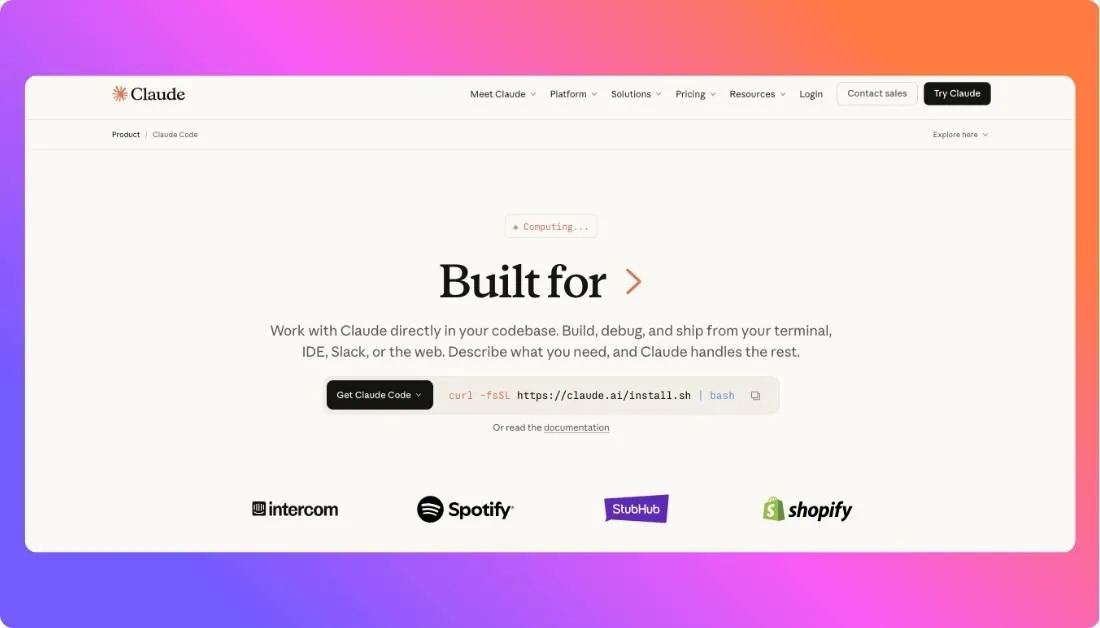
It works best when you are dealing with real projects, not just small snippets. You can point it at your codebase, and it can understand what is going on, suggest changes, and even help you refactor or debug across multiple files. That is where it starts to feel different from basic coding assistants.
If Codex feels a bit limited for deeper tasks, Claude Code gives you more confidence when the work gets complex. At the same time, it still keeps you in control, which matters a lot for developers who do not like black-box automation.
Pricing is also fairly clear, which makes it easier to test and scale compared to tools that hide behind enterprise plans.
Features:
- Strong codebase understanding for larger projects
- Can read files, edit code, and handle multi-file changes
- Helps with debugging, refactoring, and feature development
- Designed for agent-style coding workflows
Pricing:
- Pro — $20/month
- Advanced usage plans — $100 to $200/month
Pros:
- Handles complex coding tasks well
- Strong for real-world development workflows
- Feels more capable than basic autocomplete tools
Cons:
- Less flexibility in model choice
- Can feel advanced for beginners
Best for:
Developers who want a powerful OpenAI Codex alternative that can handle deeper codebase work, multi-file edits, and more hands-on coding support without losing control of the workflow.
Also Read:
I Tested Codex vs Claude Code and Found the Clear Winner
2. Cursor
Cursor is the better pick if you want an OpenAI Codex alternative that feels agentic but stays native to the editor.
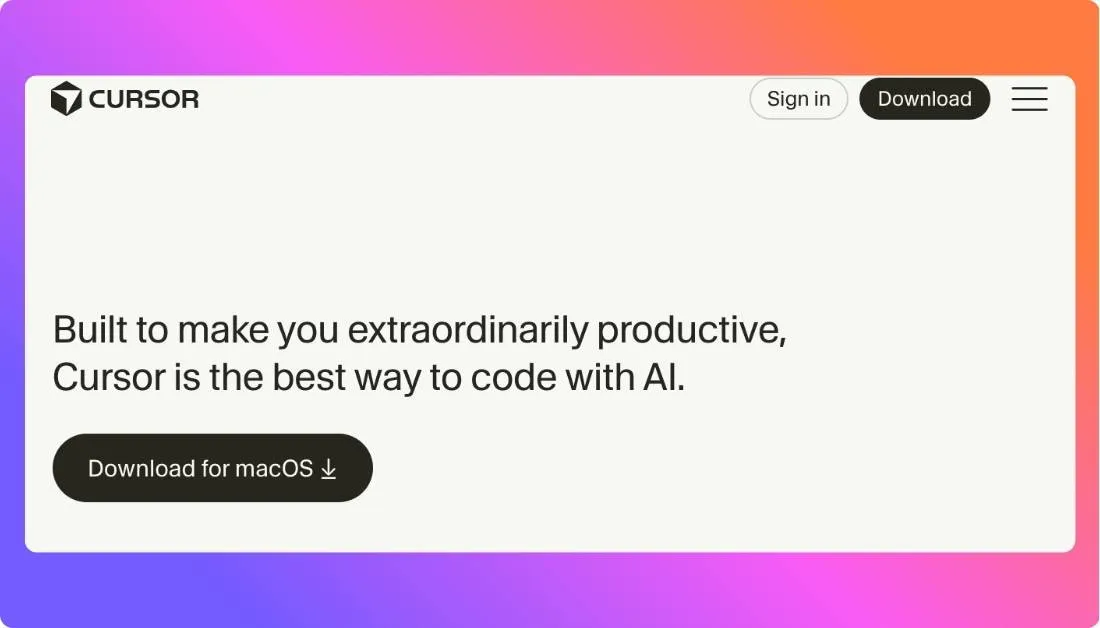
It is built for developers who want AI help inside an IDE style workflow instead of switching between separate tools. Cursor can understand project context, help edit across files, and support faster daily coding without making the workflow feel disconnected.
In practice, this one appeals to developers who like speed, convenience, and a familiar coding setup. That is a big reason Cursor keeps coming up in conversations around AI coding tools. It feels easier to adopt because you are still working inside the editor, not rebuilding your workflow around a terminal first tool.
Pricing is broader than it used to be, which gives both solo developers and teams more room to choose based on usage. Cursor offers a free Hobby plan, then paid plans that scale from Pro to Pro+ and Ultra, with a separate Teams plan for collaboration and admin controls. Cursor also says every plan includes a set amount of model usage, and extra on-demand usage can be billed after that.
Features:
- AI first editor experience with project aware coding help
- Can understand code context across multiple files
- Supports editing, refactoring, and agent style workflows inside the IDE
- Designed to reduce context switching during daily development
- Works well for developers who want AI built into the coding environment
Pricing:
- Hobby — Free
- Pro — $20/month
- Pro+ — $60/month
- Ultra — $200/month
- Teams — $40/user/month
- Enterprise — Custom pricing
Pros:
- Feels natural for IDE based workflows
- Fast and convenient for daily coding tasks
- Easier to adopt than terminal first tools for many developers
Cons:
- Less terminal native than tools like Claude Code
- Usage can grow with heavier model consumption
- Output still needs review on important code changes
Best for:
Developers and engineering teams who want an OpenAI Codex alternative for IDE first, project aware, and fast moving coding workflows.
Also Read:
Best Cursor Alternatives
3. GitHub Copilot
GitHub Copilot is the safer pick if you want an OpenAI Codex alternative that fits into your existing workflow without forcing a big change.
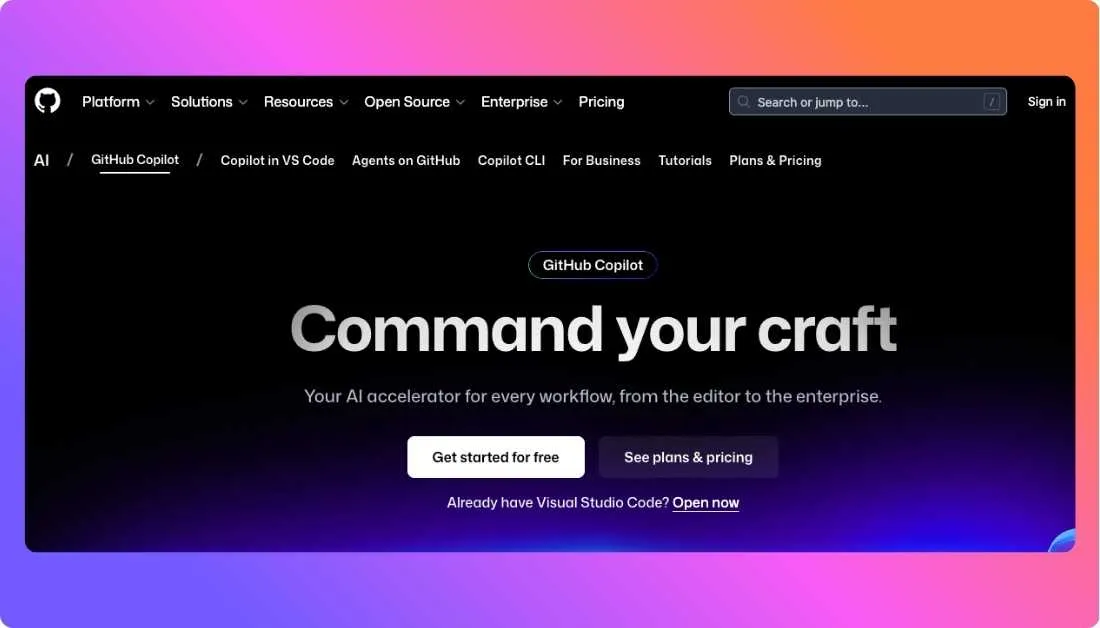
It is built for developers who want AI support inside tools they already use every day. Instead of pushing you into a new coding environment, Copilot adds help where you already work. That makes it especially appealing for teams that want a low friction way to adopt AI in development.
In practice, Copilot works well for everyday coding tasks. It helps with writing functions, speeding up repetitive work, suggesting code, and answering quick development questions. It does not feel as agentic as tools like Claude Code or Cursor, but that is also part of its appeal for teams that want something familiar and easy to control.
Pricing is also straightforward, which makes it easier for individual developers, businesses, and larger teams to evaluate without much confusion.
Features:
- Works inside popular IDEs and developer tools
- Gives inline code suggestions while you write
- Supports chat based coding help and explanations
- Connects well with GitHub workflows and repositories
- Supports many programming languages and frameworks
Pricing:
- Free plan available
- Individual — $10/month
- Business — $19/user/month
- Enterprise — $39/user/month
Pros:
- Very easy to adopt for most developers
- Fits naturally into existing GitHub based workflows
- Good for speeding up daily coding tasks
- Lower learning curve than more agentic tools
- Strong choice for team wide rollout
Cons:
- Less capable on deeper multi step coding tasks
- Feels more assistive than fully agentic
- Output still needs review before shipping
- Not the best choice for terminal first developers
- Less flexible than some newer AI coding tools
Best for:
Developers and teams who want a simple and reliable OpenAI Codex alternative that works inside their current IDE and GitHub setup without changing how they build.
4. Google Jules
Google Jules is the closest OpenAI Codex alternative if you want more autonomous coding behavior, not just suggestions inside a chat or editor.
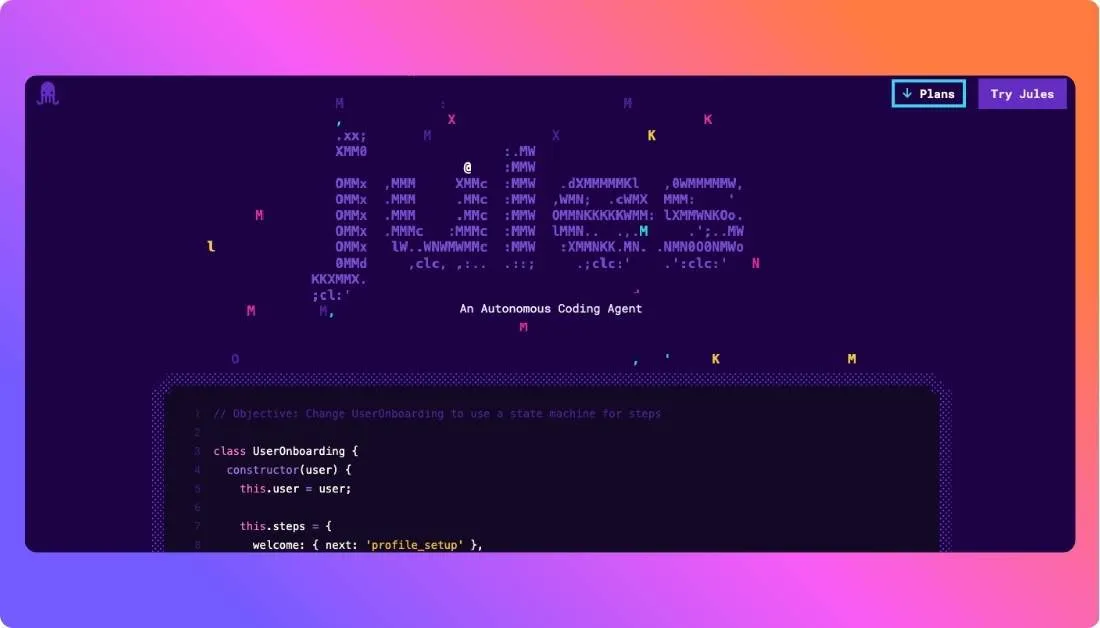
It is built around async task execution, which makes it feel different from most other tools on this list. Instead of only helping while you actively code, Jules is designed to take on repo level work such as bug fixes, updates, and structured tasks that can run more independently.
What makes it interesting is that it leans into the coding agent idea more directly. It is less about constant hand holding and more about letting the tool work through defined tasks. That said, it still feels more like a newer agent workflow than a polished everyday IDE experience.
Pricing is also a bit different here. Jules is usually discussed as part of Google’s broader AI ecosystem, so it does not always feel as simple or standalone as tools with one clear developer plan.
Features:
- Async coding agent for repo based tasks
- Can handle bug fixes, updates, and structured code changes
- Designed for more autonomous task execution
- Works around repository level workflows
- Built for developers who want less manual back and forth
Pricing:
- Free — Limited access with around 15 tasks per day and limited concurrency
- Google AI Pro — around $19.99/month with higher task limits and access
- Google AI Ultra — around $124.99 to $199.99/month with maximum limits and priority access
Pros:
- Strong fit for async coding workflows
- More agentic than basic coding assistants
- Helpful for repetitive repo level tasks
- Interesting option for developers exploring autonomous agents
Cons:
- Pricing is less straightforward
- Less IDE native than Cursor
- Still feels newer than more established tools
- May not suit developers who want constant manual control
Best for:
Developers and teams who want an OpenAI Codex alternative for async, repo level, and more autonomous coding tasks.
5. Aider
Aider is the easiest pick here if your goal is flexibility and control.
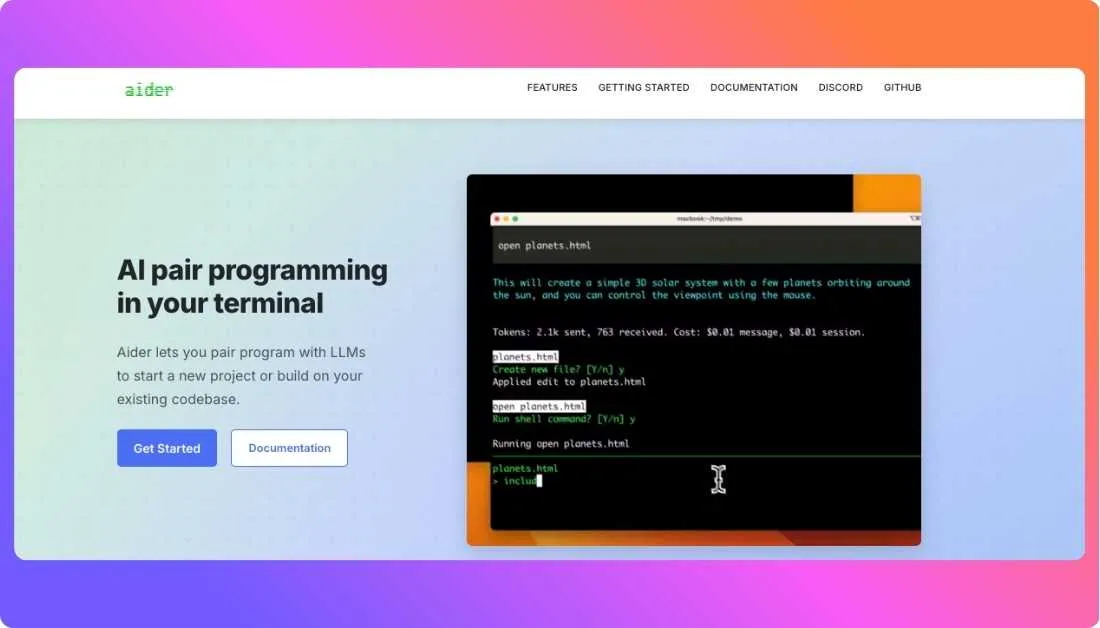
It works right inside the terminal and pairs with your existing repo, which makes it a strong fit for developers who do not want to move into a new editor or depend on one closed ecosystem. Aider also stands out because it can connect to many cloud and local LLMs, map large codebases, auto-commit changes with Git, and even run linting or tests as part of the workflow.
That tradeoff shows up in the experience too. Aider feels more like a builder’s tool than a polished all-in-one product. If you like terminal-first workflows, model choice, and Git control, it is a great fit. If you want something more guided and plug-and-play, it may feel a bit more hands-on.
Pricing is different from most other tools on this list. Aider itself is open source and free to install, but your actual cost depends on which model provider you connect and how heavily you use it. The official site positions it around LLM API usage rather than a flat monthly subscription.
Features:
- Terminal-first AI pair programming inside your existing repo
- Works with cloud and local LLMs, including multiple model providers
- Maps your full codebase to handle larger projects better
- Git integration with auto-commits and easy diff-based review
Pricing:
- Aider software — Free and open source
- Model usage — Pay separately based on the API or local model setup you use
- Total cost varies by provider, model, and token usage
Pros:
- Very flexible for advanced developers
- Strong fit for terminal and Git-based workflows
- Wide model choice, including local models
Cons:
- Setup can feel more manual than hosted tools
- Final cost depends on outside model usage
- Less beginner-friendly than IDE-first products
Best for:
Developers, indie builders, and technical teams that want an OpenAI Codex alternative with terminal-first workflows, broad model choice, and more control over how AI fits into their coding setup.
OpenAI Codex vs Alternatives: Comparison of Top 3 AI Coding Platforms
| Feature |
OpenAI Codex |
Cursor |
Claude Code |
Google Jules |
| Main environment |
Cloud-based coding agent inside ChatGPT or Codex workflows |
IDE-native AI coding environment |
Terminal-first, with IDE, desktop, and browser support |
Cloud-based autonomous coding agent for GitHub repos |
| Core approach |
Delegated agent for features, bug fixes, refactors, and code tasks |
AI coding inside the editor with project-aware assistance |
Agentic coding that reads code, edits files, and runs commands |
Async coding agent that works autonomously on repo tasks |
| Autonomy level |
High |
Medium to high |
Medium to high |
High |
| Codebase handling |
Runs tasks in cloud sandboxes with repo context |
Understands project context inside the IDE |
Reads codebase and works across files and tools |
Understands codebase and works on GitHub-linked repos |
| Best fit |
Developers or teams who want delegated agent execution |
Developers who want AI built directly into the editor |
Serious developers who want code-aware, hands-on agent workflows |
Teams or developers who want async repo automation |
| Control style |
More delegated and task-oriented |
More collaborative and editor-guided |
Agentic, but still close to the developer workflow |
More autonomous and task-driven |
| Model flexibility |
OpenAI ecosystem |
Multiple frontier models depending on plan |
Claude ecosystem or API usage |
Google AI ecosystem |
| Pricing entry point |
Included in ChatGPT Free, Go, Plus, Pro, Business, Edu, or Enterprise plans; team usage may be usage-based |
Hobby free; Pro starts at $20/month; higher tiers available |
Included with Claude Pro at $20/month; higher tiers and API pricing available |
Free tier available; paid access via Google AI plans |
Hire Experienced Developers from Prismetric Who Use These AI Tools to Build Your Dream Solution
Tools like Claude Code, Cursor, GitHub Copilot, Google Jules, and Aider can speed up development, but the real impact comes when skilled developers use them the right way. Knowing when to rely on AI and when to make manual decisions is what separates average results from high quality software. Prismetric focuses on building AI driven software solutions by combining modern tools with real development expertise.
Prismetric supports businesses across the entire journey, starting from early idea validation to building, launching, and improving the final product. This makes it a strong choice for teams that want to go beyond experimentation and build something stable, scalable, and ready for real users.
- Build AI powered solutions tailored to specific business goals and use cases
- Provide strategic guidance and technical planning before starting development
- Develop intelligent systems using AI models, agents, and data driven approaches
- Create custom software products including SaaS platforms and internal tools
- Deliver complete web and mobile applications with ongoing support and updates
Conclusion
Switching AI coding tools is rarely the first move.
But if OpenAI Codex feels limiting because of workflow fit, pricing, model flexibility, or the way it handles day to day development, staying with the wrong tool has a cost too.
Here is the quick recap before you decide:
- Best Overall Alternative → Claude Code, the best balance of codebase understanding, agentic support, and serious engineering capability for most developers.
- Best for IDE First Development → Cursor, a strong fit for developers who want fast, project aware AI help directly inside the editor.
- Best for GitHub Based Teams → GitHub Copilot, a practical choice for teams that want reliable AI coding help without changing their existing workflow too much.
- Best for Async Coding Tasks → Google Jules, a smart option if you want more autonomous repo level task handling and background execution.
- Best for Open Source Flexibility → Aider, ideal for developers who want terminal first workflows, model choice, and more control over how AI fits into their coding setup.
If you are not sure where to start, Claude Code is the safest first move.
It solves the biggest OpenAI Codex friction points for many developers: deeper codebase awareness, stronger hands on control, and a workflow that feels more natural when the work gets complex.
Also Read:
Lovable Alternatives
Emergent Alternatives
Frequently Asked Questions
Claude Code is the best overall OpenAI Codex alternative for developers who want stronger codebase understanding, better support for multi file work, and a more hands on agentic workflow. It is a strong fit for serious engineering tasks where simple autocomplete is not enough.
Cursor is the best choice for IDE users. It keeps AI directly inside the editor, which makes coding, editing, and refactoring feel faster and more natural during daily development work.
It depends on the workflow. GitHub Copilot is better for developers and teams who want AI help inside familiar IDE and GitHub environments. OpenAI Codex is better suited for users who want more delegated agent style task execution.
Aider is one of the best free OpenAI Codex alternatives. The tool itself is open source and free to use, though the final cost depends on the model API or local setup you choose.
Google Jules is one of the strongest options for autonomous coding tasks. It is designed for async repo level work, which makes it useful for bug fixes, updates, and other structured tasks that can run with less manual involvement.
Aider and Claude Code are both strong choices for terminal first developers. Claude Code is better for developers who want stronger agentic support, while Aider is better for developers who want more flexibility and model control.
Yes. Aider is one of the most practical open source alternatives to OpenAI Codex. It gives developers more control over workflow, model choice, and how AI is used inside a real codebase.
The right choice depends on how you work. Choose Claude Code for deeper codebase work, Cursor for IDE first workflows, GitHub Copilot for GitHub based teams, Google Jules for async task handling, and Aider for open source flexibility and terminal first control.