5 Powerful Glide Alternatives for Faster App Development in 2026
I thought Glide was a great no-code app builder – till I tried building something more advanced with it!
After using it for a few projects, I finally understood why many users start looking for Glide alternatives:
- It works best for simple spreadsheet-based apps
- The customization can feel limited as your app grows
- Native mobile app publishing isn’t its strongest area
- Complex workflows and backend logic can be hard to manage
- Pricing can become expensive when your app needs more users or updates
So, if you’re looking for another app builder that helps you build faster, more flexible apps without feeling stuck, I don’t blame you!
To help you choose the right platform, I’ve put together this list of the 5 best Glide alternatives in 2026.
Read on to find out the best Glide alternative that works for you!
Build Apps Beyond No-Code Limits
Prismetric develops custom web, mobile, SaaS, and enterprise apps with scalable architecture.
Start Your Project
Quick Answer: Best Glide Alternatives by Use Case
Don’t want to compare every tool one by one? Here’s the quick version.
The best Glide alternative depends on what you’re trying to build. Some tools are better for client portals, some are better for AI-powered app development, and others are better when you need native mobile apps or complex SaaS features.
| Use Case |
Best Glide Alternative |
Why |
| Airtable portals and internal tools |
Softr |
Fast, secure, and familiar for business teams |
| AI-powered full-stack apps |
Vitara.ai |
Builds web and mobile apps with AI, frontend, backend, and editable code |
| Native mobile apps |
FlutterFlow |
Great for App Store publishing, code export, and device features |
| Simple mobile MVPs |
Adalo |
Beginner-friendly no-code mobile app builder |
| Complex web apps and SaaS |
Bubble |
Strong workflows, database logic, plugins, and custom app features |
| Developer-led internal tools |
Retool |
Built for SQL, APIs, admin panels, and engineering workflows |
| Google Workspace apps |
AppSheet |
Works well with Google Sheets and Google Workspace |
| Enterprise workflow apps |
Tadabase |
Good for permissions, structured databases, and automations |
| Pixel-perfect web apps |
WeWeb |
Better frontend control, backend flexibility, and scalability |
| Open-source internal tools |
Appsmith |
Useful for self-hosting, developer control, and internal dashboards |
For most teams leaving Glide, the best choice depends on whether you need a business portal, an AI-generated full-stack app, native mobile publishing, or complex web-app logic.
Why Look for a Glide Alternative?
Glide is great when you want to turn a spreadsheet into a working app quickly. But once your app needs more control, deeper logic, or native mobile features, it may not be the best fit.
1. Glide is fast, but it is not built for every app
Glide works well for simple data-driven apps, dashboards, directories, and internal tools. But if you’re building a larger product with user roles, complex workflows, or SaaS-style features, you’ll need a stronger app architecture.
2. Native app publishing is limited
Glide apps mainly work as web apps or PWAs. That’s fine for many business tools, but not ideal if you want a true native mobile app.
Quick tip: If your app must appear in the Apple App Store or Google Play, choose FlutterFlow or Adalo instead of Glide.
3. Custom logic and workflows can become restrictive
You may outgrow Glide when your app needs conditional logic, multi-step workflows, database relationships, backend actions, or different permissions for different users.
4. Pricing and update limits can become painful
Don’t just compare monthly plans. Look at your real user count, update frequency, data source, number of apps, and feature needs before choosing a Glide alternative.
5. Data ownership and source-code control matter as apps grow
Many no-code tools keep your app inside their platform. Some Glide alternatives generate real code, support code export, or give you more control over the frontend, backend, and deployment.
5 Best Glide Alternatives in 2026
I compared these Glide alternatives based on app-building speed, ease of use, customization, native mobile support, backend flexibility, AI features, code control, and pricing.
Here is how they compare and which one fits your use case.
1. Softr
Best For:
Airtable portals, internal tools, CRMs, and business apps.
The best Glide alternative for business teams that want to build portals and internal tools without coding is Softr.
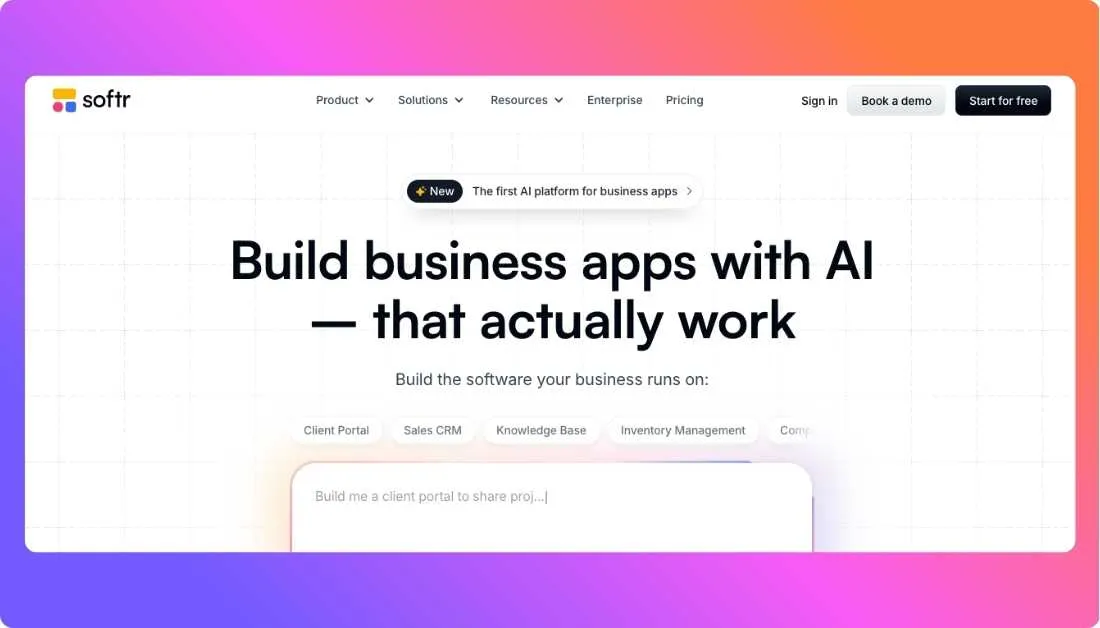
It works really well if your data already lives in Airtable, Google Sheets, Notion, HubSpot, monday.com, or SQL databases. You can use it to build client portals, employee dashboards, partner portals, inventory tools, CRMs, and simple business apps.
What makes Softr useful is that it gives you more structure around permissions, user groups, and business workflows. Glide is great when you want a fast spreadsheet-powered app, but Softr feels better when you need a secure portal where different users should only see specific data.
Softr also has an AI app builder, so you can describe the type of business app you want and then edit it visually. That makes it helpful for non-technical teams that want speed but don’t want to manage code.
Why Softr Is the Best Glide Alternative
Softr is the better choice if your Glide app is becoming a serious business portal.
You get user management, permissions, external database connections, forms, dashboards, and workflows in one place. It’s not built for native mobile apps, but for web-based business apps, it gives you more control than Glide.
Pros
- Great for client portals, internal tools, CRMs, and dashboards
- Works with Airtable, Google Sheets, Notion, HubSpot, SQL, and other tools
- Strong user permissions and access control
- Beginner-friendly visual builder
- AI app builder helps create business apps faster
- Good option for non-technical teams
Cons
- Not ideal for native iOS or Android apps
- Less flexible than Bubble or WeWeb for complex custom products
- Pricing can increase as your app, users, and features grow
- You don’t get full source-code ownership
Softr Pricing
Softr has a free plan to start building. Paid plans unlock more users, custom domains, advanced permissions, and business features.
What Users Have to Say About Softr
Users often like Softr because it makes it easy to turn business data into clean, useful apps without needing a developer. Some users also mention that it becomes more expensive when they need advanced features or larger user limits.
Best For:
AI-powered full-stack web and mobile apps
The next Glide alternative worth considering is Vitara.ai.
If Glide feels too spreadsheet-first for what you’re trying to build, Vitara.ai takes a very different approach. Instead of starting with tables and screens, you start with a prompt. You describe the app you want, and Vitara helps generate the frontend, backend, database logic, authentication, and app structure.

This is helpful if you want to build a SaaS MVP, dashboard, internal tool, AI app, admin panel, or mobile-friendly web app without starting from a blank codebase.
What stood out to me is that Vitara.ai is not just a no-code app builder. It is closer to an AI full-stack app builder. That means it helps with both the visible part of the app, like pages and UI, and the backend part, like data, APIs, login, and app logic.
If you want to move faster than traditional development but still want more code control than classic no-code tools, Vitara.ai is one of the strongest options on this list.
Why Vitara.ai Is the Best Glide Alternative
Vitara.ai is the better choice if you want AI-powered app development instead of a simple drag-and-drop spreadsheet app.
Glide is useful for quick data apps, but Vitara.ai is better suited for builders who want to generate real app structure, edit code, connect backend logic, and move closer to a production-ready software product.
This makes it especially useful for founders, startups, agencies, and product teams that want to build apps faster without getting trapped inside a limited no-code setup.
Pros
- Builds full-stack web and mobile apps from prompts
- Generates frontend and backend code
- Useful for SaaS MVPs, dashboards, portals, and internal tools
- Supports authentication, APIs, databases, and deployment workflows
- Gives more code control than traditional no-code app builders
- Good fit for founders, startups, agencies, and AI app builders
Cons
- May feel new if you’re used to simple drag-and-drop tools
- Prompt quality matters, so vague instructions can lead to weaker results
- More advanced users may still need to review and refine the generated code
- Public review data is still limited compared to older platforms like Softr or Bubble
Vitara.ai Pricing
Vitara.ai offers a free tier with limited prompt credits. Paid plans are better if you want to build larger apps, iterate more often, and use the platform for serious projects.
What Users Have to Say About Vitara.ai
Vitara.ai is still newer compared to older no-code platforms, but its main appeal is clear: users want a faster way to turn ideas into working full-stack apps while keeping more control over the code, backend, and deployment.
3. FlutterFlow
Best For:
Native mobile apps for iOS and Android
If your main reason for leaving Glide is native mobile app publishing, FlutterFlow is one of the best alternatives to consider.
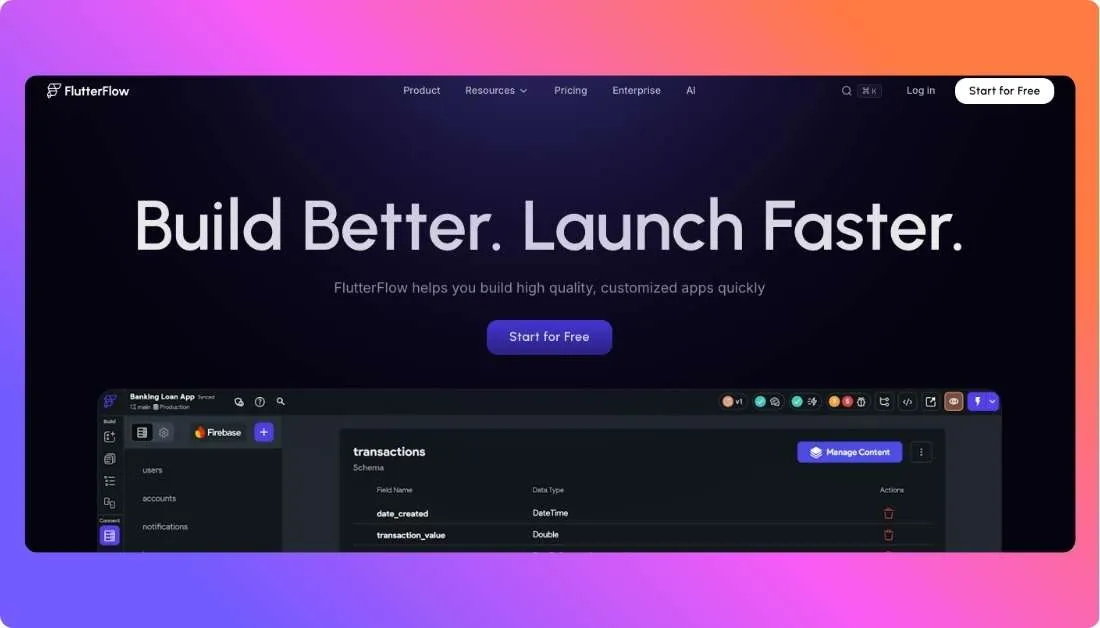
Glide apps mainly work as web apps or PWAs. That’s fine for internal tools and lightweight business apps, but it may not be enough if you want your app listed in the Apple App Store or Google Play.
FlutterFlow solves that problem by helping you build real mobile apps visually. It uses Flutter, which is Google’s framework for building cross-platform apps. In simple words, you can design your app visually, connect data, add logic, and still export real code when needed.
It’s more technical than Glide, but that is also why it gives you more room to build serious mobile products.
Why FlutterFlow Is the Best Glide Alternative
FlutterFlow is the better choice if you want to build and publish a real native mobile app.
You can create mobile apps, connect APIs, use Firebase or Supabase, add authentication, build app logic, test on devices, and deploy to app stores. Glide is easier for basic apps, but FlutterFlow gives you more control when mobile experience matters.
Pros
- Strong option for native iOS and Android apps
- Supports app-store deployment
- Allows code export
- Works with Firebase, Supabase, APIs, and custom logic
- Better for mobile-first startups and product teams
- Offers more design and development control than Glide
Cons
- Steeper learning curve than Glide
- Can feel complex for non-technical beginners
- Backend setup may take time if you’re new to databases and APIs
- Not the fastest option for simple spreadsheet dashboards
FlutterFlow Pricing
FlutterFlow has a free plan for building and testing. Paid plans unlock features like code download, APK download, custom domains, app-store deployment, GitHub integration, and collaboration.
What Users Have to Say About FlutterFlow
Users often like FlutterFlow because it gives them the speed of a visual builder with the flexibility of real Flutter code. At the same time, some users mention that the learning curve is higher than simpler no-code tools like Glide or Adalo.
4. Adalo
Best For:
Simple mobile MVPs and beginner-friendly app building
If you want a Glide alternative that feels simple but gives you a clearer path to mobile app publishing, Adalo is worth considering.
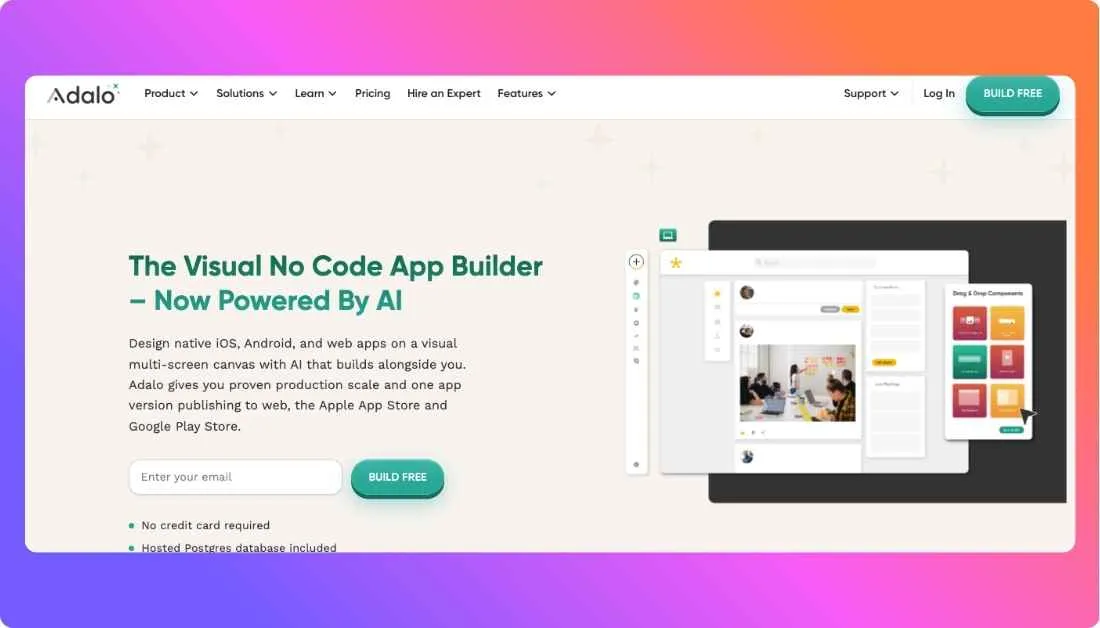
Adalo is a no-code app builder that helps you create mobile apps and web apps using a visual editor. You can design screens, add buttons, create forms, manage data, and publish your app without writing code.
Compared to Glide, Adalo feels more focused on mobile apps. It works well if you want to build a directory app, booking app, marketplace MVP, fitness app, community app, or simple customer-facing mobile product.
The main reason people choose Adalo is that it keeps things beginner-friendly. You don’t need to understand code, databases, or app architecture deeply before you start. You can drag elements onto the screen, connect them to data, and test your app quickly.
Why Adalo Is the Best Glide Alternative
Adalo is the better choice if you want to build a simple native mobile app without jumping into a more technical tool like FlutterFlow.
Glide is great for quick spreadsheet apps, but Adalo gives you more mobile-focused features, app screens, components, and publishing options. It’s not the strongest tool for complex SaaS products, but for mobile MVPs, it’s easy to understand and fast to use.
Pros
- Beginner-friendly no-code mobile app builder
- Good for simple mobile MVPs and customer-facing apps
- Supports native app publishing
- Built-in database for storing app data
- Easy visual editor with drag-and-drop components
- Useful for directories, marketplaces, booking apps, and community apps
Cons
- Not ideal for complex or highly scalable apps
- Limited backend flexibility compared to Bubble or Vitara.ai
- Design customization can feel restrictive for advanced users
- Performance may become a concern for larger apps
- You don’t get full source-code control
Adalo Pricing
Adalo offers a free plan for testing and building. Paid plans are better if you want to publish apps, use custom domains, add more app actions, and access advanced features.
What Users Have to Say About Adalo
Users often like Adalo because it makes mobile app building feel less intimidating. Many beginners use it to turn an idea into a working MVP. At the same time, some users feel limited when their app becomes more complex or needs stronger backend logic.
5. Bubble
Best For:
Complex web apps, SaaS products, and custom workflows
Bubble is one of the most popular Glide alternatives if you want to build something more advanced than a simple data app.
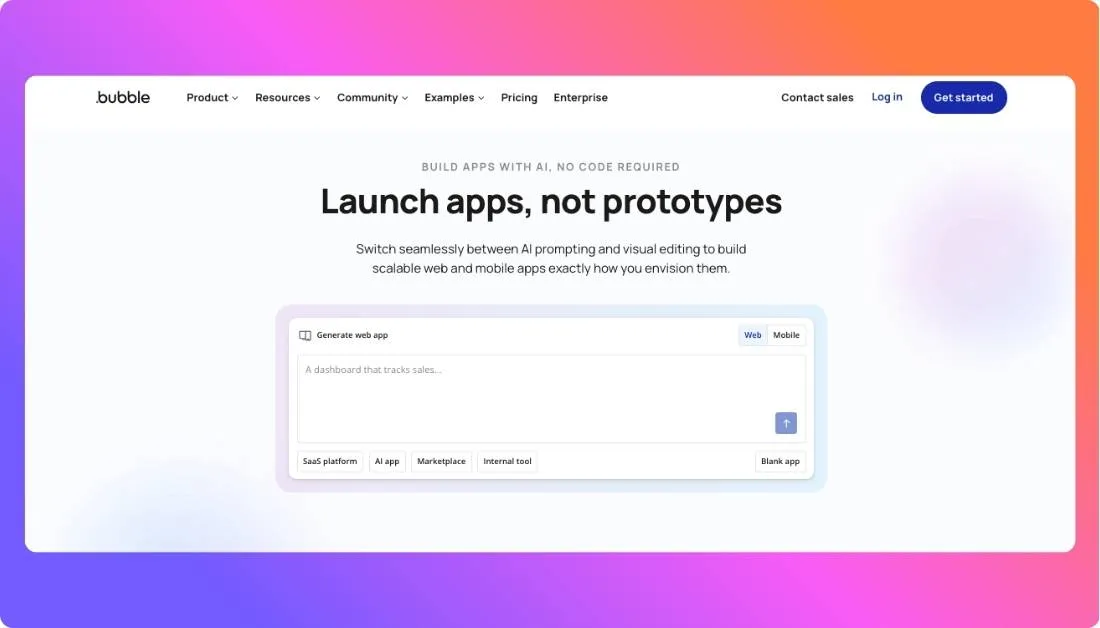
It is a no-code app builder for creating custom web apps, SaaS platforms, marketplaces, dashboards, CRMs, booking platforms, membership apps, and internal tools. Unlike Glide, Bubble gives you much deeper control over workflows, databases, user roles, plugins, and app logic.
This makes Bubble a strong option if your app needs more than basic screens and spreadsheet data. For example, you can create user accounts, build payment flows, connect APIs, manage complex database relationships, and create custom actions based on what users do inside the app.
The tradeoff is that Bubble takes more time to learn. It’s still no-code, but it feels more like visual programming than a simple app builder.
Why Bubble Is the Best Glide Alternative
Bubble is the better choice if you’re building a serious web app or SaaS product and need more control over how the app works.
Glide is faster for simple apps, but Bubble gives you more room to build custom workflows, complex databases, user dashboards, marketplaces, and subscription-based products. If you’re trying to build a real web product without hiring a full development team, Bubble is one of the strongest options.
Pros
- Great for complex web apps and SaaS MVPs
- Strong workflow builder for custom app logic
- Built-in database with relational data support
- Large plugin marketplace
- Supports user accounts, payments, APIs, and dashboards
- Good for marketplaces, CRMs, directories, and membership apps
Cons
- Steeper learning curve than Glide
- Not ideal for native mobile apps
- Design can take time to get right
- Performance depends on how well the app is built
- Pricing can increase as your app gets more users and workflows
Bubble Pricing
Bubble offers a free plan for learning and testing ideas. Paid plans unlock more app capacity, custom domains, production features, collaboration, and stronger scaling options.
What Users Have to Say About Bubble
Users often like Bubble because it gives them much more control than simple no-code tools. It’s a favorite for SaaS builders and startup founders. The main complaint is usually the learning curve, especially for beginners who expected it to feel as easy as Glide.
Turn App Ideas into Scalable Products
Prismetric helps startups build custom apps with frontend, backend, database, and API integration.
Build with Prismetric
My Final Verdict: Which Glide Alternative Should You Choose?
The best Glide alternative depends on what you’re trying to build.
If you want a simple business portal, internal tool, CRM, or Airtable-powered app, Softr is the safest choice. It feels familiar, it’s easy to use, and it works well for teams that want to turn business data into useful web apps without touching code.
If you want to build a full-stack app faster with AI, Vitara.ai is the best option to consider. It’s a better fit when you want more than a basic spreadsheet app. You can use it to generate web and mobile apps, create frontend and backend logic, add authentication, connect data, and keep more control over the final code.
If your main goal is native mobile app publishing, go with FlutterFlow. It has a steeper learning curve than Glide, but it gives you more control over iOS and Android apps, code export, and mobile-specific features.
If you’re a beginner building a simple mobile MVP, Adalo is easier to start with. It’s not as powerful as FlutterFlow or Bubble, but it’s useful when you want to test a mobile app idea quickly.
If you’re building a complex web app, marketplace, SaaS product, or custom workflow-heavy platform, Bubble is the strongest choice. It takes more time to learn, but it gives you much deeper control than Glide.
So, here’s the simple way to decide:
- Choose Softr for portals and internal tools
- Choose Vitara.ai for AI-powered full-stack apps
- Choose FlutterFlow for native mobile apps
- Choose Adalo for simple mobile MVPs
- Choose Bubble for complex web apps and SaaS products
For most teams moving beyond Glide, I’d start with Vitara.ai if the goal is to build faster with AI while keeping more flexibility over the app’s frontend, backend, and code.
Frequently Asked Questions
The best Glide alternative depends on what you want to build. Softr is great for portals, Vitara.ai is strong for AI-powered full-stack apps, FlutterFlow is best for native mobile apps, Adalo works well for simple MVPs, and Bubble is better for complex web apps.
Vitara.ai is one of the best AI-powered Glide alternatives if you want to build web and mobile apps from prompts.
It’s useful when you want AI to help with the frontend, backend, authentication, database logic, and editable code instead of building everything manually.
Yes. AI app builders like Vitara.ai and Lovable can help you turn prompts into working apps.
Vitara.ai is a strong option if you want an AI full-stack app builder that can help create app screens, backend logic, databases, and code you can refine later.
FlutterFlow is usually the best option if you want to build native mobile apps for iOS and Android.
Adalo is also a good choice if you want something simpler and more beginner-friendly for basic mobile MVPs.
Adalo and Softr are the easiest options for most beginners.
- Choose Adalo if you want to build a simple mobile app.
- Choose Softr if you want to build a portal, dashboard, or internal tool.
- Choose Glide if your app is still just a simple spreadsheet-powered app.
Bubble is a strong choice for complex SaaS apps because it supports workflows, user accounts, payments, database logic, and plugins.
Vitara.ai is also worth considering if you want to build a SaaS MVP faster with AI and want more control over the frontend, backend, and code.
Yes, Glide can work well for simple business apps, internal tools, directories, and dashboards.
But if your app needs advanced permissions, complex workflows, native mobile publishing, custom backend logic, or code ownership, you may want to look at Glide alternatives.
Glide apps mainly work as web apps or PWAs, not traditional native apps.
If App Store or Google Play publishing is a must, FlutterFlow or Adalo will usually be a better fit.
Softr is one of the best Glide alternatives for Airtable users.
It works well for client portals, CRMs, internal tools, dashboards, and membership-style apps where your data already lives in Airtable.
FlutterFlow is a strong option if you want code export for mobile apps.
Vitara.ai is also a good option if you want to build with AI and keep more control over the generated code as your app grows.
Bubble is better if you need complex app logic, custom workflows, user accounts, payments, plugins, and SaaS-style features.
Glide is better if you want to build a simple data app quickly without dealing with a steep learning curve.
Vitara.ai is better if you want AI-powered full-stack app development instead of a simple spreadsheet-based app builder.
Glide is easier for quick internal tools, but Vitara.ai gives you more flexibility when you need frontend, backend, authentication, database logic, and editable code.
The cheapest option depends on your app size and feature needs.
Before choosing, compare:
- Number of users
- Number of apps
- Data source limits
- Update limits
- Custom domain support
- App publishing options
- AI credits or workflow limits
You can usually move your data, but you may need to rebuild your app screens, workflows, permissions, and logic.
A good first step is to export or map your existing data, then choose the new platform based on what you’re building next: Softr for portals, Vitara.ai for AI-powered apps, FlutterFlow for mobile apps, or Bubble for complex web apps.
Use Adalo if your MVP is a simple mobile app. Use Bubble if it’s a complex web app. Use Softr if it’s a business portal or dashboard.
Use Vitara.ai if you want to build an MVP faster with AI and need more control over the app’s frontend, backend, database, and code.