Top 5 Devin AI Alternatives for Developers and Teams in 2026
Key Takeaways
- Cursor offers the best balance of AI autonomy and control inside an IDE for real-world coding workflows.
- OpenAI Codex CLI is ideal for terminal-first developers who want local control over AI-assisted coding.
- Claude Code delivers strong codebase understanding with flexible agentic workflows across multiple environments.
- OpenHands provides an open-source, customizable Devin-style AI agent for teams needing full control.
- Replit Agent is best for fast prototyping and building apps quickly using natural language prompts.
- Prismetric helps businesses turn AI tools into scalable, real-world software solutions.
Devin AI is one of the most talked-about AI coding agents on the market.
It can plan tasks, write code, debug issues, and handle parts of the software development workflow with a high level of autonomy. Plus, it’s built to feel more like an AI engineer than a basic code assistant.
But I compared it with other AI coding tools. I also reviewed how developers and teams size up Devin against newer agentic coding workflows.
And I kept seeing the same friction points come up:
- High cost for smaller teams
- Too much autonomy for some workflows
- Limited control compared to local-first tools
- Not the best fit for every IDE or terminal setup
- Hard to justify if you mainly need faster coding help, not full task delegation
- More hype than practical value for some real-world teams
Devin AI is not a bad product. But depending on your workflow, those trade-offs can stack up fast.
This guide covers 5 Devin AI alternatives I’d actually recommend.
Each one is organized by what it does well, where it falls short, and who it fits.
A quick comparison of the top Devin AI alternatives
Here’s a quick rundown of how the main players compare.
| Feature |
Cursor |
OpenAI Codex CLI |
Claude Code |
OpenHands |
Replit Agent |
| Main Environment |
IDE |
Terminal (local) |
Terminal + IDE |
Cloud / self-hosted agent platform |
Cloud workspace |
| Autonomy Level |
Medium |
Medium |
Medium to high |
High |
Medium to high |
| Codebase Access |
Repo-aware |
Local repo access |
Full codebase awareness |
Full workspace access |
Project workspace |
| Open Source |
No |
Yes |
No |
Yes |
No |
| Best For |
Developers who want AI inside the editor |
Local-first coding workflows |
Terminal-first engineering teams |
Teams that want an open-source Devin-like agent |
Fast app prototyping and shipping |
| Biggest Trade-off |
Less autonomous than Devin |
CLI-first workflow |
Not as IDE-native as Cursor |
More setup and management |
Less direct as a Devin-style engineering agent |
Why Look for Devin AI Alternatives?
To be fair, Devin AI’s agentic workflow is impressive. Handing off a real development task to an AI that can plan, code, debug, and move through multiple steps on its own still feels ahead of most coding tools.
It also pushes the conversation beyond autocomplete. That matters if you want more than just faster code suggestions.
But the friction points I listed above tend to become more obvious in day-to-day development.
- If you want tight control over every file change and command, Devin can feel too hands-off compared to local-first tools.
- If you’re working with a smaller team or solo budget, the cost can be hard to justify.
- If your workflow lives inside the IDE or terminal, other tools may fit more naturally.
- If you mainly need fast iteration, code edits, and reviews, full task delegation can feel like more than you need.
The tools below solve one or more of these gaps in a more practical way.
How I Evaluated These Devin AI Alternatives
I didn’t just compare feature lists. I looked at what actually affects your day-to-day development workflow.
Here’s what I evaluated across all 5 tools:
- Autonomy and control – how much the tool can do on its own, and how easy it is to review, guide, or approve what it does
- Codebase awareness – how well it understands a full project, not just the file you have open
- Workflow fit – whether it works best in the IDE, terminal, browser, or a cloud-based environment
- Setup and usability – how quickly you can go from sign-up or install to doing real development work
- Pricing and value – whether the cost makes sense for solo developers, startups, or larger engineering teams
- Collaboration and oversight – whether it fits teams that need visibility, guardrails, and human review
- Best-use-case clarity – whether the tool is actually a strong Devin alternative or just a general AI coding assistant
All product details in this post are based on each tool’s public product pages, documentation, and positioning at the time of writing.
5 Best Devin AI alternatives
1. Cursor
Cursor is the Devin AI alternative I’d put at the top for most developers.
It gives you a more practical day-to-day workflow than Devin because it lives where most people already work: the editor. Cursor can understand your codebase, plan tasks, edit multiple files, run autonomous agents, and even use cloud agents for parallel work. It also supports team rules, code review workflows, and GitHub integration, which makes it feel much closer to a real development environment than a flashy demo tool.
What makes Cursor especially appealing is the balance between autonomy and control. Devin leans harder into full task delegation. Cursor feels more collaborative. You stay closer to the code, the diffs, and the decision-making, which is exactly what a lot of teams want in practice. That lines up with what developers often say in community discussions: Cursor is great for first drafts, multi-file changes, and codebase-aware help, but pricing transparency and usage guardrails can get frustrating for heavy users.
Key Features of Cursor
- IDE-native AI coding agent with autonomous coding, terminal commands, and code editing support
- Codebase indexing and semantic search for working across larger repositories
- Plan mode for reviewing implementation steps before code gets written
- Cloud agents that can work in parallel and hand work back for review
- Team rules and persistent instructions for coding standards and architecture preferences
- Built-in and Git-based code review options, including Bugbot for PR review workflows
- Available on macOS, Windows, and Linux
What could be better:
- Usage-based billing can become expensive or hard to predict for power users once included usage runs out
- It’s less hands-off than Devin if you want a more fully delegated “AI engineer” experience; this is an inference based on how Cursor positions itself around reviewable plans, rules, and developer-guided workflows.
- Some developers love the codebase-aware experience, while others say it’s better for strong first passes than final refinement.
Pricing
- Hobby – Free – limited Agent requests and limited Tab completions
- Pro – $20/month – extended Agent limits, frontier models, MCPs, skills, hooks, and cloud agents
- Pro+ – $60/month – everything in Pro, plus 3x usage on OpenAI, Claude, and Gemini models
- Ultra – $200/month – everything in Pro, plus 20x usage and priority access to new features
- Teams – $40/user/month – shared chats, commands, rules, analytics, privacy controls, RBAC, and SSO
- Enterprise – Custom pricing
Also Read:
Top Cursor Alternatives
2. OpenAI Codex CLI
Codex CLI feels like a better Devin alternative when you want an agent that stays close to your local repo.
It runs in the terminal, can inspect your project, edit files, and run commands without forcing you into a new editor.
That matters if Devin’s full delegation model feels a little too distant from your normal workflow.
With Codex CLI, you keep more control over what happens, which is a big reason terminal-first developers keep gravitating to it.
It also has a practical pricing story now, which makes it easier to test than tools that hide everything behind enterprise sales.
OpenAI offers a Free plan, then paid Codex plans starting at $8/month for Go, with Plus at $40/month and Pro at $200/month on the pricing page.
Features:
- Terminal-based coding agent for local repos
- Can read files, edit code, and run shell commands
- Works with ChatGPT sign-in or API key auth
- Available on macOS and Linux, with Windows support marked experimental
Pricing:
- Free — $0/month
- Go — $8/month
- Plus — $40/month
- Pro — $200/month
Pros:
- Feels closer to real dev workflows
- Easier to control than full black-box agents
- Low entry price for testing
Cons:
- CLI-first setup won’t suit everyone
- Windows support is still not the cleanest
Best for:
Developers who want a local-first Devin AI alternative with more control and less ceremony.
3. Claude Code
Claude Code is the stronger pick if you want a Devin alternative that still feels agentic but more hands-on.
Anthropic says it can read your codebase, edit files, run commands, and work from the terminal, IDE, desktop app, or browser.
In practice, this one appeals to developers who like speed but don’t want to fully hand over the wheel.
A lot of community feedback praises the code quality and UX, though some users also warn that review still matters because it can drift or optimize for passing tests too aggressively.
Pricing is a little different here because Claude Code is included with Claude’s paid plans, while heavier team usage can also run on API spend.
Anthropic lists Pro at $20/month, Max 5x at $100/month, and Max 20x at $200/month, and its docs say average Claude Code usage is about $100–200 per developer per month with Sonnet 4.6.
Features:
- Agentic coding across terminal, IDE, desktop, and browser
- Full-codebase understanding across multiple files and tools
- Can edit files and run commands directly
- Included with Claude paid plans
- Supports usage guidance through CLAUDE.md and related docs
Pricing:
- Pro — $20/month, or $200/year
- Max 5x — $100/month
- Max 20x — $200/month
Pros:
- Excellent for code-heavy terminal workflows
- Usually feels fast and capable on larger tasks
- More flexible environment support than most CLI agents
Cons:
- Costs can climb with heavy use
- You still need to review output carefully
- Less IDE-native than something like Cursor
Best for:
Engineering teams and serious solo developers who want a Devin AI alternative for terminal-first, codebase-aware work.
4. OpenHands
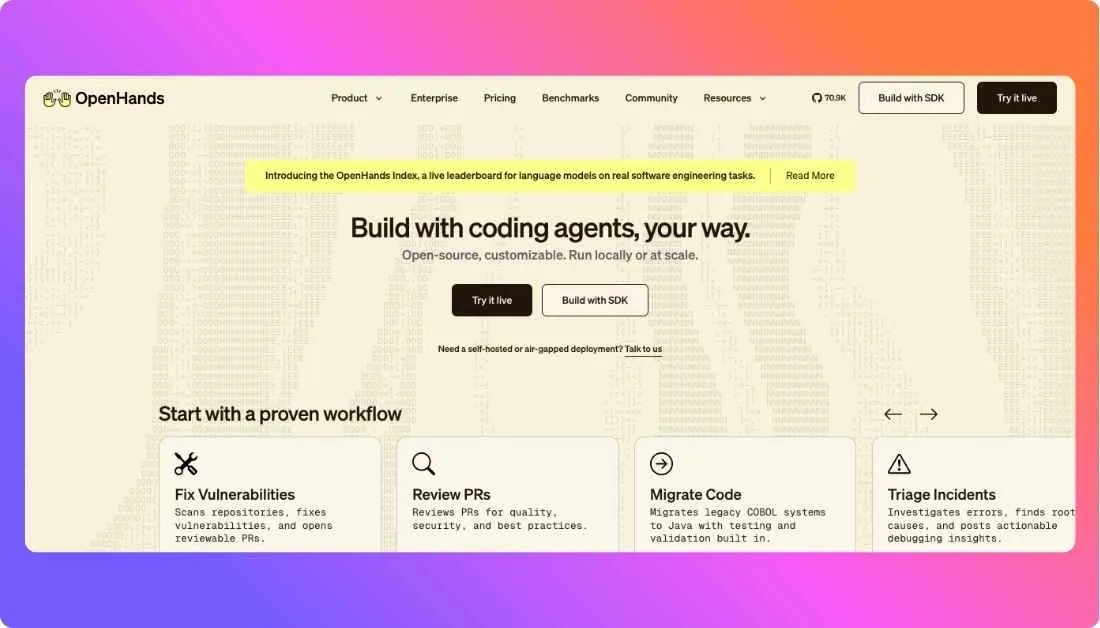
OpenHands is the closest open-source Devin alternative if you want real agent behavior, not just autocomplete with a chat box.
It can run in the cloud, locally, or through the CLI, which gives technical teams much more freedom.
What makes it interesting is the control layer.
OpenHands is model-agnostic, sandboxed, and built to plug into GitHub, GitLab, Slack, APIs, and self-hosted setups.
That said, it still feels more like a builder’s tool than a polished plug-and-play product.
Some Reddit users love its bigger-task handling, while others say it can get expensive or inconsistent depending on model choice.
Pricing is a little different here.
The platform itself is open source, while cloud usage and runtime compute are billed separately.
Features:
- Open-source coding agent platform
- Model-agnostic setup with custom LLM configs
- Secure sandboxed runtime
- Cloud, local, and CLI workflows
- Integrates with GitHub, GitLab, Slack, and APIs
Pricing:
- Open-source self-hosted version — Free to use, with your own model and infrastructure costs.
- Remote runtime pricing is usage-based through Runtime Compute Units, with dedicated compute resources.
Pros:
- Open source
- More control than Devin
- Flexible deployment options
- Great for custom workflows
Cons:
- Setup can take work
- Quality depends on model choice
- Less polished than closed tools
Best for:
Teams and advanced developers who want an open-source Devin AI alternative they can customize.
5. Replit Agent
Replit Agent is the easiest pick here if your goal is speed.
You describe the app in plain English, and it builds inside Replit’s hosted workspace with deployment close by.
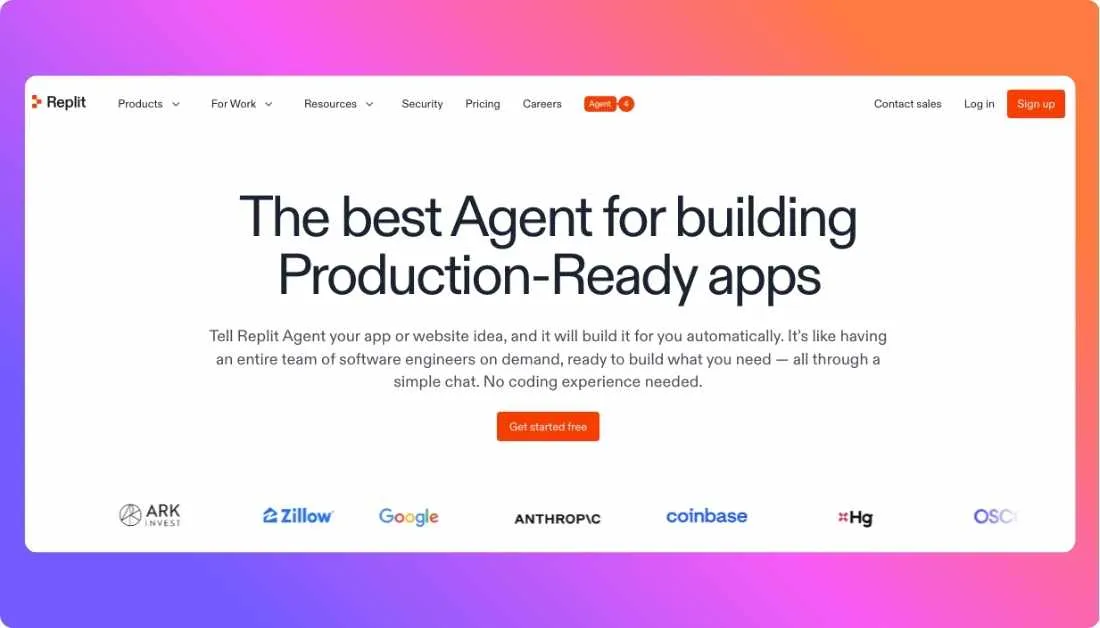
It is less of a direct Devin-style engineering teammate, though.
Replit positions it around app and website creation, which makes it stronger for prototypes, MVPs, and quick launches.
That trade-off shows up in user feedback too.
Some developers say it is great for momentum, while others complain about checkpoint costs, weak instruction-following, or messy code on harder projects.
Pricing is more nuanced than a flat monthly subscription.
Replit has plan pricing, but Agent usage itself is effort-based and charged by the work performed.
Features:
- Natural-language app building inside Replit
- Hosted cloud workspace and deployment flow
- Supports autonomous long builds on paid plans
- Works well for prototypes and MVPs
Pricing:
- Starter — Free, with daily Agent credits and limited Agent intelligence.
- Core — $25/month, or $20/month billed annually, plus $25 in monthly credits.
- Agent usage is billed separately with effort-based pricing tied to task complexity.
Pros:
- Very easy to start
- Fast for MVPs
- Great cloud setup
Cons:
- Not the most direct Devin replacement
- Costs can feel unpredictable
- Can struggle on complex apps
Best for:
Founders, indie hackers, and small teams that want to prototype and ship quickly.
Also Read:
Replit Alternatives
Devin AI vs Alternatives: Comparison of Top 3 AI Coding Platforms
| Feature |
Devin AI |
Cursor |
OpenAI Codex CLI |
Claude Code |
| Main environment |
Cloud-based collaborative agent workspace |
IDE-native editor |
Terminal (local machine) |
Terminal, plus IDE, desktop, and browser support |
| Core approach |
Delegated AI software engineer for multi-step tasks |
AI coding inside the editor with agent support |
Local coding agent that reads, edits, and runs code |
Agentic coding system that reads code, edits files, runs tests |
| Autonomy level |
High |
Medium to high |
Medium |
Medium to high |
| Codebase handling |
Built for complex, multi-repo engineering work |
Learns and works across your codebase |
Works in the selected local directory or repo |
Reads your codebase and changes files across it |
| Best fit |
Engineering teams that want task delegation |
Developers who want AI inside the IDE |
Local-first, terminal-heavy developers |
Teams and developers who want agentic coding with strong code understanding |
| Control style |
More delegated and teammate-like |
More collaborative and editor-guided |
More manual and approval-friendly |
Agentic, but still closer to the developer workflow |
| Open source |
No |
No |
Yes |
No |
| Pricing entry point |
Custom or sales-led |
Free plan available; paid plans available |
Included with eligible ChatGPT plans |
Included with Claude paid plans |
Hire Experienced Developers from Prismetric Who Use These AI Tools to Build Your Dream Solution
If you like what tools like Cursor, Claude Code, Codex CLI, and other AI coding agents can do, the real advantage comes from pairing them with experienced developers who know when to trust the tool and when to step in. Prismetric positions itself as an AI-powered digital transformation and software development company focused on building custom AI-enabled software solutions and integration services.
Prismetric also offers end-to-end AI development support, from AI strategy and feasibility assessment to product development, deployment, integration, and post-launch monitoring. That makes them a practical fit if you want more than prompts and prototypes and need an actual team to turn an idea into a working product.
- Custom AI development for business-specific workflows and products.
- AI consulting, roadmap planning, and feasibility assessment before development starts.
- Generative AI, AI agents, enterprise copilots, and RAG-based solution development.
- Custom software development for SaaS platforms, software tools, and tailored business systems.
- Web, mobile, and AI-enabled app development with integration and post-launch support.
Conclusion
Switching tools is rarely the first move.
But if Devin AI’s cost, hands-off workflow, or fit with your development stack has been holding you back, sticking with it has a cost too.
Here’s the quick recap before you decide:
- Best Overall Switch → Cursor, the best balance of codebase awareness, control, and day-to-day usability for most developers.
- Best for Local-First Development → OpenAI Codex CLI, strong for terminal workflows, repo-level work, and tighter approval over what the agent does.
- Best for Terminal-First Teams → Claude Code, a smart pick if you want agentic help without leaving your core engineering workflow.
- Best Open-Source Alternative → OpenHands, the closest fit if you want a customizable Devin-style agent you can run your way.
- Best for Fast Prototyping → Replit Agent, ideal for building and shipping MVPs quickly in a cloud workspace.
If you’re not sure where to start, Cursor is the safest first move.
It solves the three biggest Devin AI friction points for most teams: cost pressure, too much autonomy, and a workflow that can feel less natural than working directly in your editor.
Frequently Asked Questions
For most developers, Cursor is the best Devin AI alternative.
It gives you agentic coding help inside the IDE, with a lower-friction workflow than Devin’s cloud-first setup.
If you want more control and less delegation, Cursor is usually the safer pick.
That’s why it works well for solo developers, startups, and hands-on teams.
Yes. Cursor, OpenAI Codex, Claude, GitHub Copilot, and OpenHands all offer a free entry point in some form.
The easiest free starting points are Cursor’s Hobby plan, Codex Free, Copilot Free, and OpenHands self-hosted.
Those are better fits if you want to test workflows before paying.
OpenHands is the best open-source Devin alternative right now.
It positions itself as an open-source, model-agnostic platform for cloud coding agents.
It is a stronger fit than simple coding assistants if you want transparency, sandbox control, and self-hosting options.
That makes it the closest open alternative to Devin’s agent-style workflow.
For most teams, Claude Code or Cursor makes the most sense.
Claude Code is strong for terminal-heavy teams, while Cursor fits teams living inside the IDE.
If your team wants a more autonomous cloud teammate, Devin still has a distinct angle.
Cognition positions Devin for serious engineering teams with complex, multi-repo projects.
Cursor is the best Devin alternative for coding inside the IDE.
Its product is built around an editor-first, agent-assisted workflow.
Claude Code can also reach the IDE, but Cursor feels more naturally centered there.
That makes it the better choice for developers who want AI woven into editing.
Not always. It depends on what you need.
GitHub Copilot is often better for inline suggestions and broad developer adoption, while Devin alternatives lean more agentic.
If you want delegated multi-step work, tools like Devin, Cursor, Claude Code, or OpenHands are more relevant.
If you mainly want coding assistance, Copilot can still be enough.
Yes, for the right team, Devin can still be worth it in 2026.
It is built as an autonomous AI software engineer for engineering teams, not just a coding sidebar.
It is less compelling if you want lower cost, tighter local control, or IDE-native coding.
In those cases, Cursor, Codex, Claude Code, or OpenHands usually make more sense.