Vibe Coding Tools to Level Up Your Coding Game in 2026
Key Takeaways
- Vibe coding tools convert natural language into working code, helping developers build faster with less manual effort.
- Leading 2026 tools act as collaborative AI partners, offering context-aware suggestions and real-time improvements.
- The best platforms integrate seamlessly with existing workflows, IDEs, repositories, and deployment pipelines.
- These tools support multiple languages and frameworks, making them valuable for prototyping, full-stack development, and team collaboration.
- AI-driven coding boosts productivity but still requires human oversight to ensure debugging, security, and long-term quality.
- Selecting the right vibe coding tool depends on your goals, skill level, integration requirements, and budget.
In 2026, vibe coding tools have redefined how software is created by turning natural language into working code. But this shift isn’t just about speed or convenience. It marks a fundamental transformation in how developers interact with technology.
Vibe coding is a groundbreaking approach where developers describe what they want in plain English, and AI models write the code. It’s not about replacing developers it’s about enhancing them. This new workflow bridges the gap between idea and implementation, allowing creators to focus on intent while AI handles execution.
Whether you’re launching a solo project or building with a team, these tools act as collaborators. They automate repetitive tasks, offer context-aware suggestions, and adapt in real time. The result? A development process that feels intuitive, intelligent, and human-centered.
What sets vibe coding tools apart is how naturally they fit into the creative flow. Developers no longer need to jump between documentation, syntax rules, and boilerplate code. Instead, they can stay in the zone ideating, building, and refining with AI as a partner.
This guide explores the top vibe coding tools of 2026. You’ll learn what makes each one unique, who they’re ideal for, and how they can make your next project smarter, faster, and more collaborative.

What Makes the Best Vibe Coding Tool?
Not all vibe coding tools are equal. The best ones go beyond just generating code from prompts. They improve your entire development workflow from start to finish. As AI coding agents have advanced, so have the expectations for what makes a tool truly great in 2026.
1. Smart AI That Understands Context
Top vibe coding tools don’t just autocomplete lines. They understand the bigger picture, including how your components, functions, and data interact. This allows them to generate accurate, functional code that fits right into your existing project.
2. Seamless Workflow Integration
Great tools work with your current setup instead of forcing you to learn a new system. Whether you’re using VS Code, a browser IDE, or your own terminal, the right vibe coding tool fits in smoothly and keeps your flow uninterrupted.
3. Fast, Real-Time Feedback
Speed is essential when you’re in the zone. The best tools respond quickly to prompts, generate previews instantly, and allow you to test or fix bugs without delay. Instant feedback saves time and keeps your momentum strong.
4. Support for Multiple Languages and Frameworks
Modern developers rarely work with just one language. A great vibe coding tool supports everything from JavaScript and Python to React, Go, and more. This flexibility means you can use the same tool across different projects and teams.
5. Built-In Agent Intelligence
The best tools act like coding teammates. They can suggest refactors, write documentation, generate unit tests, and even manage deployments using AI agents. These tools reduce manual effort and increase development efficiency.
6. Easy Deployment and Publishing
Great vibe tools don’t just stop at writing code. They help you launch it. Whether it’s through one-click deploy buttons or direct integration with hosting platforms, deployment should be simple, fast, and reliable.
7. Customization and Flexibility
Every developer has a unique style. Leading tools let you adjust prompts, layouts, commands, and workflows. You should be able to make the tool work for you, not the other way around.
How We Chose the Best Vibe Coding Tools for 2026
Choosing the right vibe coding tool can be tricky. With new platforms launching every month, it’s hard to know which ones actually deliver and which are just riding the AI hype. To simplify the decision-making process, we selected tools based on meaningful, real-world criteria, not just popularity.
Here’s what we focused on while evaluating the top vibe coding tools for 2026:
AI Capabilities
How intelligent is the AI behind the tool? We looked for systems that produce accurate, clean code and adapt to context in real time.
Ease of Use & Learning Curve
We assessed how fast users, especially non-experts, can get started. A smooth, intuitive interface was a big win.
Customization & Code Control
We prioritized tools that give users full access to the codebase. This includes the ability to customize components and logic freely.
Feature Set
From frontend scaffolding to backend logic and API integration, features matter. We chose tools that offer both breadth and depth in functionality.
Pricing Structure
We focused on transparent pricing with flexible tiers. Tools that offer value to both solo developers and growing teams scored higher.
Target User
Each tool was matched to its ideal user, whether it’s solo creators, agile dev teams, or enterprise-grade engineers.
Community & Support
Strong user communities and responsive support teams made a difference. Active documentation, forums, and help channels added serious value.
Seamless Integration
The best vibe coding platforms work well with your existing stack. We looked for tools that support popular frameworks, APIs, and platforms without friction.
Speed and Performance
We measured how fast the tool responds, compiles, and delivers usable outputs. Tools that support real-time updates or minimal delay were preferred.
Language Support
We checked for multi-language capabilities, whether it’s JavaScript, Python, or full-stack flexibility. Broad language support gives more room to grow.
Top Vibe Coding Tools in 2026
We have mentioned the best vibe coding tools with their features, pros, cons, pricing and information like who should use this tools. Here’s a list of the best tools for vibe coding 2026:
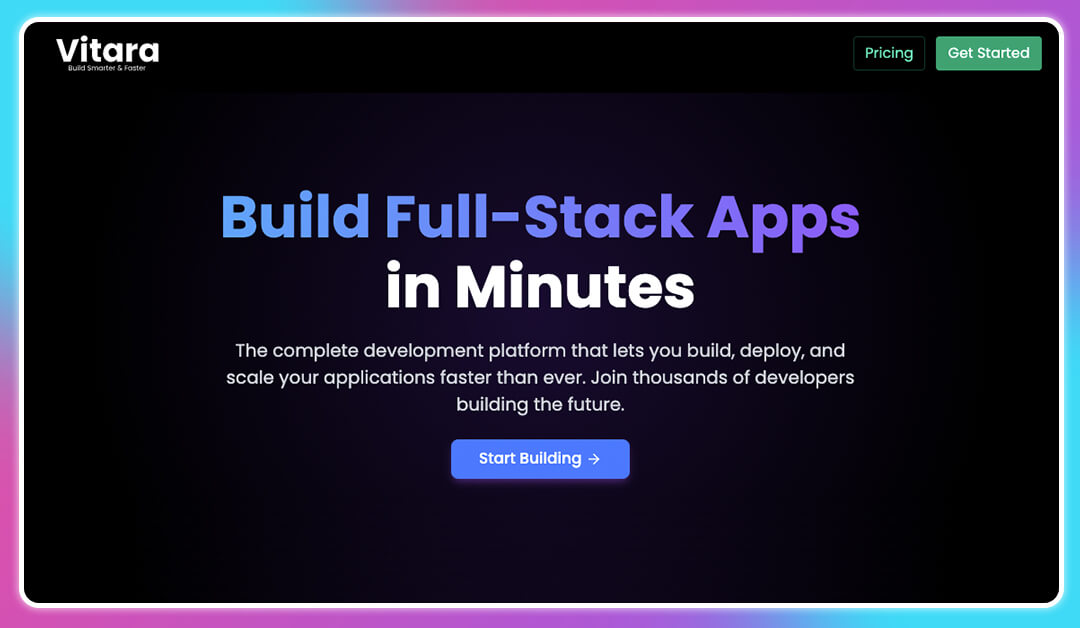
Vitara is one of the most innovative vibe coding tools shaping the future of development in 2026. It’s an AI-powered development platform that turns natural language into production-ready code, streamlining the software development process for solo devs and teams alike. Built with React and Supabase, Vitara is a full-stack solution that accelerates code generation while keeping you in control.
Key Features:
- AI-First Development Environment (IDE): Use natural prompts to generate frontend and backend code instantly, perfect for natural language to code conversion.
- Zero-Setup Coding: Fully browser-based IDE means you can start building without installation or setup.
- GitHub Integration: Built-in version control and collaborative coding workflows for teams using code repositories.
- Secure Code Ownership: Full download access and privacy-focused architecture ensure your intellectual property stays yours.
- Professional-Grade Output: Clean syntax, optimized logic, and support for code completion, error detection, and automated refactoring.
Pros:
- Fast Time-to-Code: Ideal for projects needing faster development cycles and real-time iterations.
- Productivity Booster: Automates routine tasks and enhances developer workflow, helping teams focus on innovation.
- All-in-One Platform: Combines code editor, backend services, and deployment tools into one seamless experience.
- Supports NLP and AI Coding: Leverages natural language processing and machine learning in coding for smarter development.
Cons:
- Limited Tech Stack: Currently only supports React and Supabase, which may not suit all programming languages or frameworks.
- Free Tier Restrictions: Daily and monthly prompt limits may restrict high-frequency AI pair programmer sessions for some users.
Pricing
- Starter (Free): 5 prompts/day and 25/month, ideal for experimentation or hobby projects.
- Build ($20/month): More prompts, private projects, and faster AI support.
- Elevate ($50/month): High usage cap, tailored for teams and enterprise-level development.
Who Should Use for Vibe Coding:
- Solo Developers seeking an edge in idea-to-code execution.
- Software Engineers building MVPs or scaling apps.
- Startups and Product Teams needing integrated code optimization tools.
- Data Scientists wanting to streamline small-scale tool creation or backend workflows.
2. Lovable
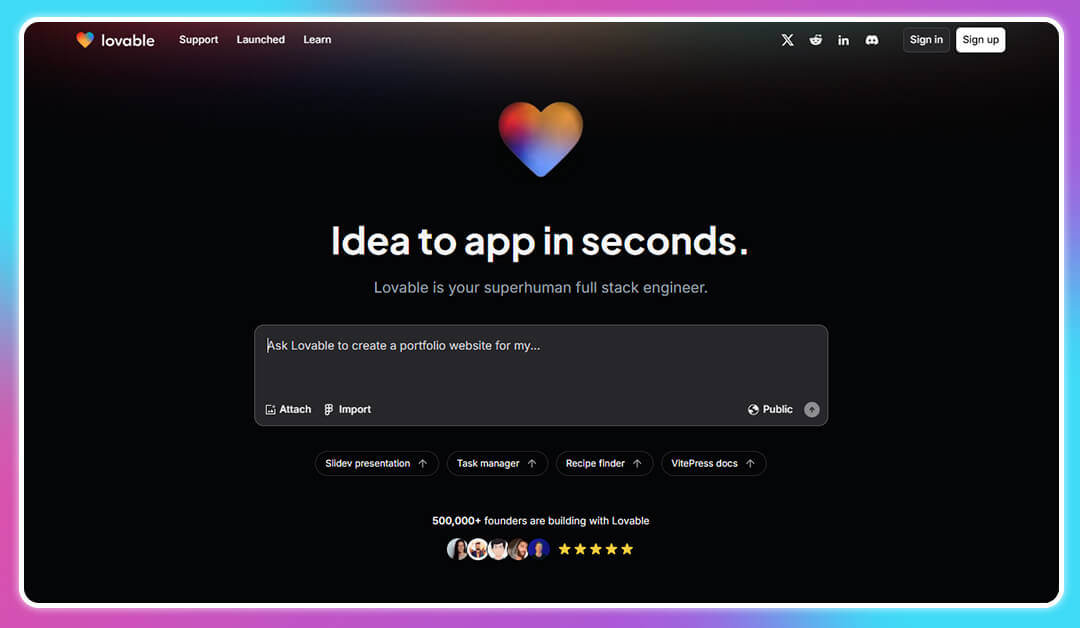
Lovable is a cutting-edge AI-powered development platform that empowers users to build full-stack web applications without writing a single line of code. By leveraging natural language processing (NLP), Lovable translates user prompts into functional applications, streamlining the software development process.
Lovable stands out among tools for vibe coding by simplifying complex tasks and enhancing the developer experience (DX). Its AI-powered development approach makes it a valuable asset for modern AI software engineers.
Key Features:
- Natural Language to Code Conversion: Describe your app in plain English, and Lovable generates the corresponding code.
- Integrated Development Environment (IDE): A browser-based platform that requires no setup, enabling immediate development.
- Supabase Integration: Seamlessly connects with Supabase for backend services like authentication and database management.
- GitHub Synchronization: Allows for version control and collaborative coding by syncing projects with GitHub repositories.
- Scalability: Capable of handling large codebases, making it suitable for complex applications.
Pros:
- Accelerated Development: Significantly reduces coding time, enhancing productivity.
- User-Friendly Interface: Designed for users of all skill levels, from beginners to experienced developers.
- Full Code Ownership: Users retain complete control over their code, with options to download and deploy as needed.
- Real-Time Collaboration: Facilitates teamwork through integrated tools and GitHub support.
Cons:
- Limited Tech Stack: Currently supports primarily React and Supabase, which may not align with all project requirements.
- Free Tier Limitations: The free plan imposes restrictions on daily and monthly usage, potentially hindering extensive testing.
Pricing:
- Starter (Free): Suitable for small projects with basic features.
- Build ($20/month): Offers additional features and higher usage limits.
- Elevate ($50/month): Designed for professional developers and teams requiring advanced capabilities.
Who to Use it for AI Coding:
- Solo Developers: Looking for rapid prototyping and deployment capabilities.
- Startup Teams: Needing an efficient, integrated development environment to streamline workflows.
- Enterprises: Seeking scalable solutions for complex application development.
Also Read:
What is Lovable AI? Detailed Guide
10 Best Lovable Alternatives
3. GitHub Copilot
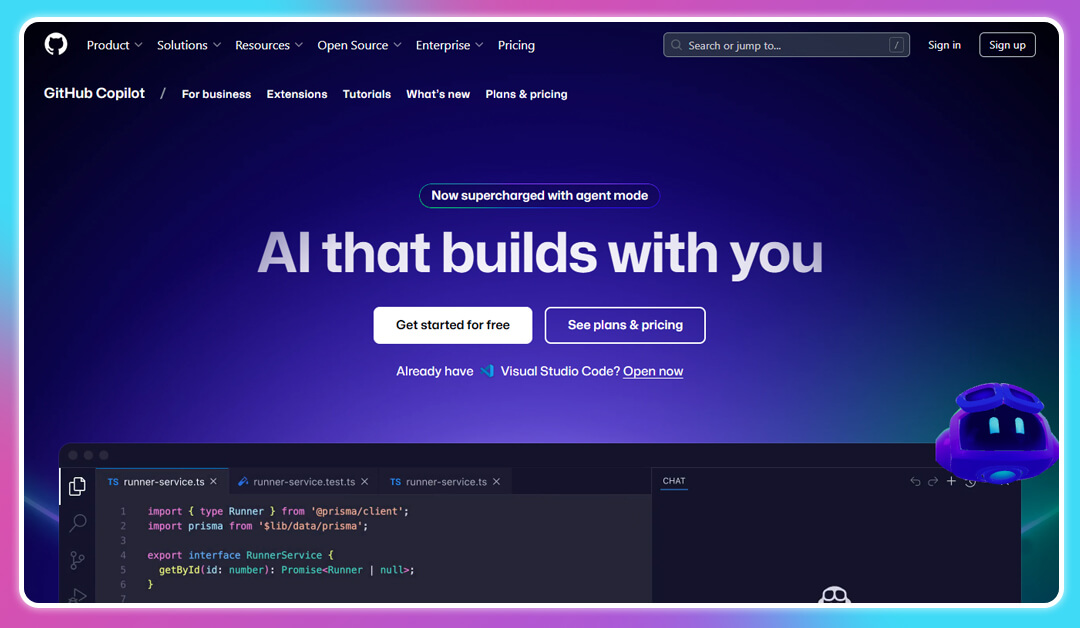
GitHub Copilot is an AI pair programmer developed by GitHub and OpenAI, designed to assist developers in writing code more efficiently. By analyzing context within the code editor, Copilot provides real-time code suggestions, streamlining the coding process and enhancing productivity.
Copilot exemplifies the integration of AI in the software development process, offering a glimpse into the future of coding. Its ability to provide real-time assistance and adapt to various coding environments makes it a valuable tool for developers aiming to improve code quality and productivity.
Key Features:
- Context-Aware Code Suggestions: Offers relevant code completions based on the current context within the editor.
- Multi-Language Support: Supports various programming languages, including Python, JavaScript, TypeScript, Ruby, and Go.
- IDE Integration: Compatible with popular integrated development environments like Visual Studio Code, Neovim, and JetBrains IDEs.
- Copilot Chat: An interactive feature that allows developers to ask questions and receive code-related assistance directly within the editor.
- Agent Mode: Automates repetitive tasks such as code refactoring and test generation, improving coding efficiency.
Pros:
- Enhanced Productivity: Reduces the time spent on boilerplate code, allowing developers to focus on complex problem-solving.
- Learning Aid: Assists new developers in understanding coding patterns and best practices.
- Seamless Integration: Fits naturally into existing workflows within supported IDEs.
- Continuous Learning: Improves over time by learning from user interactions and feedback.
Cons:
- Potential for Inaccurate Suggestions: May occasionally provide incorrect or suboptimal code suggestions.
- Privacy Concerns: As an AI tool, it may raise concerns regarding code ownership and data usage.
Pricing
- Free: Available for verified students and maintainers of popular open-source projects.
- Individual ($10/month): Provides full access to Copilot features for individual developers.
- Business ($19/user/month): Offers additional administrative controls and policy management for teams.
Who Should Use:
- Individual Developers: Seeking to enhance their coding efficiency and learn new programming techniques.
- Development Teams: Looking to streamline collaborative coding efforts and reduce technical debt.
- Enterprises: Aiming to improve software development processes and maintain high code quality standards.
4. Cursor
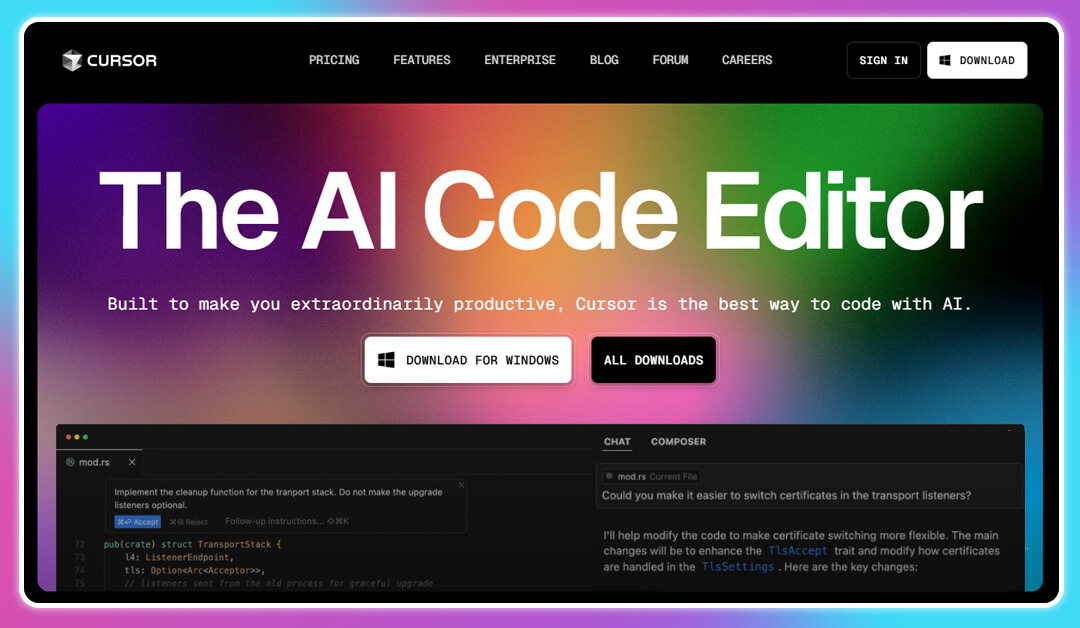
Cursor is an AI-powered integrated development environment (IDE) designed to enhance developer productivity by integrating advanced artificial intelligence features directly into the coding environment.
Cursor stands out among the best vibe coding platforms by offering a seamless blend of AI capabilities and a familiar development environment, making it a valuable asset for modern software engineers.
Key Features:
- Natural Language Editing: Allows developers to write and modify code using natural language instructions, streamlining the coding process.
- Smart Rewrites: Facilitates bulk code updates and refactoring through intelligent suggestions.
- Codebase Understanding: Indexes the entire codebase, enabling developers to query and navigate it efficiently.
- Extension Compatibility: Being a fork of Visual Studio Code, Cursor supports existing extensions, themes, and keybindings.
- Privacy Mode: Offers a mode where user code is never stored remotely, ensuring data security.
Pros:
- Enhanced Productivity: Streamlines coding tasks, reducing development time.
- User-Friendly Interface: Familiar to users of Visual Studio Code, easing the transition.
- Advanced AI Integration: Provides intelligent code suggestions and completions.
- Secure Environment: SOC 2 certified, ensuring adherence to industry-standard security practices.
Cons:
- Limited Language Support: Primarily supports languages compatible with Visual Studio Code.
- Performance Issues: Some users have reported occasional performance lags.
Pricing
- Hobby (Free): Includes a two-week Pro trial, 2,000 completions, and 50 slow premium requests.
- Pro ($20/month): Offers unlimited completions, 500 fast premium requests per month, and unlimited slow premium requests.
- Business ($40/user/month): Tailored for teams, providing enhanced features and support.
Who Should Use it for AI Vibe Coding:
- Individual Developers: Seeking an AI-integrated coding environment.
- Development Teams: Looking for collaborative and efficient coding solutions.
- Enterprises: Requiring secure and scalable development tools.
Also Read:
Best Cursor Alternatives to Consider in 2026 to Transform your Development Workflow
5. Replit
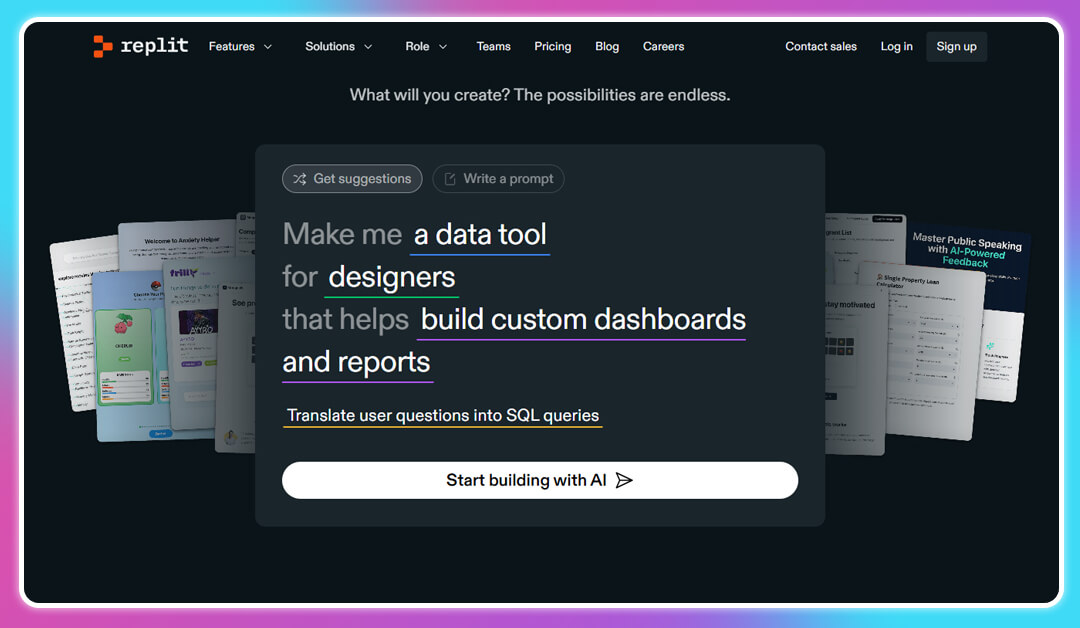
Replit is a cloud-based development platform that enables users to build, deploy, and collaborate on software projects directly from the browser.
Key Features:
- Replit Agent: An advanced AI assistant that helps in building applications using natural language prompts.
- Multi-Language Support: Supports over 50 programming languages, including Python, JavaScript, and Go.
- Collaborative Coding: Allows multiple users to work on the same project in real-time.
- Integrated Deployment: Facilitates instant deployment of applications with built-in hosting solutions.
- Version Control: Offers Git integration for efficient source code management.
Pros:
- Accessibility: No setup required; accessible from any device with a browser.
- AI Integration: Leverages AI to assist in code generation and debugging.
- Community Support: Vibrant community offering templates, tutorials, and forums.
- Scalability: Suitable for projects ranging from simple scripts to complex applications.
Cons:
- Performance Limitations: Browser-based environment may face performance issues with large projects.
- Pricing: Advanced features and increased resource limits come at a higher subscription cost.
Pricing
- Starter (Free): Access to basic features and limited resources.
- Replit Core ($30/month): Includes full Replit Agent access, unlimited public and private apps, and advanced AI tools like Claude Sonnet 3.7 & OpenAI GPT-4o.
Who Should Use:
- Beginners: Looking for an easy-to-use platform to start coding.
- Educators and Students: Ideal for teaching and learning programming concepts.
- Professional Developers: Seeking a collaborative and cloud-based development environment.
Replit exemplifies the future of AI coding tools by making software development more accessible and collaborative, catering to a wide range of users from novices to professionals.
Also Read:
Best Replit Alternatives for Software and Web Development
6. Bolt.new
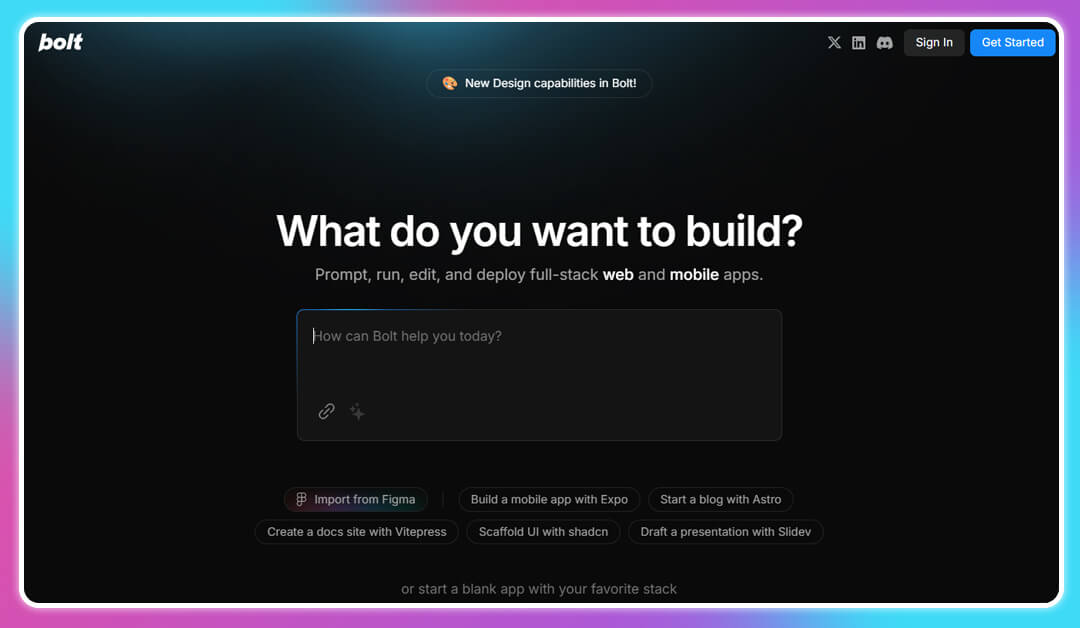
Bolt.new is an AI-powered development platform designed to let users build full-stack web and mobile applications using natural language prompts. Positioned among the most flexible vibe coding tools in 2026, it simplifies the entire software development process, from code generation to deployment, without requiring advanced programming knowledge.
Key Features:
- AI-Powered Code Generation: Converts simple prompts into structured, functional code, streamlining the development of frontend and backend logic.
- Full-Stack Capabilities: Supports everything from UI scaffolding to API and database setup, ideal for end-to-end coding efficiency.
- Token-Based Pricing: Users access features using tokens, offering flexible usage for different project sizes.
- Self-Hosted Option: Bolt can be run locally with user-owned API keys, offering more control over data privacy and infrastructure.
- Error Detection & Refactoring: Built-in AI handles debugging assistance, automated refactoring, and basic code optimization.
Pros:
- Highly Customizable: Developers can adapt the output to suit specific business logic or design patterns.
- Open-Source Flexibility: Ideal for teams with privacy concerns or who prefer hosting their own tools.
- Rapid Prototyping: Excellent for turning ideas into functioning prototypes fast, using natural language to code conversion.
- Community-Driven: The open-source model has fostered a strong user base that contributes to ongoing improvements.
Cons:
- Prompt Learning Curve: To get optimal results, users must learn how to write detailed, effective prompts.
- Token Limits: May require additional purchases for larger projects, depending on usage frequency.
- Limited Built-In Templates: Compared to more mature tools, it may require more manual setup in some workflows.
Pricing
- Free Tier: Includes basic features and limited tokens.
- Paid Plans: Start from $10/month, with options to purchase additional token bundles.
- Self-Hosting: Free to use via open-source setup, requiring your own OpenAI API key and infrastructure.
Who Should Use it for Vibe Code:
- Startup Builders: Creating MVPs or testing app ideas without a full dev team.
- Indie Developers: Looking for AI tools that offer flexibility without vendor lock-in.
- Teams with Privacy Needs: Ideal for those wanting more control over their AI-powered development environment.
- Data Scientists and Analysts: Seeking to wrap tools or datasets in a user interface quickly.
Also Read:
Top Bolt.new Alternatives
7. Claude
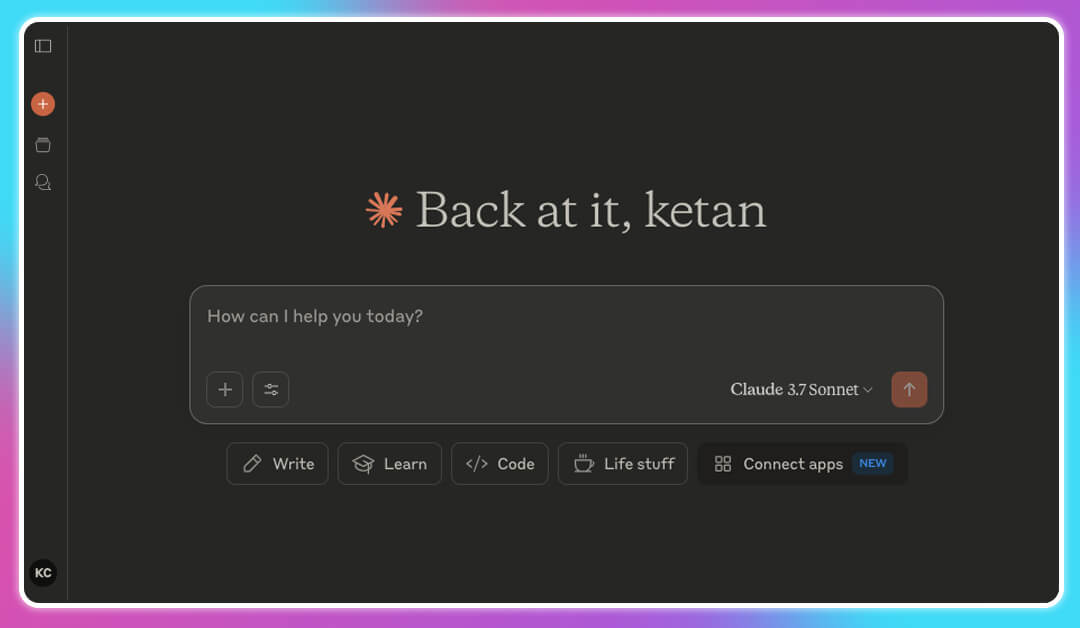
Claude, developed by Anthropic, is a cutting-edge AI assistant designed to enhance various aspects of the software development process. With its advanced natural language processing (NLP) capabilities, Claude assists developers in code generation, debugging, and understanding complex programming concepts.
Key Features:
- Agentic Coding with Claude Code: Allows developers to delegate coding tasks directly from their terminal, streamlining workflows. Helps you build AI agents.
- Hybrid Reasoning Model: Claude 3.7 Sonnet offers both rapid responses and detailed, step-by-step reasoning, enhancing problem-solving capabilities.
- Artifacts Feature: Enables real-time editing and visualization of code, improving the developer experience (DX).
- Extended Context Window: Supports up to 200,000 tokens, facilitating better understanding of large codebases.
- Multi-Platform Access: Available on web, desktop, and mobile platforms, ensuring seamless integration into various development environments.
Pros:
- Enhanced Coding Efficiency: Accelerates development by automating routine tasks with its advanced automation services. This vibing tool also provides intelligent code suggestions for faster development.
- Improved Code Quality: Assists in identifying and resolving errors, leading to fewer bugs and more robust applications.
- Versatile Tool: Suitable for a wide range of users, from beginners learning to code to experienced software engineers.
- Privacy-Focused: Offers features like “computer use” that allow for secure and controlled interactions with the development environment.
Cons:
- Learning Curve: New users may require time to fully leverage Claude’s advanced features.
- Limited Real-Time Web Access: Does not support real-time web searches, which may limit certain functionalities.
Pricing
- Free Plan: Limited usage with access to basic features.
- Pro Plan: $20/month, offering extended usage and access to advanced models.
- Team Plan: $30/month, designed for collaborative teams with additional features.
- Enterprise Plan: Custom pricing, tailored for large organizations requiring extensive capabilities.
Who Should Use it for No Code Vibe Code:
- Beginner Programmers: Looking to learn and enhance coding skills with AI assistance.
- Software Engineers: Seeking to improve productivity and code quality through intelligent tools.
- Development Teams: Aiming for seamless collaboration and efficient project management.
- Enterprises: Requiring scalable and secure AI-powered development solutions.
8. Sweep
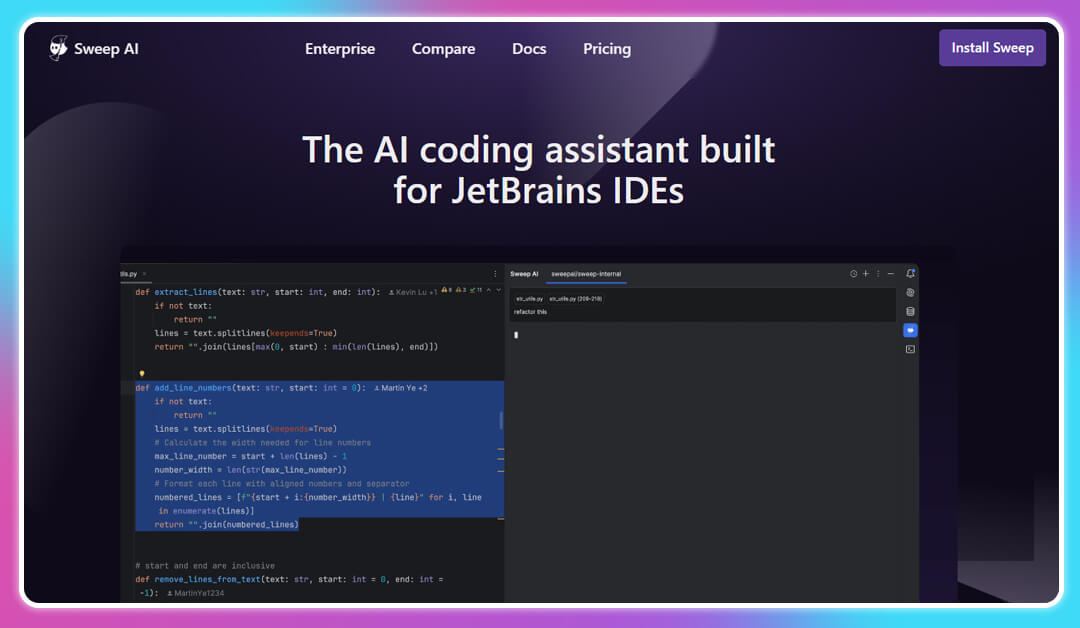
Sweep is one of the top vibe coding tools 2026. It focus on to automate code maintenance tasks, transforming bug reports and feature requests into actionable code changes. By integrating with GitHub repositories, Sweep streamlines the software development process, enhancing productivity and reducing manual effort.
Key Features:
- Automated Code Maintenance: Handles tasks like writing tests, documentation, and refactoring code, improving coding efficiency.
- GitHub Integration: Reads codebases, plans necessary modifications, and generates pull requests with proposed code alterations.
- Multi-Language Support: Compatible with various programming languages, including Python, JavaScript, Rust, Go, Java, C#, and C++.
- Real-Time Collaboration: Facilitates seamless teamwork by allowing multiple users to work together efficiently.
- Open-Source Availability: Offers both hosted and self-hosted deployment options, catering to diverse organizational needs.
Pros:
- Enhanced Developer Workflow: Automates routine tasks, allowing developers to focus on more complex aspects of development.
- Improved Code Quality: Assists in identifying and resolving errors, leading to fewer bugs and more robust applications.
- Flexible Deployment: Provides options for both hosted and self-hosted setups, ensuring adaptability to various environments.
- Community Support: Active open-source community contributes to continuous improvement and innovation.
Cons:
- Limited Integration: Primarily integrates with GitHub, which may not suit teams using other version control systems.
- Performance Cons:traints: May face challenges when handling large-scale projects or complex codebases.
Pricing
- Free Tier: Offers a basic version suitable for individuals or small teams starting out.
- Pro Tier: Starts at $20/month, providing advanced features and support for larger teams and organizations.
Who Should Use:
- Individual Developers: Looking to automate routine coding tasks and improve productivity.
- Development Teams: Seeking collaborative tools to streamline code maintenance and project management.
- Enterprises: Requiring scalable solutions for efficient code management and deployment.
9. Devin by Cognition AI
Devin is also one of the best vibe coding tools. It is developed by Cognition AI as an autonomous AI software engineer designed to handle complex development tasks. It leverages advanced natural language processing (NLP) and machine learning to assist developers in code generation, debugging, and project management.
Key Features:
- Autonomous Task Completion: Devin can independently execute development tasks, enhancing coding efficiency.
- Interactive Planning: Collaborate with Devin to scope out detailed task plans, streamlining the software development process.
- Devin IDE: A cloud-based integrated development environment that supports multiple concurrent sessions.
- Devin Search & Wiki: Tools for navigating and documenting codebases, improving developer workflow.
- API Access: Integrate Devin into existing systems for seamless automation.
Pros:
- Enhanced Productivity: Automates routine tasks, allowing developers to focus on complex problem-solving.
- Scalable Solution: Suitable for individual developers and large enterprises alike.
- Cost-Effective: Offers significant savings compared to traditional development methods.
- Continuous Learning: Devin learns over time, improving its performance and code quality.
Cons:
- Learning Curve: New users may require time to fully leverage Devin’s capabilities.
- Internet Dependency: Requires a stable internet connection for optimal performance.
Pricing
- Core Plan: Pay-as-you-go, starting at $20/month.
- Team Plan: $500/month, includes 250 Agent Compute Units (ACUs) and additional features.
- Enterprise Plan: Custom pricing, offering advanced security and support.
Who You Should Use This Vibe Coding Tool:
- Individual Developers: Seeking to automate and streamline their coding tasks.
- Development Teams: Looking for collaborative tools to enhance productivity.
- Enterprises: Requiring scalable and secure AI-powered development solutions.
10. Windsurf

Windsurf, formerly known as Codeium, is an AI-powered integrated development environment (IDE) that enhances developer productivity through intelligent code suggestions and automation. It combines the capabilities of AI pair programming with advanced code generation to streamline the software development process.
Key Features:
- AI-Powered Code Completion: Provides context-aware code suggestions, improving coding efficiency.
- Cascade Flow: Facilitates multi-file editing and debugging assistance, enhancing the developer experience (DX).
- Integrated Deployment: Allows for seamless deployment of applications directly from the IDE.
- Prompt Credits System: Utilizes a credit-based system for accessing advanced features and models.
- Cross-Platform Support: Available on Mac, Windows, and Linux, ensuring accessibility for all developers.
Pros:
- User-Friendly Interface: Designed for developers of all skill levels, simplifying complex tasks.
- Flexible Pricing: Offers various plans to cater to individual developers and large teams.
- Enhanced Collaboration: Facilitates real-time collaboration among development teams.
- Continuous Updates: Regularly updated to incorporate the latest advancements in AI coding tools.
Cons:
- Prompt Credit Limitations: Advanced features may require additional prompt credits.
- Learning Curve for Advanced Features: Users may need time to master all functionalities.
Pricing:
- Free Plan: Includes basic features and 5 prompt credits/month.
- Pro Plan: $15/month, offers 500 prompt credits/month and access to premium models.
- Teams Plan: $30/user/month, includes centralized billing and admin dashboard.
- Enterprise Plan: Starting at $60/user/month, provides role-based access control and priority support.
Who to Use This Vibe Coding Tool:
- Individual Developers: Looking for an AI-powered IDE to enhance productivity.
- Development Teams: Seeking collaborative tools to streamline workflows.
- Enterprises: Requiring scalable solutions with advanced security features.
Also Read:
Top Windsurf Alternatives
Windsurf vs Cursor: Detailed Comparison
11. GoCodeo
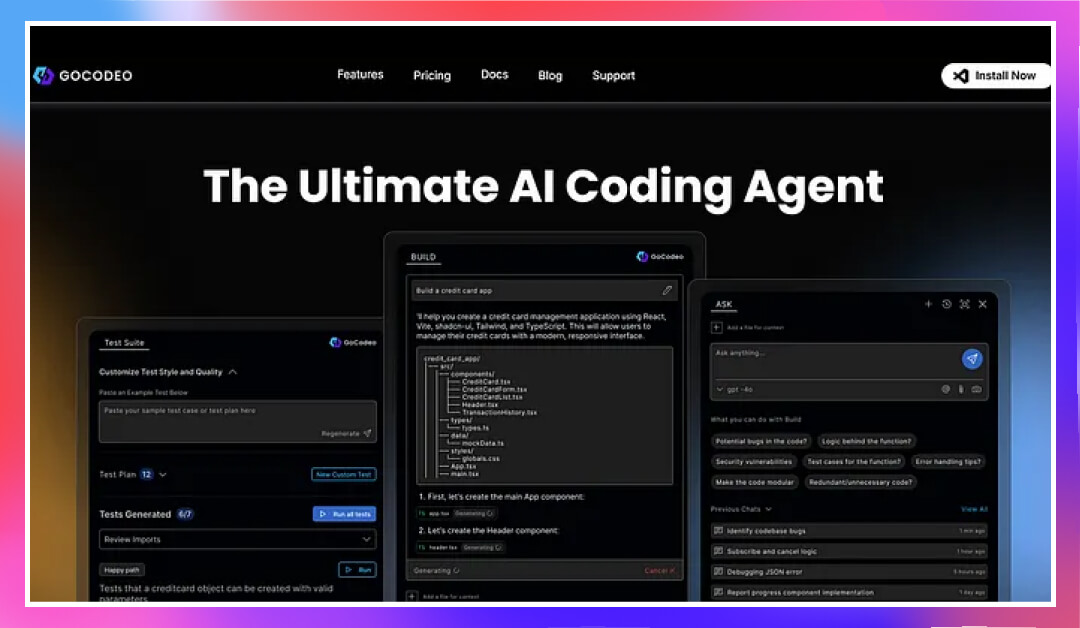
GoCodeo is an AI-powered coding agent that helps developers build full-stack apps from code to deployment in one flow. It merges real-time code generation, testing, and one-click deployment directly into the IDE.
GoCodeo streamlines project setup, coding, testing, integration, and deployment using advanced AI models. It’s ideal for AI developers looking to reduce context switching and complete projects faster.
Key Features
- BUILD: Auto-generate full project scaffolds and deploy instantly with integrated backend and hosting support.
- ASK: Chat within your IDE to query code, docs, or images, with smart CLI suggestions and debugging help.
- TEST: Generate and run unit tests in under 30 seconds, with AI-powered explanations for failures.
Pros
- All-in-one solution: coding, testing, documentation, Git handling, and deployment.
- Supports multiple languages and frameworks—from React and Django to Go.
- Seamless Git integration with automated commit and pull request creation.
Cons
- Advanced features require a subscription.
- Some capabilities are limited to specific IDEs.
- May offer less accurate suggestions in complex or niche coding scenarios.
Pricing
- Hobby (Free): 50 premium model requests, 1,000 autocompletions, 100 basic model calls, and 5 deployments per month.
- Starter ($9/month or $85/year): All Hobby features + 200 premium requests/month, 4,000 autocompletions, 50 deployments.
- Pro ($19/month or $182/year): 500 premium requests/month, unlimited autocompletions, unlimited basic model requests, and 100 deployments/month.
Who Should Use It for Vibe Coding
- Full-stack prompt engineers who want to build, test, and deploy apps efficiently.
- Solo developers are looking for an AI assistant embfgeneratedded directly in their IDE.
- Teams using modern tech stacks that value rapid prototyping and delivery.
12. v0 by Vercel
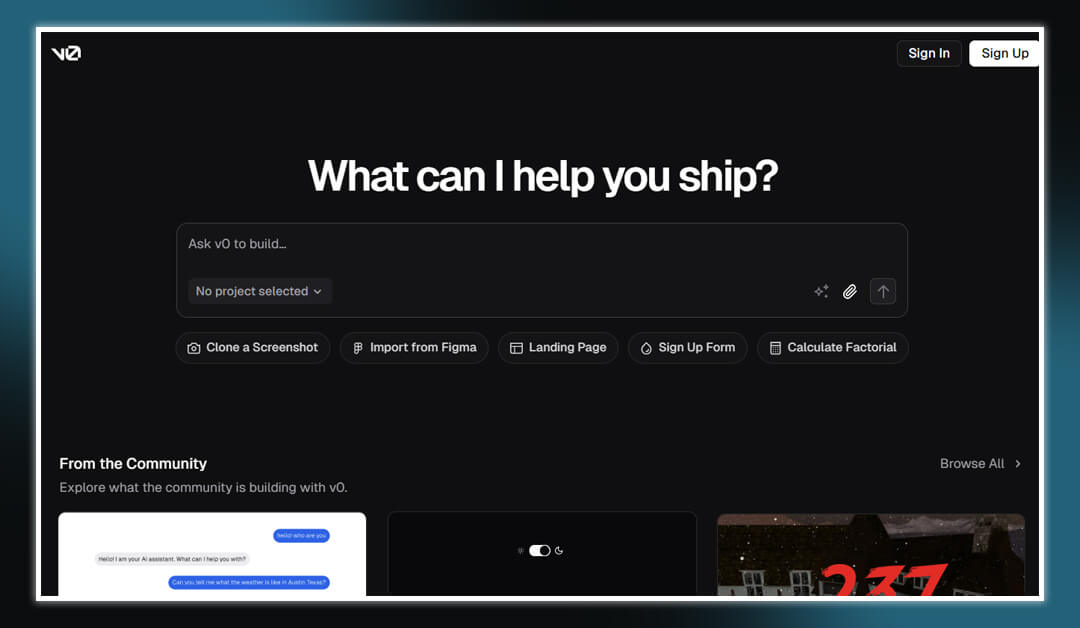
v0 by Vercel is an AI-powered UI generator vibe coding tool that transforms natural language prompts into production-ready React components. Designed for rapid prototyping, it streamlines the development process by converting design ideas into functional code.
Key Features:
- Natural Language to Code: Describe your UI in plain English, and v0 generates the corresponding React and Tailwind CSS code.
- Component Library Integration: Utilizes shadcn/ui for consistent and customizable components.
- Live Previews: Instantly preview generated components to ensure they meet design expectations.
- Export Options: Easily export code to your development environment or deploy directly with Vercel.
Pros:
- Accelerated Development: Speeds up the UI creation process, reducing time from concept to deployment.
- User-Friendly Interface: Intuitive chat-based interface lowers the barrier for non-developers.
- Responsive Design: Generates components optimized for various screen sizes.
Cons:
- Limited Backend Integration: Primarily focuses on frontend components, requiring additional setup for backend functionalities.
- Customization Constraints: May require manual adjustments for complex or highly customized designs.
Pricing:
- Free Tier: Access to basic features suitable for individual developers and small projects.
- Pro Tier: Offers advanced features and integrations for larger teams and enterprises.
Who Should Use This Vibe Coding Tool:
- Designers and Developers: Looking to quickly prototype and iterate on UI designs.
- Startups: Needing to accelerate product development cycles.
- Agencies: Aiming to deliver rapid UI solutions to clients.
13. Zed 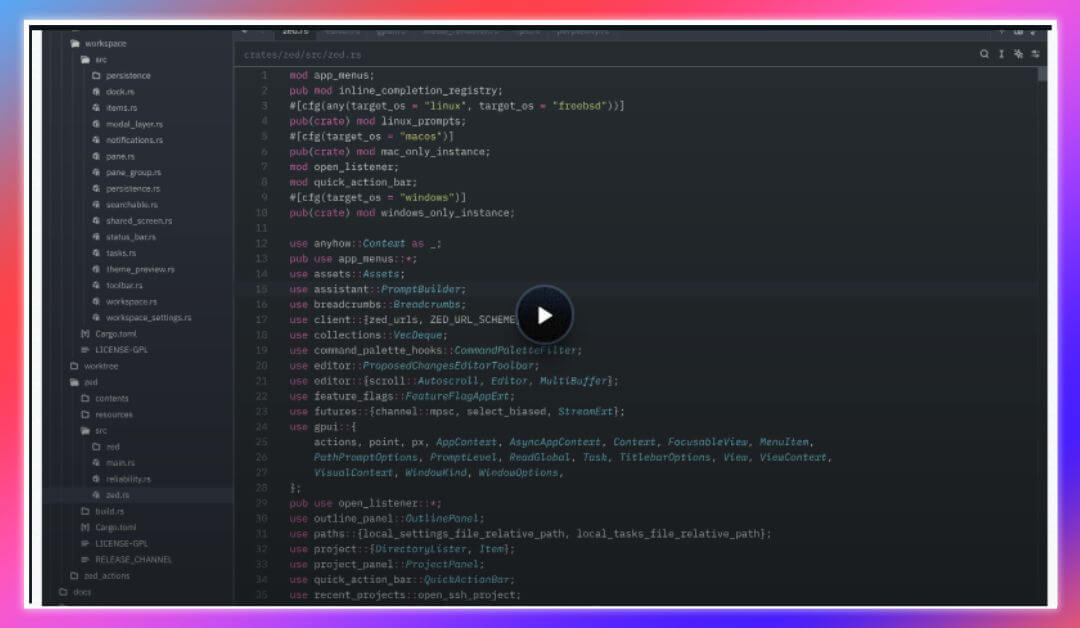
Zed is a high-performance, open-source code editor built in Rust, emphasizing speed, collaboration, and AI integration. It’s designed to enhance developer productivity through real-time collaboration and intelligent code assistance.
Key Features:
- Agentic Editing: Collaborate with AI agents to generate, transform, and analyze code within the editor.
- Multiplayer Collaboration: Real-time code sharing and editing with team members.
- Integrated Terminal: Built-in terminal and task runner streamline development workflows.
- Multi-Language Support: Supports various programming languages via Tree-sitter and Language Server Protocol.
- Vim Mode: Offers modal editing for users accustomed to Vim keybindings.
Pros:
- Lightning-Fast Performance: Optimized for speed, ensuring minimal latency during coding sessions.
- Seamless Collaboration: Facilitates pair programming and team collaboration without external tools.
- AI-Powered Assistance: Integrates AI to predict and assist with code edits.
Cons:
- Limited Plugin Ecosystem: Being relatively new, it has fewer extensions compared to established editors.
- Learning Curve: Users transitioning from other editors may need time to adapt to Zed’s interface and features.
Pricing:
- Free and Open Source: Available for download and use without any licensing fees.
Who Should Use:
- Developers: Seeking a fast, collaborative, and AI-integrated coding environment.
- Teams: Looking for real-time collaboration tools within their code editor.
- Open-Source Enthusiasts: Interested in contributing to and using community-driven software.
14. Continue
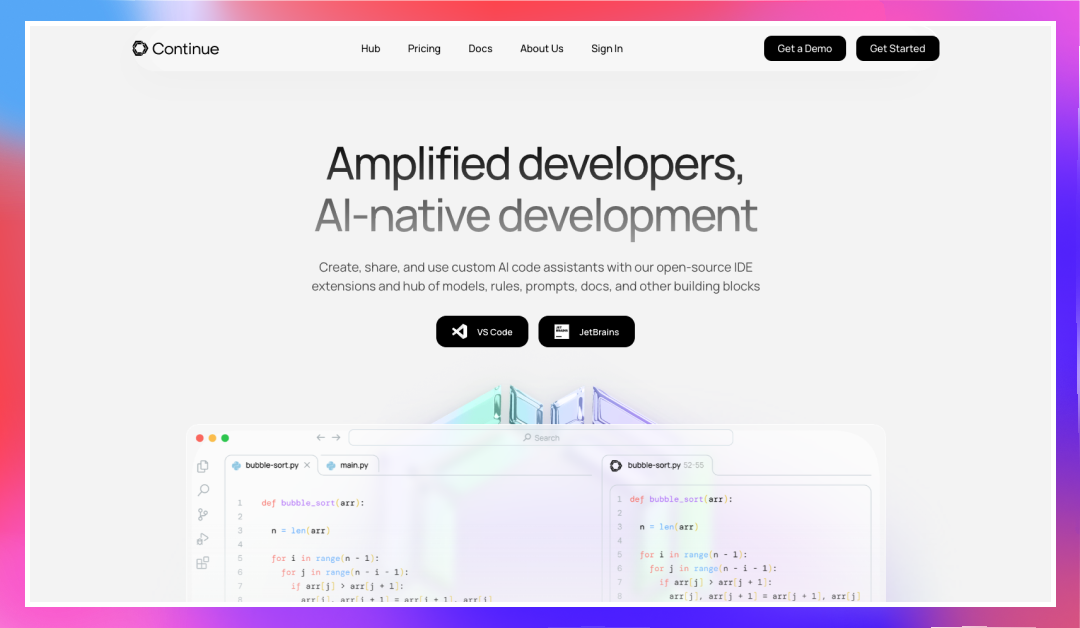
Continue is an open-source AI coding assistant that integrates with popular IDEs like VS Code and JetBrains. It empowers developers to create, share, and utilize custom AI code assistants tailored to their specific workflows.
Key Features:
- Custom AI Assistants: Build and deploy personalized AI models to assist with coding tasks.
- IDE Integration: Seamlessly integrates with VS Code and JetBrains IDEs for in-editor assistance.
- Autocomplete and Refactoring: Provides intelligent code suggestions and refactoring options.
- Contextual Chat: Engage in conversations with AI to understand and improve codebases.
Pros:
- Tailored Assistance: Customize AI behavior to align with project-specific requirements.
- Enhanced Productivity: Streamlines coding tasks, reducing manual effort and errors.
- Community Support: Active open-source community contributes to continuous improvement.
Cons:
- Setup Complexity: Initial configuration may require a learning curve for new users.
- Resource Intensive: Running custom AI models can be demanding on system resources.
Pricing:
- Free and Open Source: Available for use without any licensing costs.
Who Should Consider Use This Vibe Code Tool:
- Developers: Looking to enhance their coding experience with AI assistance.
- Teams: Aiming to standardize coding practices through custom AI models.
- Organizations: Seeking to integrate AI into their development workflows for increased efficiency.
15. Aider

Aider is an AI-powered pair programming vibe coding tool that operates directly within your terminal. It assists developers by integrating with various large language models (LLMs) to streamline coding tasks.
Key Features:
- Terminal-Based Interaction: Engage with Aider directly in your terminal for a seamless coding experience.
- LLM Integration: Supports multiple LLMs, including Claude 3.7 Sonnet, DeepSeek R1, and GPT-4o, allowing flexibility in AI assistance.
- Codebase Mapping: Automatically maps your entire codebase, facilitating efficient navigation and modification.
- Multi-Language Support: Compatible with over 100 programming languages, including Python, JavaScript, Rust, Go, Java, C#, and C++.
- Git Integration: Integrates with Git to manage version control and track changes effectively.
Pros:
- Enhanced Productivity: Automates routine coding tasks, allowing developers to focus on complex problem-solving.
- Flexible Model Support: Offers compatibility with various LLMs, providing options based on project needs.
- Open-Source: Being open-source, it encourages community contributions and transparency.
Cons:
- Learning Curve: Requires familiarity with terminal operations, which might be challenging for beginners.
- Resource Intensive: Running multiple LLMs can be demanding on system resources.
Pricing:
- Free and Open Source: Available for use without any licensing costs.
Who Should Explore This Vibe Coding Tool:
- Experienced Developers: Comfortable with terminal-based workflows and seeking AI assistance.
- Teams: Looking to integrate AI into their development processes for increased efficiency.
- Open-Source Enthusiasts: Interested in contributing to and using community-driven software.
16. Cody by Sourcegraph
Cody is an AI coding assistant developed by Sourcegraph, designed to understand and navigate large codebases efficiently. It leverages Sourcegraph’s code graph to provide context-aware code suggestions and explanations.
Key Features:
- Codebase Awareness: Utilizes Sourcegraph’s code graph to comprehend the structure and dependencies within your codebase.
- Contextual Assistance: Provides code completions, explanations, and refactoring suggestions based on the surrounding code.
- IDE Integration: Seamlessly integrates with popular IDEs, enhancing the development workflow.
- Multi-Language Support: Supports various programming languages, catering to diverse development needs.
Pros:
- Deep Code Understanding: Offers insights by analyzing the entire codebase, improving code quality and consistency.
- Enhanced Collaboration: Facilitates team collaboration by providing shared understanding and documentation.
- Scalability: Designed to handle large and complex codebases effectively.
Cons:
- Setup Complexity: Initial configuration may require integration with Sourcegraph’s infrastructure.
- Resource Usage: Analyzing extensive codebases can be resource-intensive.
Pricing:
- Free Plan: Offers basic features suitable for individual developers.
- Enterprise Plan: Provides advanced features and support for larger teams and organizations.
Who Should Use:
- Development Teams: Managing large codebases and seeking AI assistance for code navigation and understanding.
- Organizations: Looking to improve code quality and team collaboration through AI-powered tools.
- Developers: Interested in integrating AI into their development workflow for enhanced productivity.
17. Tempo by Tempo Labs
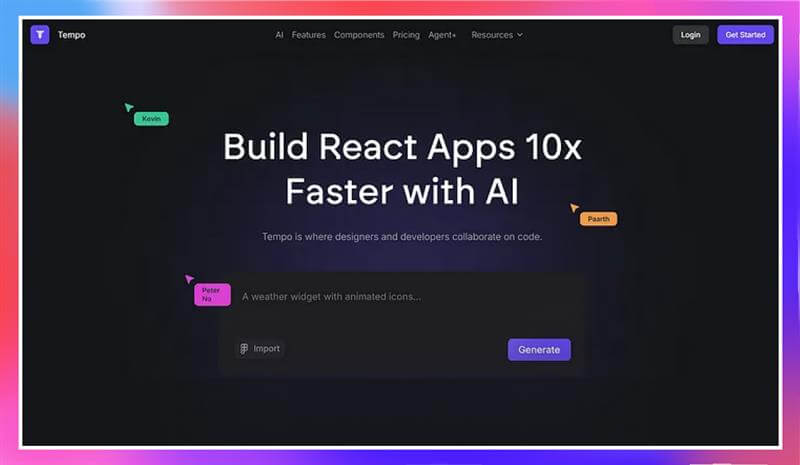
Tempo is a visual development tool designed to speed up React-based UI creation. It combines a drag-and-drop editor with AI-powered coding support, making it ideal for designers and developers working together on modern web apps.
Key Features
- Visual React Editor: Build layouts visually while Tempo writes the actual React code.
- Design System Integration: Sync with Storybook or create and manage your own component libraries.
- AI Chat: Ask for code suggestions, styling tweaks, or performance improvements directly within the tool.
- Git and VS Code Sync: Push changes to GitHub or edit further in your favorite IDE.
Pros:
- Accelerates React UI development significantly.
- Encourages real-time collaboration between design and engineering.
- Reduces handoffs and manual coding for layout and styling.
Cons:
- Limited to frontend workflows.
- Free plan includes daily usage limits.
- Some advanced features are only available in higher plans.
Pricing:
- Free: Limited prompts and access to standard AI features.
- Pro ($20 to $30 per month): Includes GPT-4 or Claude access, increased limits, and collaboration tools.
- Agent+ ($4,000 per month): Premium plan with human-in-the-loop code reviews, guaranteed delivery windows, and unlimited revisions.
Who Should Use This Vibe Coding Tool:
- Frontend developers working with React.
- Designers who want to contribute directly to production code.
- Startups needing fast, production-ready UI without a large dev team.
18. Lazy AI
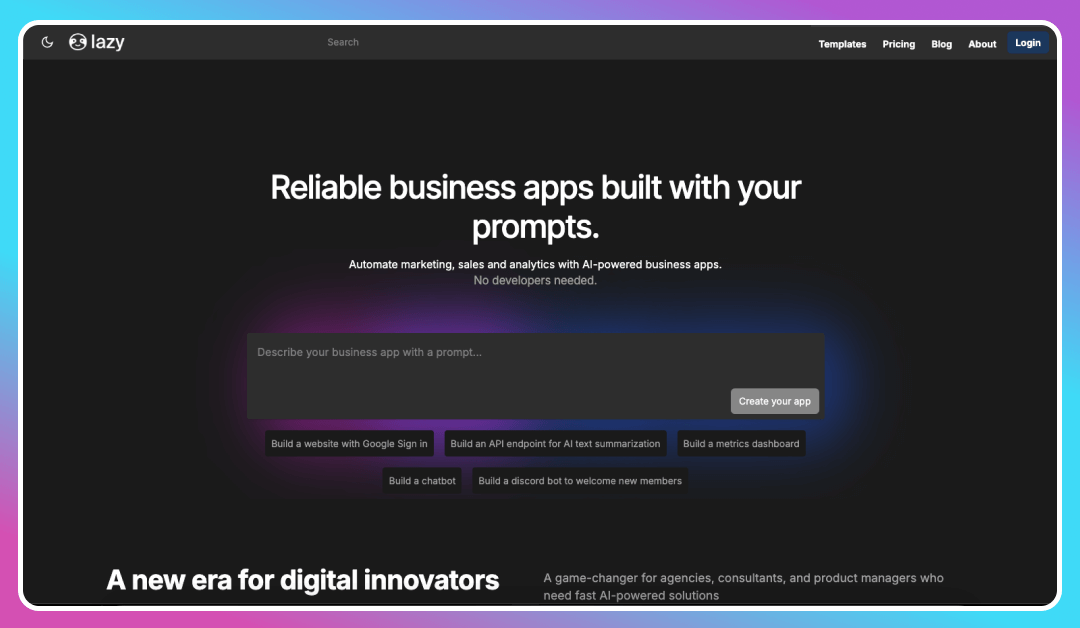
Lazy AI is a no-code platform that enables users to build full-stack applications using natural language prompts. It automates the development process, allowing rapid prototyping and deployment without traditional coding.
Key Features:
- Natural Language Processing: Transforms user prompts into functional applications, handling frontend, backend, and database configurations.
- Pre-Built Templates: Offers a variety of templates for common applications, accelerating development.
- Integration Capabilities: Seamlessly integrates with tools like Google Workspace, CRMs, and analytics platforms.
- AI-Powered Automation: Automates workflows for marketing, sales, and operations, enhancing business efficiency.
Pros:
- User-Friendly: Designed for users without coding experience, making application development accessible.
- Rapid Deployment: Enables quick launch of applications, reducing time-to-market.
- Cost-Effective: Eliminates the need for extensive development resources, lowering operational costs.
Cons:
- Limited Customization: May not offer the flexibility required for highly specialized applications.
- Scalability Constraints: Best suited for small to medium-sized projects; complex applications may face limitations.
Pricing:
- Freemium Model: Offers basic features for free, with premium plans available for advanced functionalities.
Who Should Use:
- Entrepreneurs: Looking to prototype and launch applications quickly without technical expertise.
- Small Businesses: Seeking to automate operations and improve efficiency through custom applications.
- Non-Technical Users: Interested in developing applications without learning to code.
19. Fine.dev
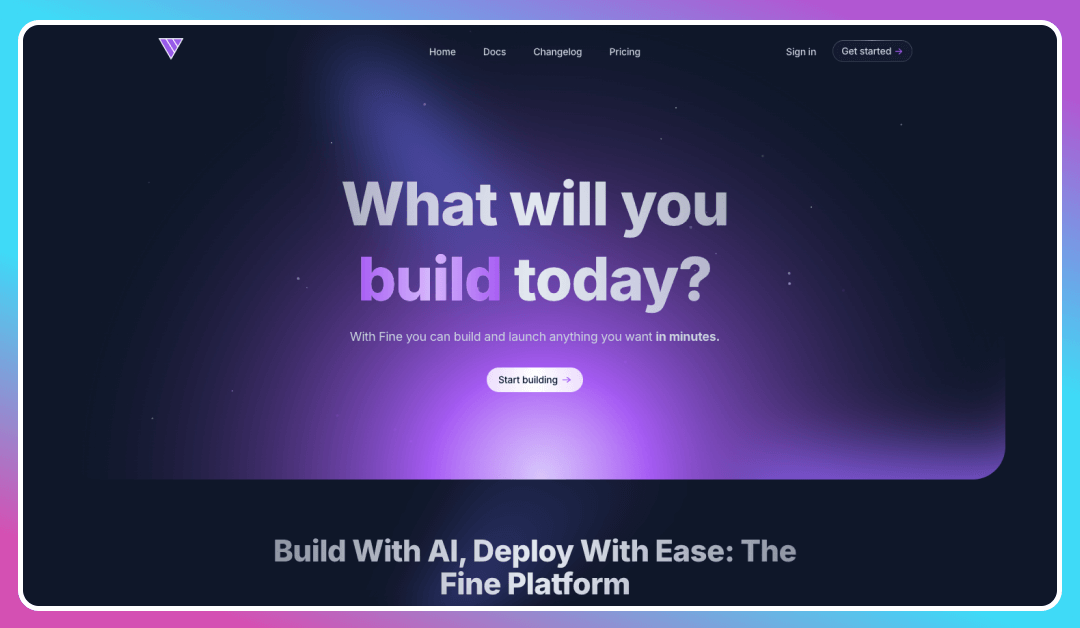
Fine.dev is an AI-powered development platform designed to help developers build and deploy production-ready applications swiftly. It combines AI coding agents with integrated backend services to streamline the development process.
Key Features:
- AI Coding Agent: Utilizes large language models to write, understand, and edit code, enhancing developer productivity.
- Full-Stack Development: Provides a comprehensive platform with built-in hosting, backend, and deployment services.
- Rapid Prototyping: Enables users to ship production-ready apps in a weekend, accelerating the development cycle.
- Integrated Services: Offers authentication, database, and backend functions out-of-the-box, reducing setup time.
Pros:
- Accelerated Development: Speeds up the process from idea to deployment, allowing for quick iteration.
- Comprehensive Platform: Combines multiple development tools into a single platform, simplifying the workflow.
- User-Friendly: Designed for developers of all levels, making it accessible and easy to use.
Cons:
- Learning Curve: New users may require time to familiarize themselves with the platform’s features.
- Limited Customization: May not offer the flexibility needed for highly specialized applications.
Pricing:
- Free Tier: Offers basic features suitable for individuals and small projects.
- Pro Tier: Provides advanced features and support for larger teams and organizations.
Who Should Use This No Code Tool:
- Startup Founders: Looking to rapidly develop and deploy applications.
- Developers: Seeking an integrated platform to streamline their development workflow.
- Teams: Aiming to enhance collaboration and productivity through AI-powered tools.
20. Apidog MCP Server
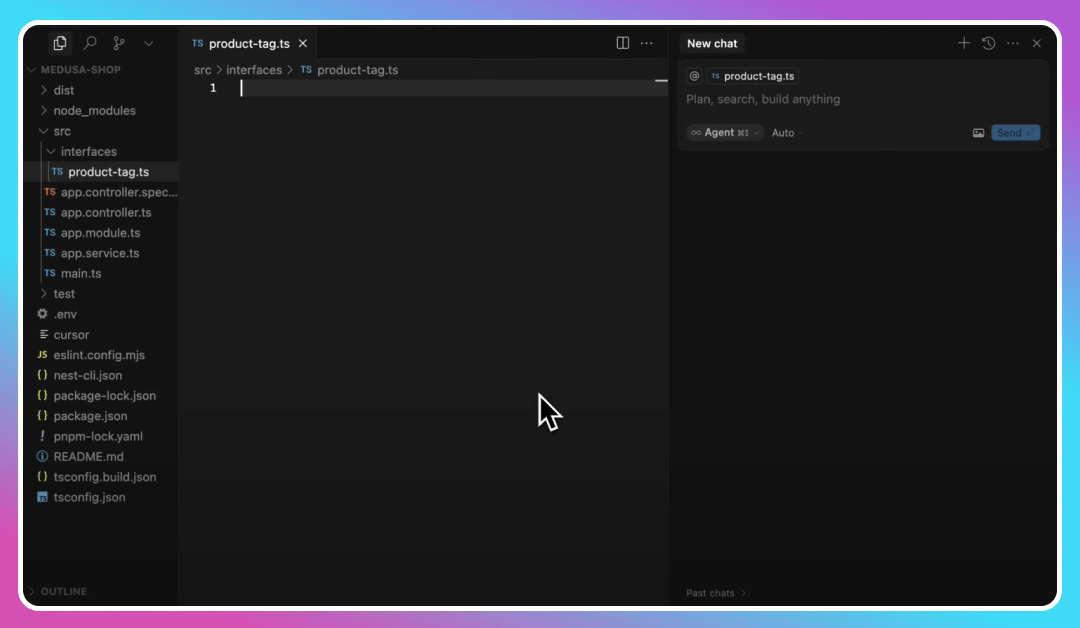
Apidog MCP Server is a tool that integrates API documentation from Apidog projects into AI-powered IDEs like Cursor, enabling developers to enhance their workflow by generating or modifying code, searching through documentation, and more.
Key Features:
- API Specification Integration: Allows AI assistants to access and utilize API specifications directly, streamlining development.
- Code Generation: Enables the generation or modification of code based on API specifications.
- Documentation Search: Facilitates searching through API documentation, improving efficiency.
- Local Caching: Automatically reads and caches API documentation data locally for seamless access.
Pros:
- Enhanced Workflow: Improves development speed by integrating API documentation into the coding environment.
- AI-Powered Assistance: Leverages AI to provide intelligent code suggestions and modifications.
- Seamless Integration: Works with popular IDEs, enhancing the existing development setup.
Cons:
- Beta Version: Currently in beta testing, which may include limited features or occasional bugs.
- Setup Complexity: Initial configuration may require technical expertise.
Pricing:
- Free: Available for use without any licensing costs.
Who Should Use This Vibe Code Tool:
- API Developers: Looking to streamline their development process through AI integration.
- Teams: Aiming to improve collaboration and efficiency in API development.
- Organizations: Seeking to enhance their development workflow with AI-powered tools.
21. Tempo
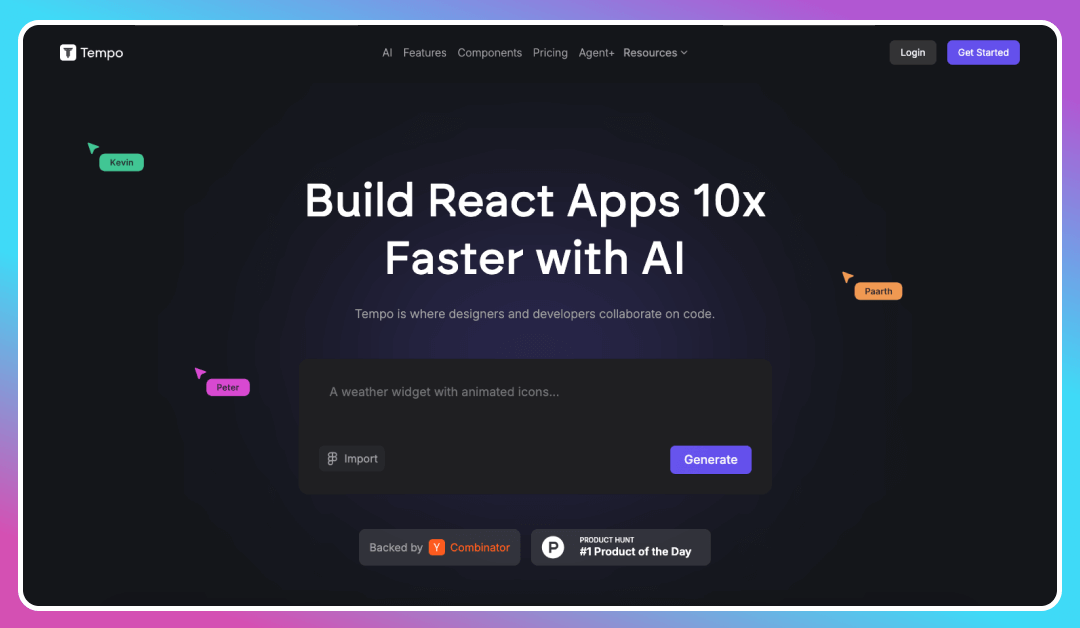
Tempo is an AI-powered design tool that enables developers and designers to collaborate seamlessly, generating and editing high-quality React code directly within the codebase.
Key Features:
- Visual Code Editing: Allows for visual editing of style and layout code, facilitating design and development collaboration.
- AI-Powered Code Generation: Generates high-quality React code based on user prompts, accelerating UI development.
- Component Library: Provides a built-in library of React components, simplifying the design process.
- Integration with VSCode: Seamlessly integrates with VSCode, allowing developers to edit code using their preferred tools.
Pros:
- Enhanced Collaboration: Bridges the gap between designers and developers, improving workflow efficiency.
- Rapid UI Development: Speeds up the creation of user interfaces, reducing time-to-market.
- User-Friendly Interface: Offers an intuitive platform for both designers and developers.
Cons:
- Limited to React: Primarily focuses on React codebases, which may not suit projects using other frameworks.
- Learning Curve: Users unfamiliar with visual code editing may require time to adapt.
Pricing:
- Freemium Model: Offers basic features for free, with premium plans available for advanced functionalities.
Who Should Use:
- Designers and Developers: Looking to collaborate more effectively on React projects.
- Teams: Aiming to streamline their UI development process.
- Organizations: Seeking to enhance their design and development workflow through AI-powered tools.
22. Softgen
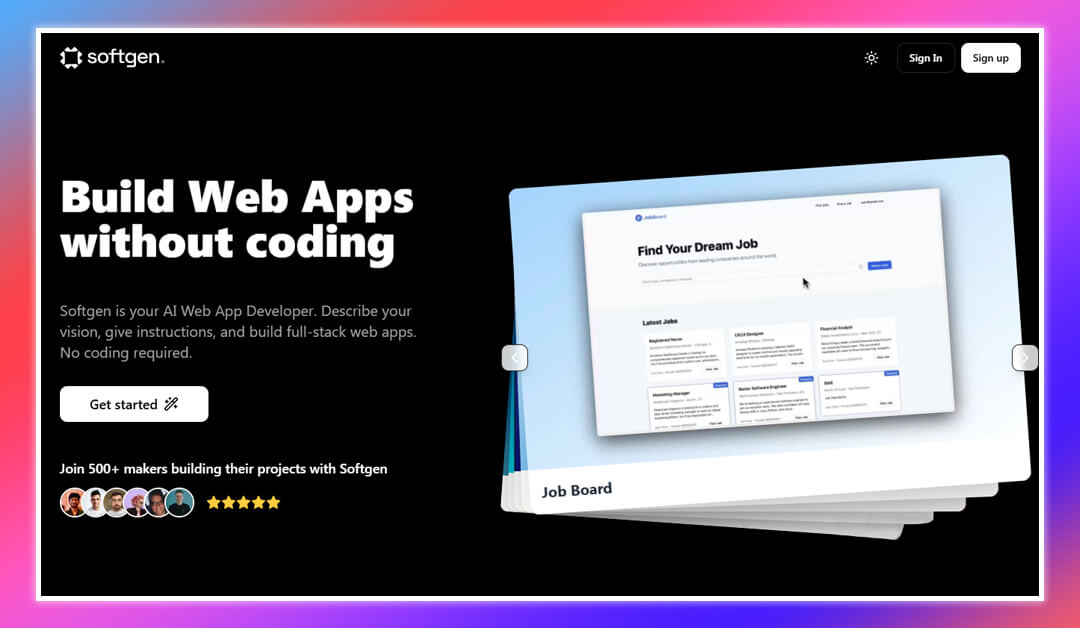
Softgen is an AI-powered web app builder that allows users to create full-stack applications without coding. It transforms natural language instructions into production-ready code using Firebase and Next.js.
Key Features:
- No-Code Development: Enables users to build web applications by simply describing their ideas in natural language.
- Full-Stack Generation: Utilizes Next.js and Firebase to create both frontend and backend components.
- Rapid Prototyping: Allows for the development of a minimum viable product (MVP) in approximately 20 minutes.
- Integrated Services: Incorporates services like Resend for emails, Stripe and LemonSqueezy for payments, and Firebase for authentication and databases.
Pros:
- User-Friendly: Designed for users without coding experience, making application development accessible.
- Quick Deployment: Facilitates rapid launch of applications, reducing development time.
- Comprehensive Integration: Offers a range of integrated services to enhance application functionality.
Cons:
- Customization Limitations: May not offer the flexibility required for highly specialized applications.
- Scalability Constraints: Best suited for small to medium-sized projects; complex applications may face limitations.
Pricing:
- Freemium Model: Offers basic features for free, with premium plans available for advanced functionalities.
Who Should Use This Vibe Coding Tool:
- Entrepreneurs: Looking to prototype and launch applications quickly without technical expertise.
- Small Businesses: Seeking to automate operations and improve efficiency through custom applications.
- Non-Technical Users: Interested in developing applications without learning to code.
23. bolt.diy
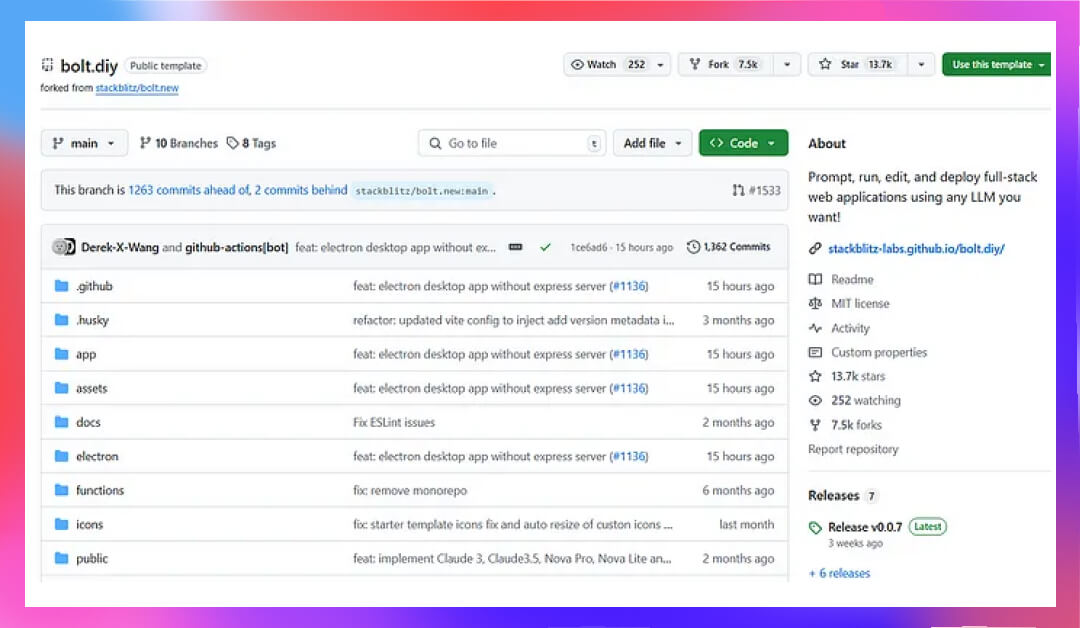
bolt.diy is an open-source, browser-based AI coding assistant that helps developers build full-stack web apps using multiple LLMs. It gives you control over which model to use for each coding task, offering unmatched flexibility for experimentation and prototyping.
Key Features
- Multi LLM Support: Choose between OpenAI, Claude, Mistral, Groq, Gemini, and others in real-time.
- Browser IDE: Code, prompt, preview, and run commands directly from the browser.
- Version Control: Download ZIPs, restore previous states, and integrate with GitHub.
- Local Deployment: Run and test projects locally with built-in container support.
Pros
- 100% open source and customizable.
- No installation or setup required.
- Works with a wide variety of AI models in one interface.
Cons
- Primarily focused on frontend use cases.
- Backend automation is limited.
- Lacks enterprise-level deployment tools.
Pricing
- Free to use for all users.
- Can be self-hosted or accessed through a community-hosted instance.
Who Should Use It for Vibe Coding:
- Developers exploring and comparing different AI models.
- Creators looking to prototype frontend projects quickly.
- Users who prefer open-source tools with no vendor lock-in.
How to Choose the Right Vibe Coding Tool for Your Needs
With so many AI-powered development tools available in 2026, finding the right one isn’t just about popularity. It’s about finding a match for your goals, your coding style, and your team’s workflow. The right vibe coding tool should feel like an extension of how you build, not something you have to work around.
Use these key criteria to guide your decision:
Consider Your Use Case / Project Goals
Are you building a quick prototype or launching a full-scale product? Tools like Devin are built for complex project automation, while something like Lovable is ideal for MVPs. Match your choice to your development goals, whether that’s faster development, reduced bugs, or improved team collaboration.
Assess Your Technical Skills / Learning Curve
Not all tools are equally beginner-friendly. Replit and Claude make it easy for new developers to get started with natural language to code conversion. On the other hand, platforms like Windsurf offer powerful features that may take time to master but pay off in long-term developer productivity.
Evaluate Language and Framework Support
Make sure the tool supports the programming languages and frameworks your project relies on. Some tools focus heavily on JavaScript and Python, while others are expanding into C++, Go, or Rust. The more flexible the language support, the more scalable your solution becomes.
Look at Integration Capabilities
Your software development process likely depends on specific tools and workflows. A strong vibe coding platform should integrate with your existing stack, like GitHub, Supabase, or deployment tools. Cursor and Sweep stand out here, offering deep integration with popular code repositories and project management tools.
Determine Your Budget
Pricing models vary, from free tiers with limits to pro plans with high-volume compute. If you’re experimenting, tools like Bolt.new with free self-hosted options might suit you. For teams, look for productivity tools with clear, scalable pricing like GitHub Copilot or Windsurf.
Prioritize Must-Have Features
Some developers need smart code completion and syntax analysis, while others look for full-stack capabilities or real-time collaboration. List out your must-haves, like debugging assistance, code optimization, or test case generation, and evaluate which tools check those boxes.
Choosing the right tool isn’t about picking the most advanced option, it’s about picking the one that helps you build better, faster, and more confidently. Start by understanding your needs, and the right solution will stand out.
What are the Challenges and Solutions of Implementing Vibe Coding in Software Development?
Vibe coding where developers use natural language to generate code with AI—is reshaping software development. But while the technology is powerful, adopting it comes with real-world challenges. Below, we explore those pain points—and how to solve them.
1. Code Quality Isn’t Always Consistent
The Challenge:
AI can generate code that works—but not necessarily code that’s efficient, clean, or aligned with your team’s standards. You may end up with logic that functions short-term but causes long-term maintenance issues.
The Solution:
Treat AI output as a draft. Always review it for performance, readability, and alignment with your architecture. Use linters, formatters, and peer reviews to maintain quality.
2. Debugging AI-Generated Code Can Be Tough
The Challenge:
When you didn’t write the logic, debugging becomes harder. Understanding and fixing AI-written code takes time—especially without proper comments or traceability.
The Solution:
Ensure robust logging, write clear test cases, and keep AI-generated code modular. If something breaks, you’ll isolate the problem faster.
3. Complex or Novel Tasks Confuse AI
The Challenge:
AI works best when tasks follow familiar patterns. It struggles with unique logic, unconventional architectures, or domain-specific challenges.
The Solution:
Use AI for routine or boilerplate code, but tackle complex logic yourself. When needed, break big problems into smaller prompts the AI can better handle.
4. Security Risks Are Real
The Challenge:
AI may generate insecure code or suggest patterns that ignore best practices. If you’re using cloud-based tools, you also risk exposing sensitive code to third parties.
The Solution:
Run all code through security audits. Use local or on-premise AI tools when handling proprietary data. Never skip manual security reviews—especially before production.
What Is the Future of Vibe Coding Tools?
Vibe coding tools are still evolving—but their trajectory is clear: more power, more integration, and wider adoption. What started as a niche for early adopters is fast becoming a core part of the modern developer’s workflow.
Here’s where these tools are headed next:
1. Deeper Integration Into the Dev Stack
Vibe coding won’t live in isolation. It’s moving closer to the heart of the software development process. Expect tighter integration with:
- Version control (like Git)
- CI/CD pipelines
- Cloud infrastructure
- DevOps toolchains
AI will not only write code but it will also deploy, monitor, and optimize it.
2. Multi-Agent Collaboration
Today’s AI tools act mostly as solo assistants. The future? Teams of AI agents, each specializing in tasks like testing, documentation, debugging, and optimization, all coordinated by the human developer.
Think of it as a squad of virtual engineers, each trained for specific jobs.
3. Domain-Specific Intelligence
General-purpose AI is powerful but limited. The next wave will feature domain-trained vibe coding tools for industries like:
- Healthcare (HIPAA-compliant logic)
- Finance (secure transaction flows)
- Game development (real-time physics and rendering logic)
These tools will understand not just code, but the rules of your domain.
4. More Natural Interactions
Typing prompts into a chat is just the beginning. Soon, developers will:
- Talk to their IDEs via voice commands
- Draw UIs that AI instantly transforms into code
- Use visual flow diagrams to architect full apps
The boundary between idea and implementation will all but disappear.
5. Responsible AI Becomes a Priority
As vibe coding tools grow in power, ethics and security will take center stage. We’ll see more:
- Open-source LLMs you can host locally
- Built-in tools to scan for insecure or biased code
- Clear audit trails for AI-generated logic
Developers will demand transparency and control.
Conclusion
Top vibe coding tools are reshaping how software is built in 2026. By combining AI, automation, and natural language processing, these platforms are helping developers code faster, improve accuracy, and focus more on creativity than syntax. From solo creators to enterprise teams, the shift toward AI-powered development is clear, and it’s accelerating.
But there’s no one-size-fits-all solution. The right tool depends on your goals, coding experience, and project scale. Some tools are better for quick prototypes, others excel at large-scale systems. Whether you prioritize collaboration, customization, or just speed, your ideal choice comes down to what fits your workflow best.
Looking ahead, vibe coding will likely become the default rather than the exception. As AI continues to evolve, expect deeper integrations, smarter assistants, and more intuitive development environments. Choosing the right tool today sets the stage for building smarter, faster, and with more confidence tomorrow.
Vibe coding is a modern approach to software development where the process is driven by natural interaction (chatting) with AI-powered tools.
Instead of writing every line of code manually, developers use intuitive prompts, suggestions, and real-time collaboration with AI assistants to shape their code.
It’s all about coding with feel, rhythm, and flow, where creativity and technology blend seamlessly. The goal is to remove friction, save time, and unlock new levels of productivity, whether you’re building something from scratch or refining an existing project.
The top vibe coding tools in include:
1. Vitara
2. Lovable
3. GitHub Copilot
4. Cursor
5. Replit
6. Bolt.new
7. Claude
8. Sweep
9. Devin by Cognition AI
10. Windsurf
11. GoCodeo
12. v0 by Vercel
13. Zed
14. Continue
15. Aider
16. Cody by Sourcegraph
17. Tempo by Tempo Labs
18. Lazy AI
19. Fine.dev
20. Apidog MCP Server
21. Tempo
22. Softgen
23. bolt.diy
Traditional code editors and IDEs are focused on manual programming. They offer features like syntax highlighting, error checking, and version control support.
AI tools for vibe coding, on the other hand, take things a step further. They use advanced AI to understand the context of your project, suggest meaningful code completions, debug issues, generate boilerplate code, and even explain existing code.
These tools act more like collaborators than just static environments. It’s not just about writing code , it’s about co-creating it with intelligent systems that evolve with you.
Yes, AI tools used in vibe coding can be a great fit for beginners. They make it easier to get started by offering real-time suggestions, contextual explanations, and automated coding assistance. This helps new developers focus more on learning logic and structure rather than getting stuck on syntax or boilerplate.
No, AI-powered tools for vibe coding are not here to replace developers. They’re here to assist. These tools can handle repetitive tasks, offer smart code suggestions, and speed up development, but they still rely heavily on human guidance.
When using best tools for vibe coding, especially those powered by AI and cloud-based platforms, privacy and security are essential.
Developers should be aware of what data is being sent to third-party servers, how that data is stored, and who has access to it. Sensitive code, proprietary logic, and API keys should be protected or avoided in AI prompts unless proper safeguards are in place.
It’s also wise to check if the tool complies with data regulations like GDPR or HIPAA, depending on the project’s needs.
Most vibe coding AI tools are designed to support popular languages like JavaScript, Python, Java, TypeScript, and HTML/CSS. Many of them also work well with major frameworks such as React, Node.js, and Django.
However, not all tools support every language or framework equally. Some are optimized for frontend development, while others shine in backend or full-stack projects.
It’s best to review the tool’s documentation to see if it aligns with the specific technologies being used in a project.
AI tools forVibe coding have made impressive strides in generating accurate and relevant code, especially for common patterns and tasks. Their reliability depends on how well they understand the context of the project. When integrated properly, they can provide highly useful snippets, detect potential bugs, and even generate tests.
However, they’re not perfect. Developers should always review suggestions before integrating them into production. Over time, as AI models continue to evolve, accuracy is expected to improve significantly.
The cost of top vibe coding tools can vary widely depending on the features, usage level, and whether you’re working solo or in a team.
Many tools offer a free tier with basic features, which is great for individuals or those exploring the platform.
For advanced capabilities like enterprise integrations, priority support, or more AI requests, pricing usually starts from $10 to $50 per month. Some tools also follow pay-as-you-go or usage-based pricing models, which scale with your development needs.
Most platforms/tools for vibe coding are designed to blend seamlessly into modern workflows. They typically offer plugins or built-in support for popular IDEs like VS Code, JetBrains, and web-based editors.
Integration with version control systems like Git is a key feature, many tools can fetch repository context, suggest commits, create pull requests, and even analyze Git issues to provide coding solutions. This makes it easy for teams to adopt vibe coding without disrupting their existing process.
While tools built for vibe coding are powerful, they’re not without limitations. Over-reliance can lead to a shallow understanding of core programming concepts, especially for newer developers. AI-generated code can sometimes be incorrect or inefficient, and debugging AI suggestions may require more time if not reviewed carefully.
Vibe coding is set to become more intuitive, personalized, and deeply embedded in the software development lifecycle.
we can expect tools to better understand project goals, user intent, and broader context. Natural language inputs will get even more precise, and real-time collaboration with AI agents will become smoother. Integration with design systems, testing frameworks, and cloud platforms will also improve. Ultimately, vibe coding is moving toward becoming a default part of the development toolkit , not just an enhancement.