AI Workflow Automation: Tools, Benefits, Use Cases, Implementation
Key Takeaways
- AI workflow automation replaces repetitive tasks with adaptive, learning systems that make real-time decisions across teams.
- It uses machine learning, NLP, RPA, and intelligent document processing to understand data and automate actions beyond rule-based workflows.
- Organizations benefit from faster execution, reduced costs, fewer errors, and improved employee and customer experiences.
- AI-driven workflows enhance HR, finance, sales, IT, support, logistics, and compliance operations with smarter automation.
- Success depends on clear goals, the right tools, strong integrations, and effective change management to scale automation confidently.
Are your teams drowning in repetitive tasks and endless data entry? You’re not alone. In today’s fast-paced business world, the pressure to deliver faster, smarter, and at scale is relentless. But what if you could automate the busywork and free your people to focus on innovation?
That’s where AI workflow automation services steps in. Unlike traditional automation, which simply follows rules, AI-powered systems think, adapt, and improve as they go. They streamline complex processes, reduce errors, and help your business respond in real time without burning out your teams.
In this guide, you’ll learn what AI workflow automation is, how it works, the benefits it brings, and how companies like yours are already using it to boost productivity. Whether you’re a business leader, operations manager, or IT pro, this article will help you understand how to get started and stay ahead.

What is AI Workflow Automation?
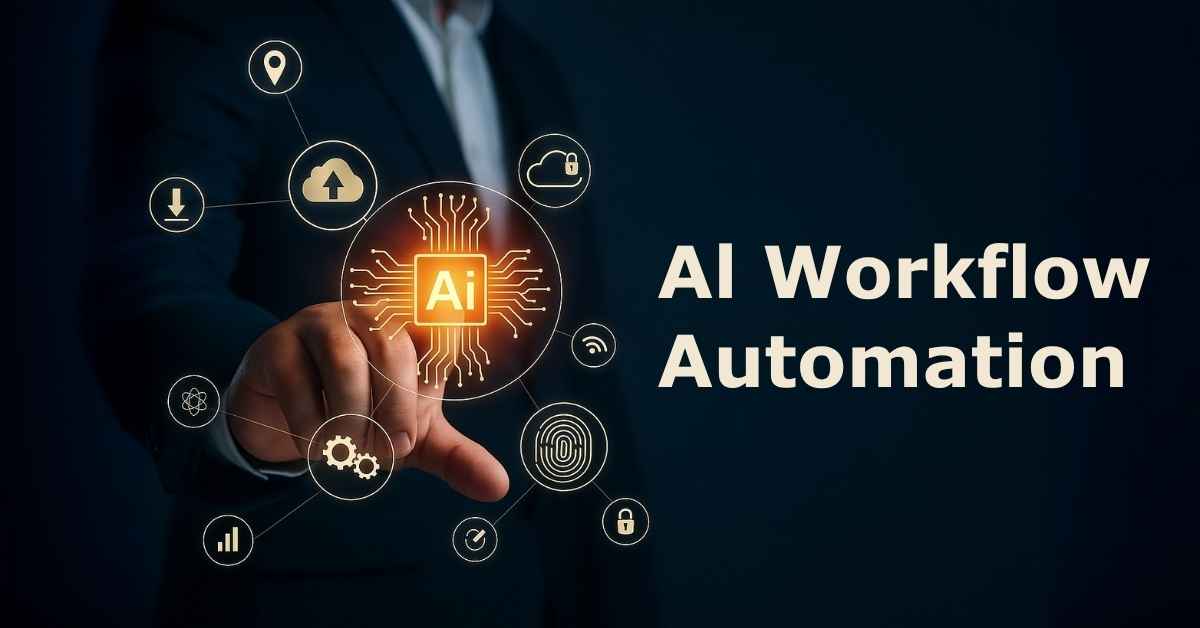
AI workflow automation is like giving your business processes a brain. It doesn’t just move tasks from one step to another. It understands them. While traditional automation follows fixed rules, AI adds intelligence by learning patterns, analyzing data, and making decisions on the fly.
Think of it as upgrading from a basic assembly line to a smart assistant that adapts as it works. It can handle messy, unstructured information, spot trends, and adjust actions in real time. That means fewer errors, faster outcomes, and a system that gets better over time.
At its core, AI workflow automation is about working smarter. It connects people, systems, and data in a way that drives real-time decisions. This intelligent connection lays the groundwork for advanced solutions like AI integration services, AI voice agent development, and enterprise AI chatbots.
The Core Technologies Powering AI Workflow Automation
AI workflow automation works because of the powerful technologies under the hood. Each one plays a different role, but together they make your workflows smarter, faster, and more efficient.
Machine Learning (ML):
ML gives systems the ability to learn from data and improve without being explicitly programmed. Over time, it spots patterns, makes predictions, and helps automation become more accurate and adaptive.
Natural Language Processing (NLP):
NLP helps machines understand and respond to human language. Whether it’s reading emails, analyzing chat messages, or listening to voice commands, NLP enables automation to interpret intent and act accordingly.
Robotic Process Automation (RPA):
RPA handles repetitive, rule-based tasks like data entry or moving files. When paired with AI, it becomes more flexible. Instead of following rigid scripts, it can respond to changes and make smarter choices.
Intelligent Document Processing (IDP):
IDP allows AI to extract and process data from unstructured documents like invoices, contracts, and forms. It can read, understand, and organize messy information that traditional systems can’t handle.
They also support a wide range of applications across industries. Businesses use them to build ML development pipelines, power computer vision models, and improve data engineering workflows.
How Does AI Workflow Automation Work? A Step-by-Step Breakdown
AI workflow automation works like a smart engine that never stops learning. It transforms scattered data into real-time decisions and actions. Here’s how it flows, step by step:
1. Data Ingestion
It all starts with data. The system pulls information from emails, forms, chat logs, CRMs, and more. The system repeats this cycle with every new task. As it runs more often, it becomes smarter and more reliable.
2. AI Processing and Analysis
Once the data is in, the AI gets to work. It analyzes the inputs, identifies patterns, and understands the context. Whether it’s sorting tickets by urgency or flagging a contract anomaly, this step is where the smart decisions begin to form. The more data it sees, the sharper it gets.
3. Action and Execution
This is where things happen. Based on its analysis, the system takes direct action, like sending an email, updating a dashboard, or routing a task to the right person. Everything happens instantly, with little to no human input.
4. Learning and Optimization
After the task is complete, the system doesn’t just move on. It learns. It reviews what worked, what didn’t, and adjusts itself accordingly. Over time, this continuous feedback loop helps the AI deliver better, faster, and more accurate results.
This cycle repeats every time a new task flows through. The more it runs, the smarter and more reliable it becomes.
Why AI Workflow Automation Matters: 5 Powerful Benefits for Your Business
AI workflow automation is more than just a tool. It is a strategic advantage that helps you move faster, work smarter, and stay ahead in a competitive market. Here’s what it can deliver.
Boosts Efficiency and Productivity
AI clears out repetitive tasks that slow your team down. Employees gain back hours each week to focus on higher-impact work like strategy, innovation, and customer engagement. More output and less burnout.
Lowers Costs and Reduces Human Error
Manual processes come with hidden costs such as mistakes, delays, and constant supervision. AI automation reduces these risks by performing tasks faster and more accurately. It protects your bottom line and gives your team peace of mind.
Enables Smarter, Faster Decision-Making
AI does more than automate. It analyzes data, surfaces insights, and recommends next steps. Leaders gain real-time visibility and stronger information to make quick, confident decisions.
Elevates Customer and Employee Experience
Automation ensures that customers get faster responses and more personalized service. Internally, your teams benefit from smoother workflows and less frustration. The result is happier people on both ends.
Scales with Your Business Needs
AI-powered workflows adapt quickly when your business adds users, rolls out new services, or handles seasonal demand. With the support of business intelligence services and expert AI development, these workflows perform reliably under pressure. You can grow without constantly rebuilding your systems.
Real-World Use Cases: How Different Departments Use AI Workflow Automation
AI workflow automation is not limited to one team or role. It’s reshaping how departments across an organization operate, solve problems, and scale. Here’s how businesses are using it in the real world.
Human Resources
HR teams save hours each week using AI to screen resumes and match candidates to open roles. Once hired, new employees are guided through automated onboarding with tasks like document collection, system access, and orientation scheduling. AI chatbots also handle FAQs, time-off requests, and policy updates, giving HR more time to focus on people.
Sales and Marketing
AI automatically scores leads, prioritizing high-potential prospects and routing them to the right sales reps. Marketing teams use AI to run targeted email campaigns that adjust based on behavior and engagement. Some platforms even generate social media content, write ad copy, and schedule posts across multiple channels to maintain brand visibility.
IT and Operations
AI detects system issues early and recommends fixes before they impact users. Support tickets are automatically categorized and routed based on urgency and content. IT teams also rely on AI to monitor infrastructure performance, predict failures, and maintain uptime across servers, apps, and cloud environments.
Finance and Accounting
Finance departments use AI to extract data from receipts, invoices, and contracts with high accuracy. It automates expense tracking and payment approvals while flagging duplicate or suspicious entries. AI also supports faster financial reporting and forecasting, giving leadership better insight into cash flow and budget planning.
Customer Service
AI-powered chatbots handle high volumes of support inquiries around the clock. They respond instantly to common questions, escalate complex issues, and even detect customer sentiment. This improves response time and customer satisfaction without overloading human support agents.
Legal and Compliance
Legal teams use AI to scan contracts for risky clauses and ensure terms meet compliance standards. It can also classify legal documents, monitor regulatory updates, and automate the approval process for standard agreements. This reduces legal review time while improving accuracy.
Supply Chain and Logistics
AI predicts inventory needs based on real-time sales data, seasonal trends, and shipping delays. It automates order processing, shipment tracking, and warehouse coordination. With fewer bottlenecks, supply chains run more smoothly and customers get what they need faster.
Product Development
AI collects and analyzes customer feedback from surveys, reviews, and support tickets to guide product updates. Development teams use automation to prioritize bugs, manage testing cycles, and forecast feature performance. This leads to smarter releases and better user experiences.
Procurement
AI speeds up vendor selection by analyzing bids, evaluating pricing, and reviewing past performance. It flags potential contract risks and helps standardize purchasing workflows. Teams can automate repetitive tasks like purchase orders and invoice matching, reducing errors and delays.
How to Get Started with AI Workflow Automation: A Simple 5-Step Guide
Getting started with AI workflow automation doesn’t have to be overwhelming. Follow these five clear steps to launch with confidence and scale effectively.
Identify the Right Opportunities
Look for the tasks that slow your team down. These are usually repetitive, time-consuming, and prone to human error. Think invoice processing, data entry, or support ticket routing. These everyday pain points are often the best starting points for automation.
Define Clear Goals and Success Metrics
Before you automate, get specific about what you want to achieve. Do you want to reduce processing time by 50 percent? Eliminate manual data entry? Set goals that are measurable and tied to real outcomes. This makes it easier to track progress and prove value.
Choose the Right Tools and Platforms
There are many options, from no-code platforms that business users can manage, to custom-built solutions designed for complex systems. Select tools that match your team’s skill level and existing tech stack. Look for platforms that integrate smoothly with custom chatbot solutions, AI voice agents, or enterprise AI development frameworks. Look for AI features like natural language processing or intelligent data extraction.
Start Small and Scale
Don’t try to automate everything at once. Begin with a pilot project in one department. Monitor the results, gather feedback, and refine the process. Once it’s working, scale the solution across other teams and workflows.
Train Your Team and Manage Change
Automation only works if people use it. Train your team early and often. Explain how it helps them, not replaces them. Keep communication open and encourage feedback. A smooth rollout depends on both the technology and the mindset behind it.
Overcoming the Challenges of AI Workflow Automation
AI workflow automation brings powerful benefits, but getting there requires preparation and strategy. Like any major shift, it comes with a few common roadblocks. Understanding them upfront helps you avoid setbacks and stay on track.
Change Management and Employee Concerns
One of the biggest challenges is managing people, not just systems. Employees may worry that automation will replace their jobs or disrupt how they work. This uncertainty can slow adoption or create resistance.
The solution starts with honest communication. Explain how AI is meant to support their work by handling repetitive tasks, not replacing people. Involve them in the planning process and show real examples of how automation helps rather than hurts.
Offer hands-on training to build comfort and confidence. When people understand the tools and how they fit into daily work, adoption rates go up and so does return on investment.
Technical Complexity and Integration
AI automation is not a simple switch. It often involves connecting systems, standardizing data, and customizing tools to fit existing workflows. Without careful planning, technical complexity can lead to delays or inconsistent performance.
Start by improving your data quality. Clean, consistent data helps AI perform better. Then review your current systems to see how well they support integration. Older platforms may need upgrades or custom connectors to sync with newer tools.
Security, Compliance, and Industry Regulations
Many AI workflows handle personal or sensitive data. If your industry is regulated, your systems need to follow strict security and compliance rules to avoid risk.
Build security into your automation from day one. Include your IT and compliance teams in the design phase. That way, your workflows meet regulatory standards and protect customer trust.
Resource Investment and ROI Measurement
Implementing AI takes time, money, and internal resources. If you don’t set clear expectations, it can be hard to measure success or prove the value of your investment.
Set goals early and make them measurable. Whether you want to cut processing time, reduce manual work, or improve accuracy, define your success metrics before launch. This focus helps you stay aligned with business priorities and track progress as you scale.
Best AI Workflow Automation Tools
AI workflow automation tools today come in various shapes, from no-code platforms to AI agent builders. Each offers unique strengths for different use cases and teams. Below are 10 top-rated tools for 2026, each with a brief description.
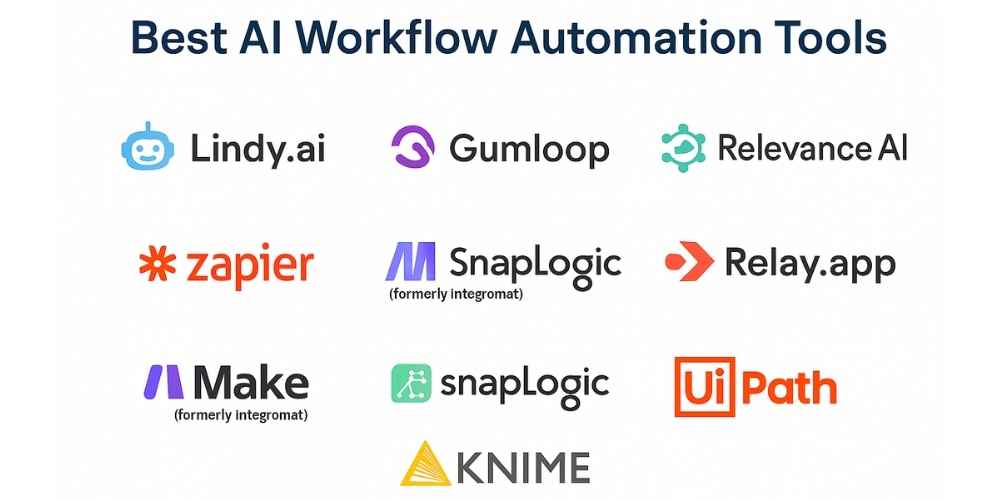
- Lindy.ai
A no-code platform that lets you build AI agents, called “Lindies,” to automate tasks like managing emails, scheduling meetings, and customer support. Designed for business users who want powerful automation without coding.
- Gumloop
An AI-native workflow tool designed to automate complex tasks with intuitive drag-and-drop interfaces and decision logic. It excels in handling dynamic, multi-step automation flows.
- Relevance AI
A modular agent builder that helps users automate research, support, and business workflows without technical expertise. Pre-built templates speed up setup.
- VectorShift
An AI-enhanced workflow tool designed to automate data-driven processes and integrate ML capabilities. Ideal for businesses that require predictive and data-heavy automation.
- Relay.app
Offers streamlined workflow automation with built-in AI for business-critical processes. Relay allows teams to deploy agent-like workflows quickly.
- Zapier
A popular no-code tool that now includes AI-powered workflows, connectors for thousands of apps, and a natural language interface for building automations. Ideal for small to medium businesses.
- Make (formerly Integromat)
A visual automation platform known for advanced logic, iterators, and API integrations. Best suited for complex automation at scale.
- SnapLogic
A powerful iPaaS platform with agentic AI capabilities. It supports hybrid cloud environments and automates both workflow orchestration and data synchronization across systems.
- UiPath
A leading RPA platform that combines robotic process automation with AI-driven tools like computer vision and natural language understanding. Great for structured task automation and enterprise workflows.
- KNIME
An open-source analytics and automation platform that uses modular pipelines to build ML-enhanced workflows without needing heavy code. Ideal for data-intensive and research-driven teams.
Many of these platforms also support specialized AI solutions. Teams use them for generative AI development, NLP services, and LLM fine-tuning. They also work well for industry-specific needs in fintech, logistics, and healthcare.
How Prismetric Makes AI Workflow Automation Work for Your Business
Implementing AI workflow automation takes more than just great software. It requires a clear roadmap, tailored strategies, and a trusted AI automation agency that understands how your business operates. Prismetric helps you pinpoint the right opportunities for automation and builds smart, scalable systems that deliver lasting impact.
As a leading AI development company, Prismetric blends cutting-edge technology with business insight. Their team works closely with you to analyze existing workflows, select the right tools, and design intelligent automation that integrates smoothly with your current systems. Whether you’re launching a pilot or scaling across departments, Prismetric ensures everything runs efficiently from day one.
Prismetric also offers robust ML development services to enhance automation with predictive insights and learning capabilities. From processing complex data to powering AI-driven decision-making, their solutions are built to adapt, grow, and give your business a competitive edge. You stay focused on strategy while they bring your automation vision to life.
Conclusion
AI workflow automation is no longer a future trend. It is a present-day advantage that helps businesses reduce manual effort, speed up operations, and make smarter decisions with real-time insights. When paired with powerful business intelligence services, the results are even more impactful. Now is the time to explore what AI can automate for you and how it can transform the way your teams work.